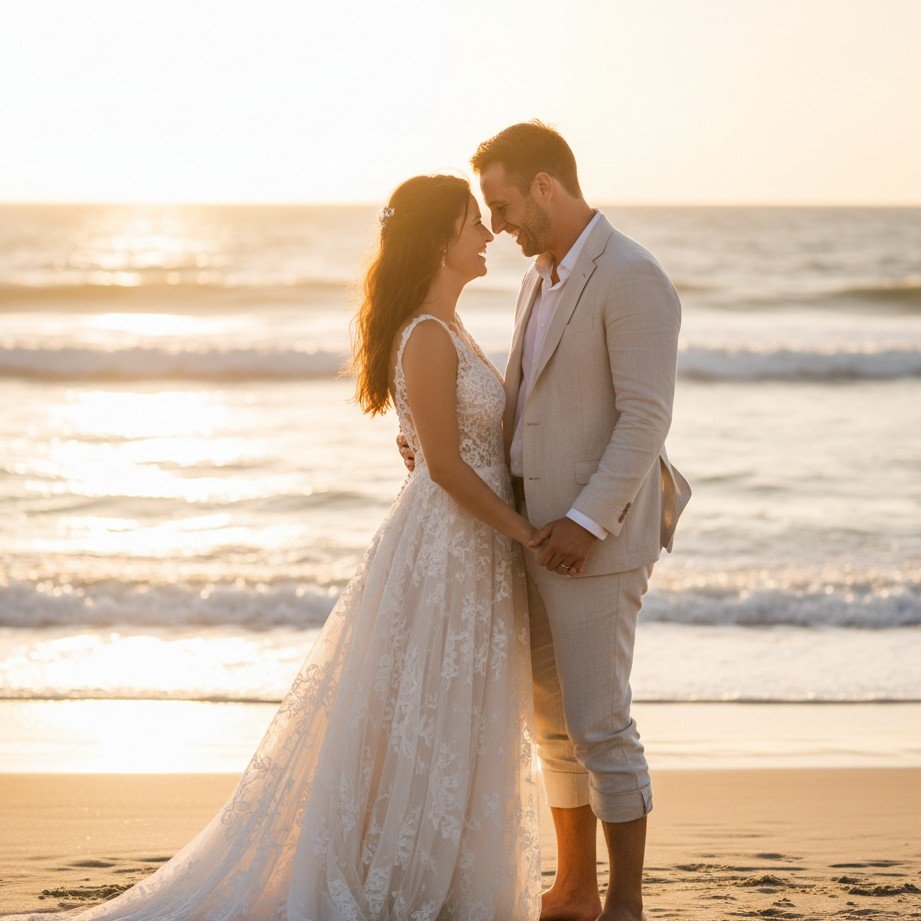
Let’s be honest: planning a wedding is expensive. It’s no surprise that more couples are turning to an AI wedding generator from photo tools to test out styles, see how they’d look in different casual wedding photo outfits, or even create a full virtual wedding photoshoot to save on engagement session costs.
But while AI technology has come a long way in 2026, it’s not magic. It requires guidance. Without the right approach, you can end up with photos that look… well, wrong. We’ve all seen them: the grooms with six fingers, the brides whose faces look slightly "melted," or lighting that defies the laws of physics.
If you want result that are truly frame-worthy, you need to navigate around these common pitfalls. Here are the 5 biggest mistakes to avoid when generating your AI wedding photos.
1. Ignoring Facial Consistency (The "Stranger" Effect)
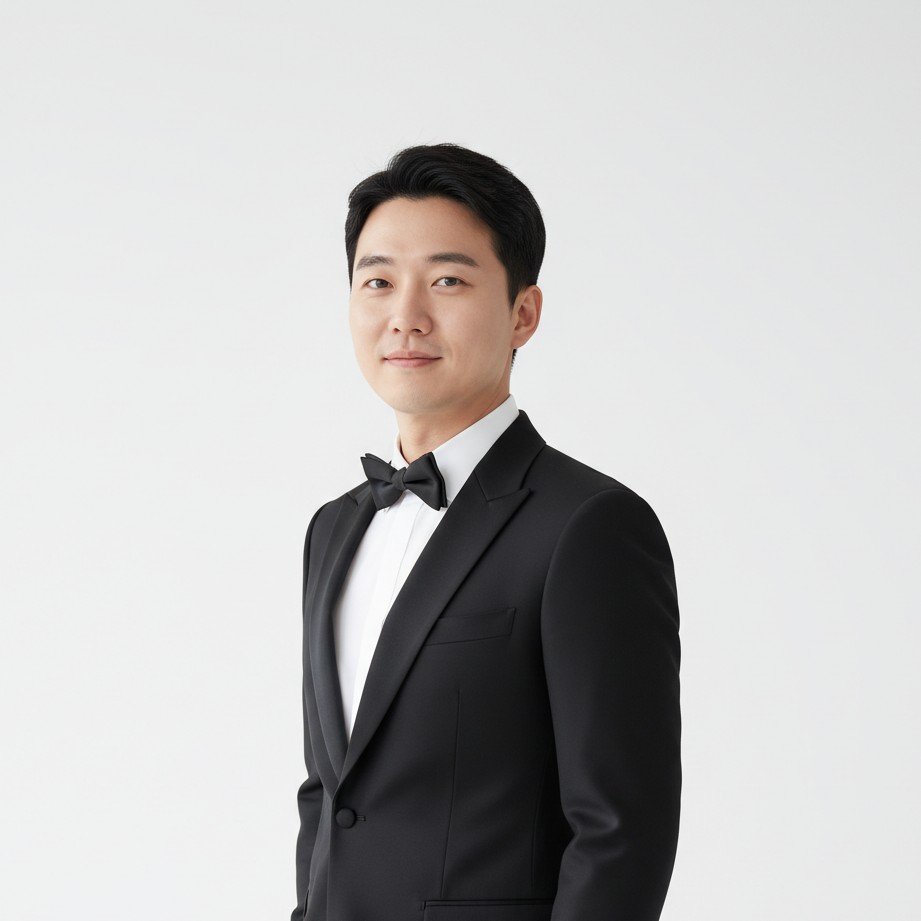
The most common complaint? "It looks nice, but it doesn't look like me."
Many generic AI tools prioritize the "style" over the subject. They might give you a beautiful dress and a stunning sunset, but the face is a generic average of a thousand different people.
How to fix it:
- Upload high-quality close-ups: Provide clear, well-lit photos of your face from different angles.
- Avoid heavy filters on input photos: Let the AI see your natural features so it can map them correctly onto the wedding stylized output.
2. Overlooking the "Claw" (Hands and Bouquets)
AI struggles with hands. It’s a known fact. In wedding photos, this is critical because you’re often holding a bouquet, adjusting a veil, or holding hands with your partner. A photo can look perfect until you notice the bride has floating ring fingers or the bouquet encompasses a thumb.
Pro Tip: When reviewing generated images, look at the hands first. If they are hidden or naturally posed, great. If they are front and center and look mangled, no amount of filtering will save that shot.
3. Mismatched Lighting and Backgrounds
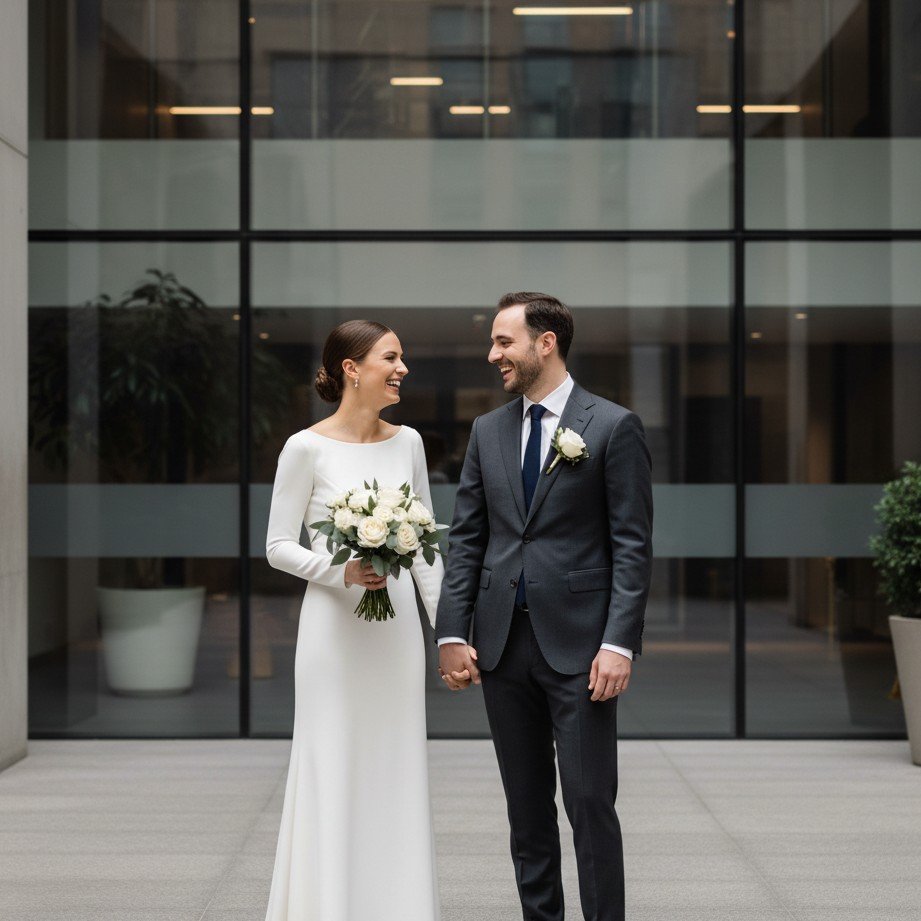
Nothing screams "fake" louder than bad lighting. Imagine a photo where the background is a moody, backlit sunset, but your face is lit brightly from the front as if by a studio flash. The disconnect makes the image feel like a bad Photoshop cut-and-paste job.
The Fix: Look for tools that understand scene integration. Good AI doesn't just paste a face; it re-lights the subject to match the environment's ambient light, shadows, and color temperature.
4. Being Vague with Style Prompts
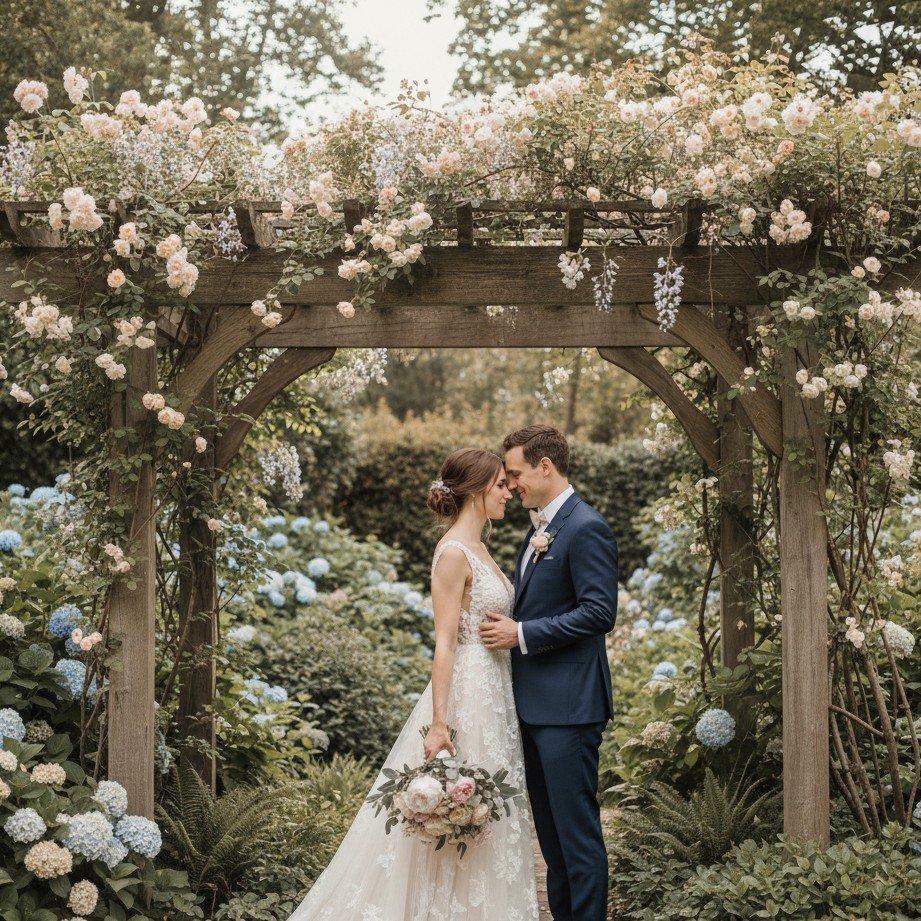
Typing "wedding photo" into a prompt box is a recipe for disaster. Do you want boho chic? Classic elegant? Rustic barn? Without specific direction, the AI will guess, often resulting in a weird mashup of styles that don't go together.
How to get what you want:
- Be specific about the wedding photo styles you want.
- Describe the mood: "romantic," "ethereal," "documentary-style," or "cinematic."
- Describe the outfit: "black tie tuxedo," "lace mermaid gown," or "casual beach linen."
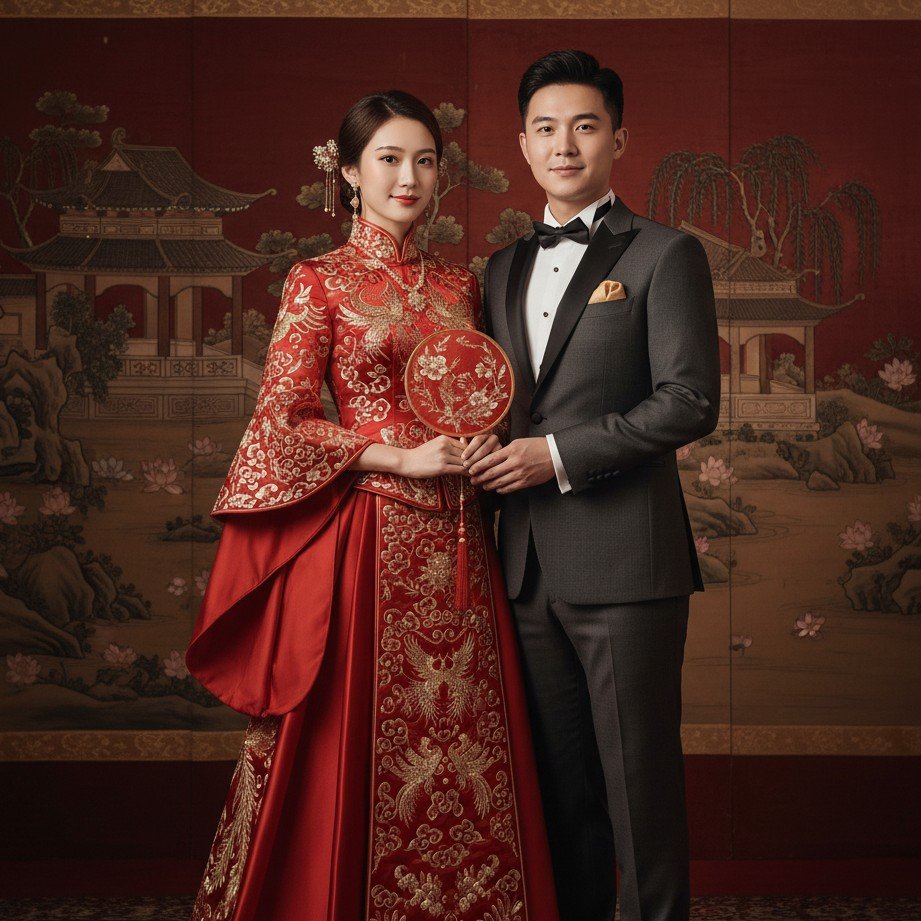
5. Settling for Low Resolution
You finally got a good one! The lighting is right, it looks like you, and the hands are normal. But then you zoom in… and it’s a blurry mess. Many free tools generate small, low-res images that look okay on a phone screen but pixelate immediately on a monitor or print.
Why it matters: If you plan to use these for "Save the Dates" or a wedding website, you need high definition. Always check the output resolution before you commit.
How to Get It Right Every Time
Generating AI wedding photos shouldn't be a gamble. You need a tool that balances creative freedom with realistic constraints—keeping your face consistent while giving you access to professional-grade styles.
That’s where SceneYou.art shines.
We’ve built our platform specifically to solve these issues. Our AI Wedding Photo Generator is fine-tuned to:
- Preserve Identity: We use advanced face-mapping to ensure you still look like you.
- Curated Styles: No need to guess prompts. Choose from professionally designed templates like "Sunset Vows," "Cathedral Classic," or "Forest Romance."
- High Resolution: Get crisp, print-ready images every time.
Don't let technical glitches ruin your virtual big day. Start creating beautiful, mistake-free wedding memories today.
Ready to publish?
Create Flawless Wedding Photos
Skip the trial and error. Generate stunning, high-definition wedding photos that actually look like you.