Are you tired of posing the same way in front of the camera, or spending hours editing only to end up with a photo that looks like it has ten layers of filters?
You are not alone. Every day, thousands of people search for a "picture maker" or tools to "make a picture," hoping to turn their casual phone snaps into magazine-quality shots. If you are looking for that kind of magic, you've come to the right place.
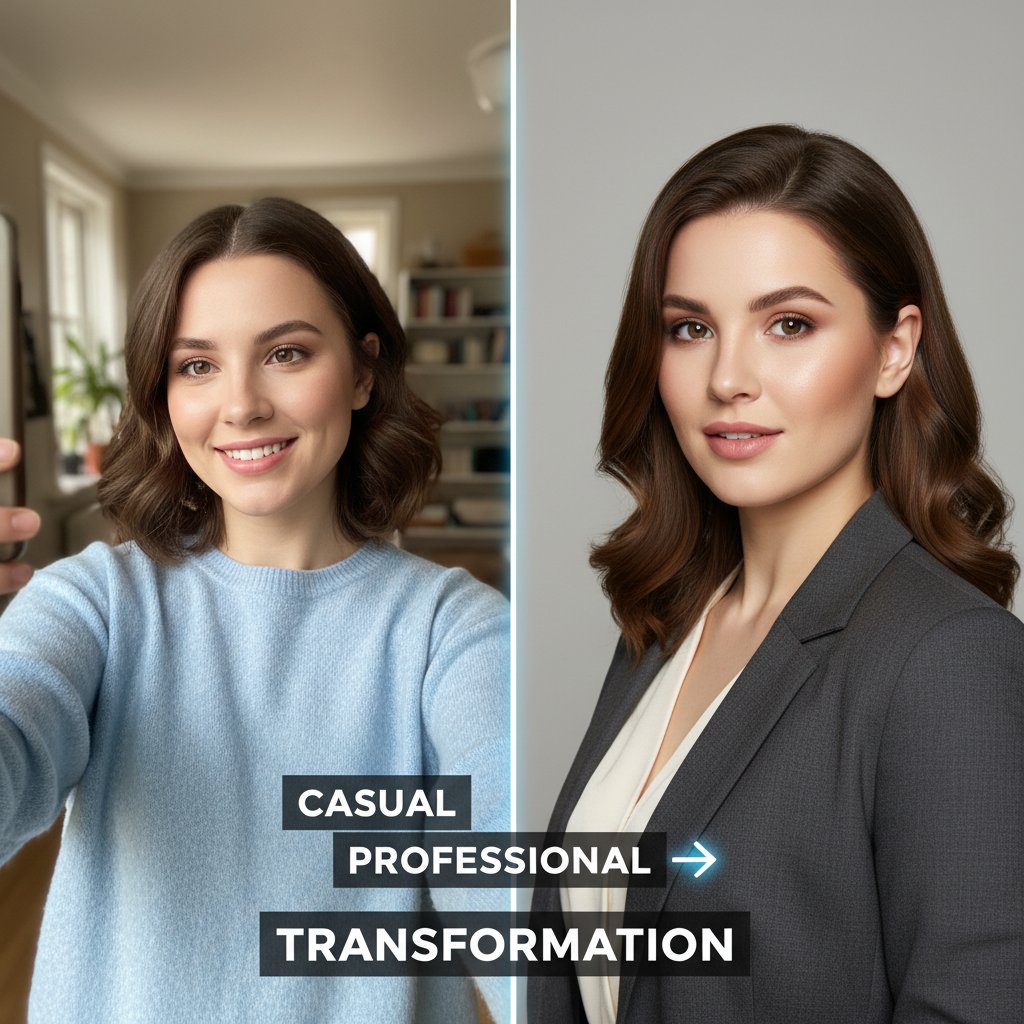
Today, we're diving into the world of the AI Image Maker and showing you how to turn ordinary selfies into hyper-realistic, professional photos in seconds.
What is an AI Picture Maker?
Simply put, an AI image maker is more than just an editing tool. Unlike traditional photo editors that just adjust brightness or contrast, AI actually regenerates your photo.
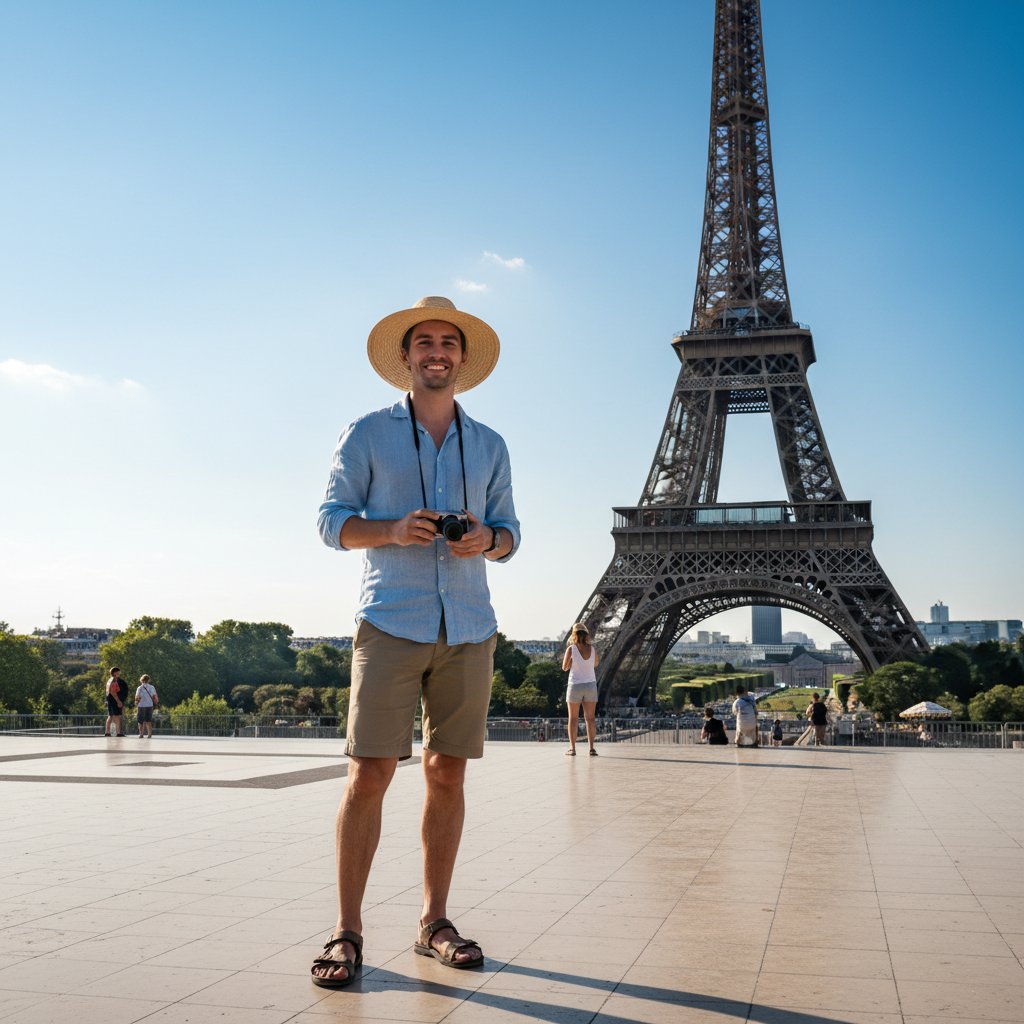
When you upload a selfie, the AI analyzes your facial features and lighting structure, then generates a completely new image from scratch based on your instructions (like "drinking coffee under the Eiffel Tower" or "a professional LinkedIn headshot"). It sounds like sci-fi, but it’s now a reality.
Why Is Everyone Talking About It? (And Why You Need It)
- Save Money: Hiring a professional photographer for a set of
photoescan cost hundreds of dollars. AI tools usually cost less than a cup of coffee. - Save Time: No need for makeup, no need to travel to locations, and no waiting weeks for a retoucher.
- Unlimited Creativity: Want to go to the beach? Want to wear a spacesuit? Or just want a clean background? An AI
photo creatorcan do it all.
Tutorial: Turn Your Selfie into a Hyper-Realistic Photo in 3 Steps
Ready to try it? While there are many tools out there, we recommend using SceneYou.art because it is designed specifically for "realism," avoiding the common "fake face" or "plastic look" issues.
Step 1: Pick Your Scene
Do you want a professional headshot for job hunting, or a lifestyle shot for dating apps like Tinder or Bumble?
On SceneYou.art, you can browse through hundreds of preset scenes. Whether it's "Travel," "Professional," or "Casual," just click on the template you like.

Step 2: Upload Your Selfie
This is the key step. For the best results, please upload a clear, well-lit front-facing photo.
- Do: Take the photo in natural light with your full face visible.
- Don't: Use sunglasses or hats that cover your face, or heavy beauty filters.
Step 3: Make a Picture!
Click the generate button and watch the magic happen. The AI will extract your features and blend them perfectly into the scene you selected. In seconds, you have a shot that looks like it was taken by a professional photographer.

Want More Photoes? Don't worry, you can try different styles over and over again. Be a doctor today, a travel blogger tomorrow, and a vintage icon the day after.
Why Choose SceneYou.art?
Among the many picture maker tools available, the core advantage of SceneYou.art is Hyper-Realism.
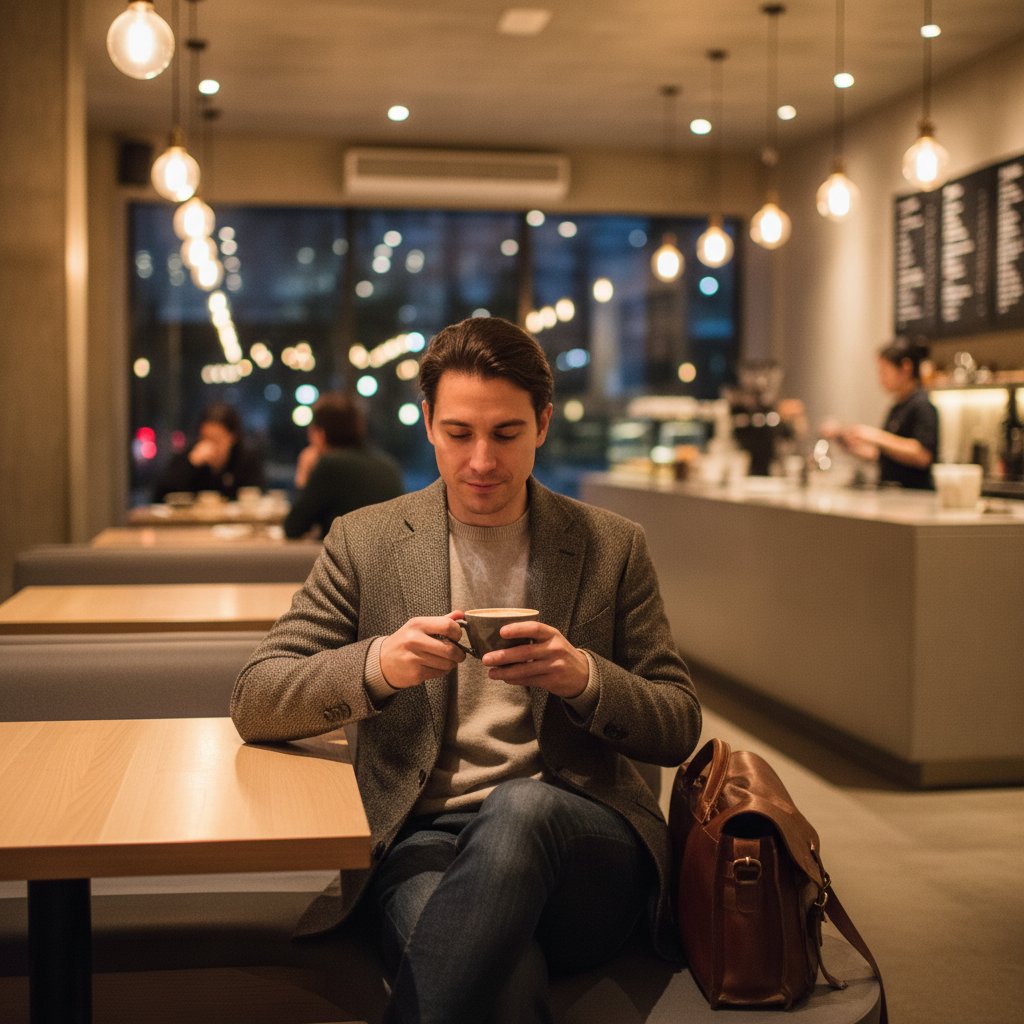
Many other AI generators produce images where the skin looks as smooth as plastic and the background looks like a cartoon. But SceneYou focuses on preserving skin texture, realistic light reflections, and natural hair details. This means that when you post these photos on Instagram or LinkedIn, no one will even guess they were generated by AI.
Conclusion
Don't let mediocre selfies limit your image anymore. Whether it's for work, social life, or just for fun, now is the best time to embrace AI technology.

Stop wondering how to make a picture—go to SceneYou.art and try it yourself to start your journey into hyper-realistic photos!
Ready to publish?
Generate a LinkedIn-ready portrait in minutes
Upload your selfies, pick a style, and SceneYou will render polished, realistic portraits for your profile, resume, and pitch decks.