AI Product Photography for Shopify: Beginner Guide (2026)
If your Shopify store gets traffic but not enough sales, your product visuals are usually the bottleneck.
In 2026, the fastest way to close that gap is an AI product photography workflow: one source image, multiple polished outputs, consistent brand style, and much lower production cost.

Why Shopify sellers are moving to AI product photos
Traditional shoots are still useful for flagship campaigns, but daily ecommerce needs speed:
- New SKUs launch every week.
- Seasonal creatives change quickly.
- You need many aspect ratios for product pages, ads, and socials.
AI helps you generate all of that from one base image while keeping a consistent visual identity.
Step-by-step workflow (beginner-friendly)
1) Prepare one clean source image
Your source image should have:
- clear subject edges
- even lighting
- minimal background clutter
- resolution high enough for crop variants
2) Build a simple shot list before generating
Use this starter list for each product:
- Hero shot (PDP first image)
- Ingredient/detail close-up
- Lifestyle context scene
- Clean catalog variation on neutral background
- One short motion clip for ads
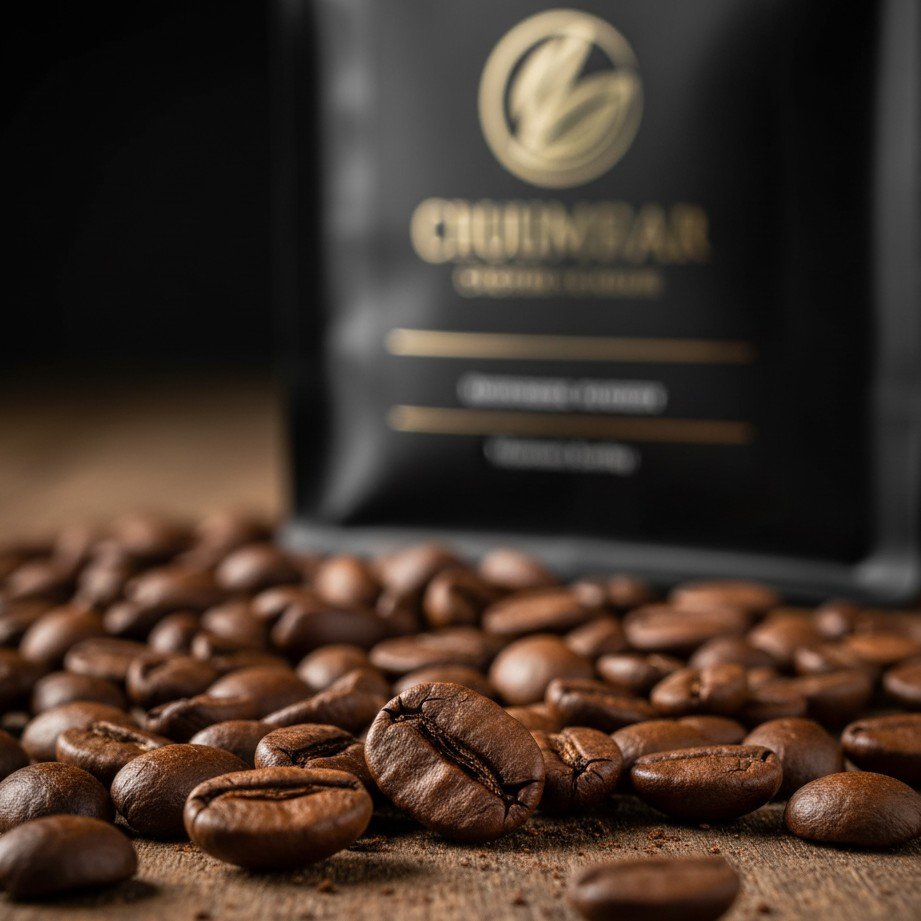
3) Generate in template-first mode
Start from templates instead of raw prompt-only generation. It gives you:
- better lighting consistency
- fewer strange artifacts
- faster approval from your team
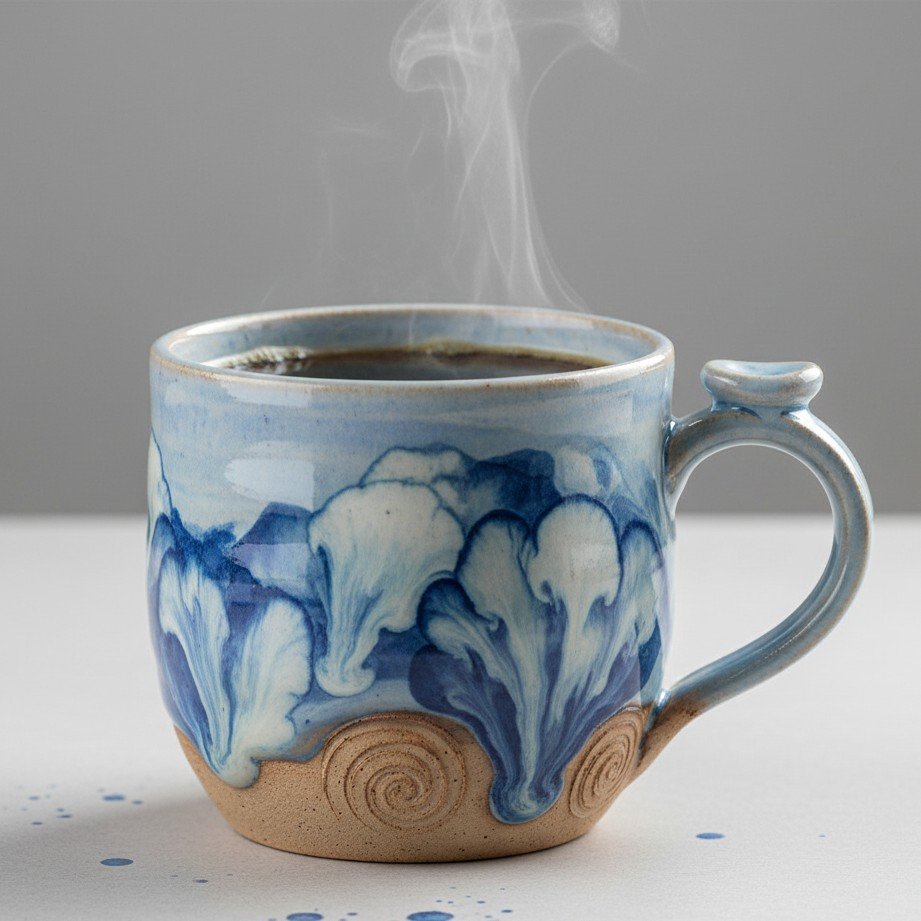
4) Export per placement (don’t use one size everywhere)
- PDP hero: landscape or 4:3
- Collection cards: square or 4:5 crops
- Ad creatives: multiple variants for testing
5) Publish and A/B test
Track these metrics after replacing visuals:
- product page CTR
- add-to-cart rate
- conversion rate
- creative fatigue in ads
Example short video block for Shopify ads
Use a lightweight motion asset for product storytelling:
If your blog renderer blocks inline video on some environments, add a fallback link:
Shopify image quality checklist (quick QA)
Before publishing, verify:
- Product color is realistic and consistent across images.
- Label text/logos are not warped.
- Shadows match light direction.
- Background mood matches your brand.
- No extra fingers/objects/artifacts.
Final takeaway
For most small and mid-size Shopify teams, AI product photography now beats traditional workflows for daily content velocity.
Use real photos for key brand campaigns, and use AI templates for scalable SKU and ad production. That combination usually gives the best ROI.
Ready to publish?
Create Shopify-ready product photos in minutes
Upload one product image, choose a visual style, and generate listing-ready photos and short clips instantly.