How to Create a Fashion Lookbook with AI in 30 Minutes
A good lookbook is not just a gallery of pretty images. It is a visual narrative with consistency in styling, mood, and progression.
With AI templates, you can build that narrative much faster while keeping brand coherence.
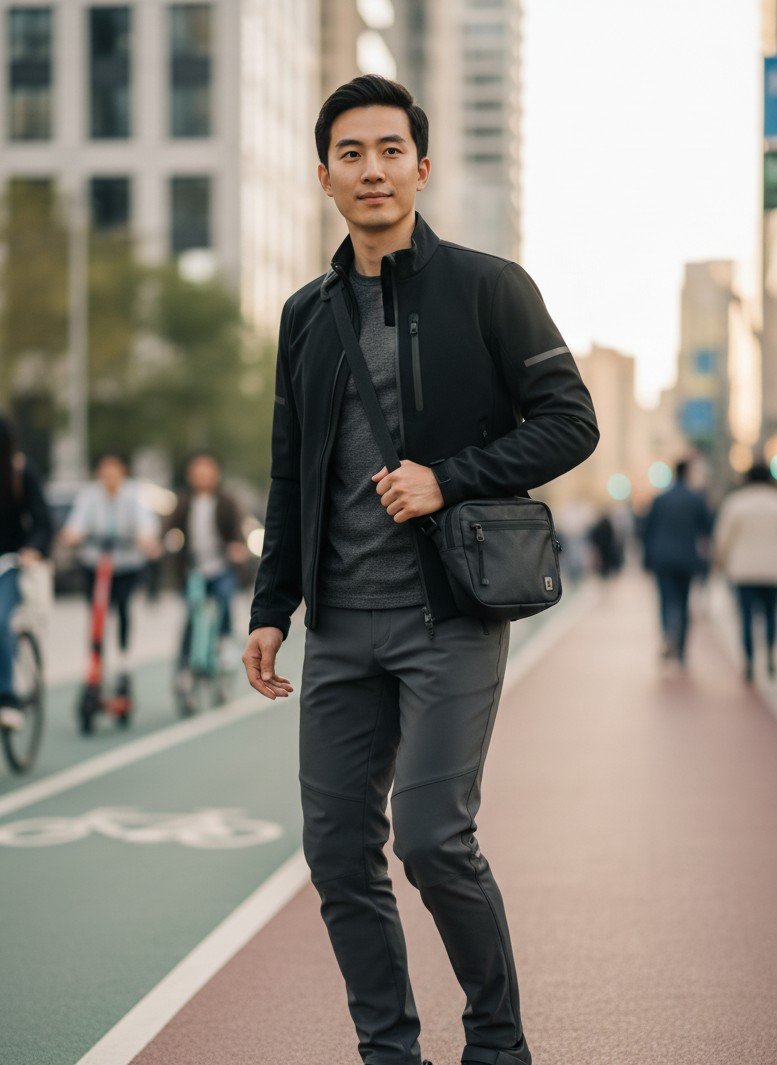
The 30-minute framework
Minute 0-5: Define one clear visual direction
Decide these 4 parameters first:
- Style world (street, minimal, luxury, retro)
- Color temperature (warm / cool / neutral)
- Scene family (urban, studio, lifestyle, mixed)
- Output placements (website, socials, ad decks)
Minute 5-10: Prepare your source set
Use 3-5 base images with:
- clean subject visibility
- diverse pose options
- stable lighting
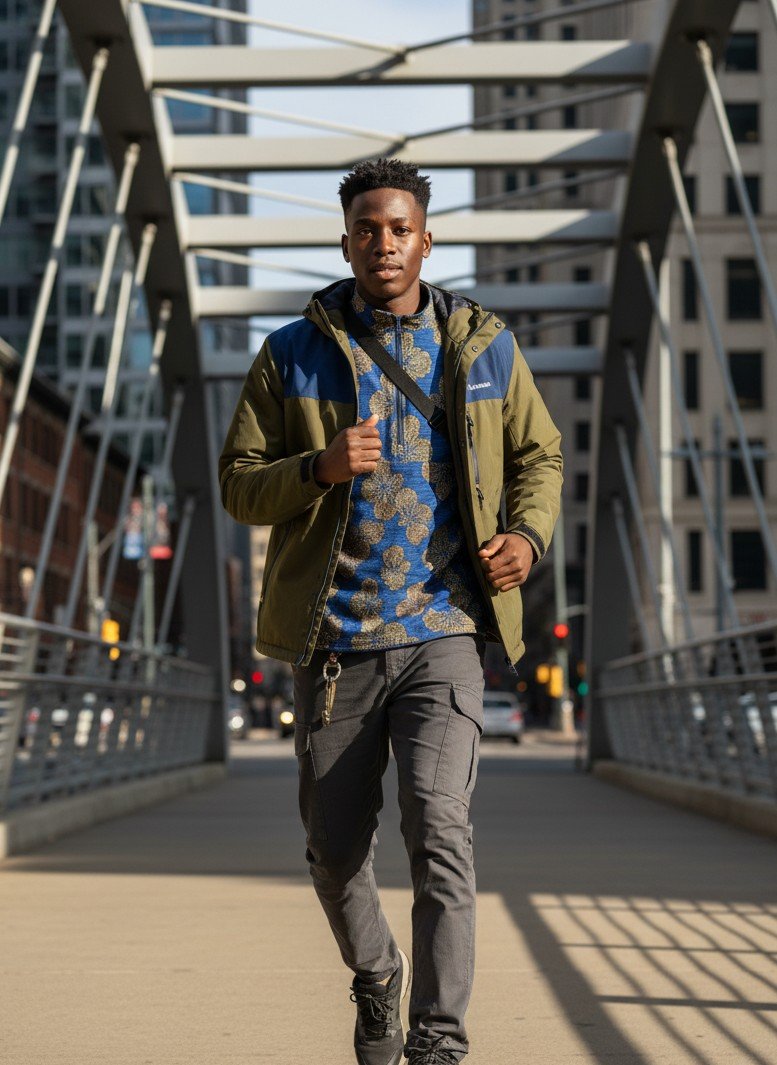
Minute 10-20: Generate template-based variants
Produce grouped visuals, not random singles:
- opener visual (cover feel)
- mid-sequence editorial style
- product-detail or texture highlight
- final confidence/statement shot
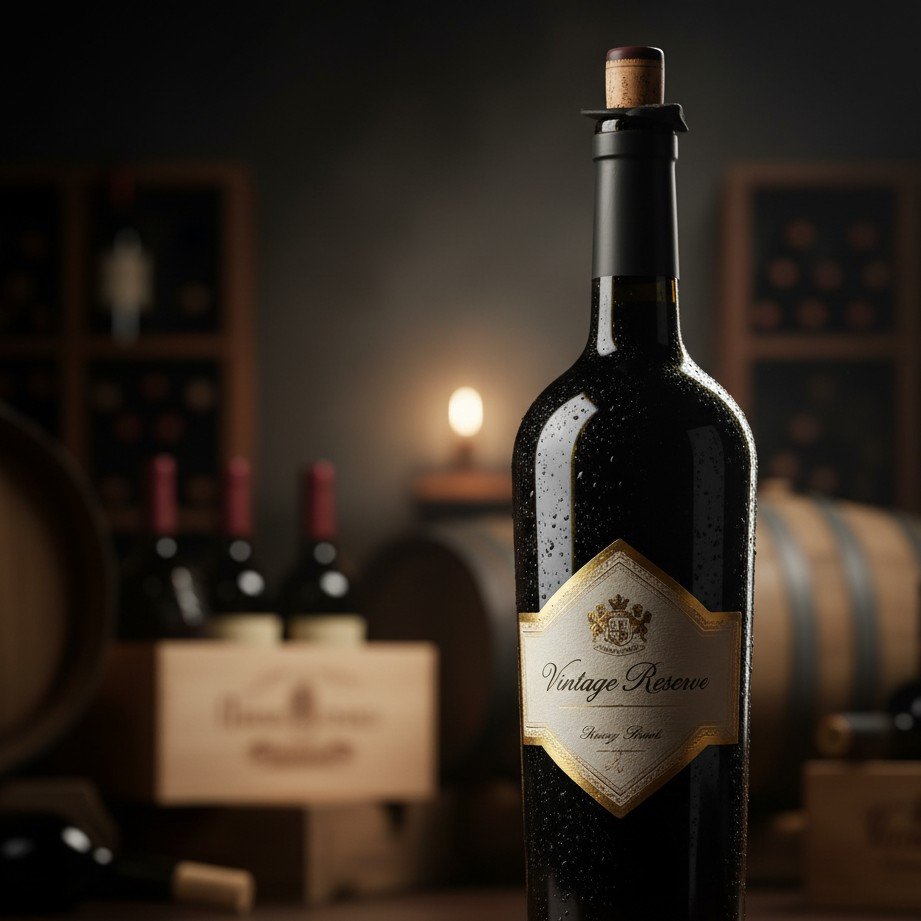
Minute 20-25: Add one product-focused visual block
A lookbook should still support commerce. Add a section with product-centric framing.
Minute 25-30: Export and sequence
Export your assets in narrative order:
- Hook image
- Mood progression
- Signature shot
- Product anchor
- Closing scene
Add short motion for modern lookbooks
A short motion insert increases retention when your lookbook is consumed on mobile and social.
Fallback link:
Lookbook quality checklist
Before publishing, validate:
- Outfit consistency across the sequence
- Lighting logic across scenes
- Color grading coherence
- Clear beginning-middle-end narrative
- Commercial usability of at least 2 frames
Final takeaway
AI lookbooks work best when you think in systems, not isolated outputs.
Define a style system first, generate in grouped blocks, then sequence with intention. That is how you get a lookbook that is both aesthetic and conversion-friendly.
Ready to publish?
Build your lookbook faster with templates
Generate cohesive fashion visuals and short clips from one source image set in under 30 minutes.