Let’s be real for a second: most of us hate taking professional headshots.
You stand in front of the mirror, trying to smile without looking like a serial killer, wondering what to do with your hands. But the biggest stress inducer? Staring at your closet and asking the eternal question: "For my LinkedIn profile picture, what to wear?"
It feels like a high-stakes game. Dress too casually, and you look like an intern. Dress too formally, and you look like you’re trying too hard.
If you are currently stressing about this, take a deep breath. Based on the latest industry standards—and a lot of common mistakes I see online—I’ve broken down exactly how to dress for the job you want without overthinking it.
If you want more style inspiration after this, visit our AI LinkedIn Photo Generator hub or browse templates.

1. The "Vibe Check": Read the Room
Before you grab that suit jacket, stop and think about who you are trying to impress.
- The Corporate World (Finance, Law, Consulting): If you are in these fields, classic is king. A navy blazer or a crisp white shirt signals reliability. It says, "I can handle your money/legal case without taking risks."
- The Tech & Creative World: If you show up on LinkedIn wearing a silk tie, a startup recruiter might scroll past you. They might think you won't fit their agile culture. Here, "Business Casual" is the goal. Think of a high-quality solid t-shirt with an open blazer, or a button-down shirt (top button undone).


2. The Devil is in the Details (Keywords You Need to Know)
When browsing advice on what to wear for a LinkedIn profile picture, you’ll see a lot of generic tips. Here are the specific, actionable rules that actually make a difference:
The Color Rule: Stick to "Mid-Tones" Avoid neon colors (too distracting) and be careful with pure black (it can wash you out or look like a floating head against a dark background). The Sweet Spot: Go for mid-tone colors like deep blues, forest greens, or rich purples. These shades work with almost every skin tone and convey trust.
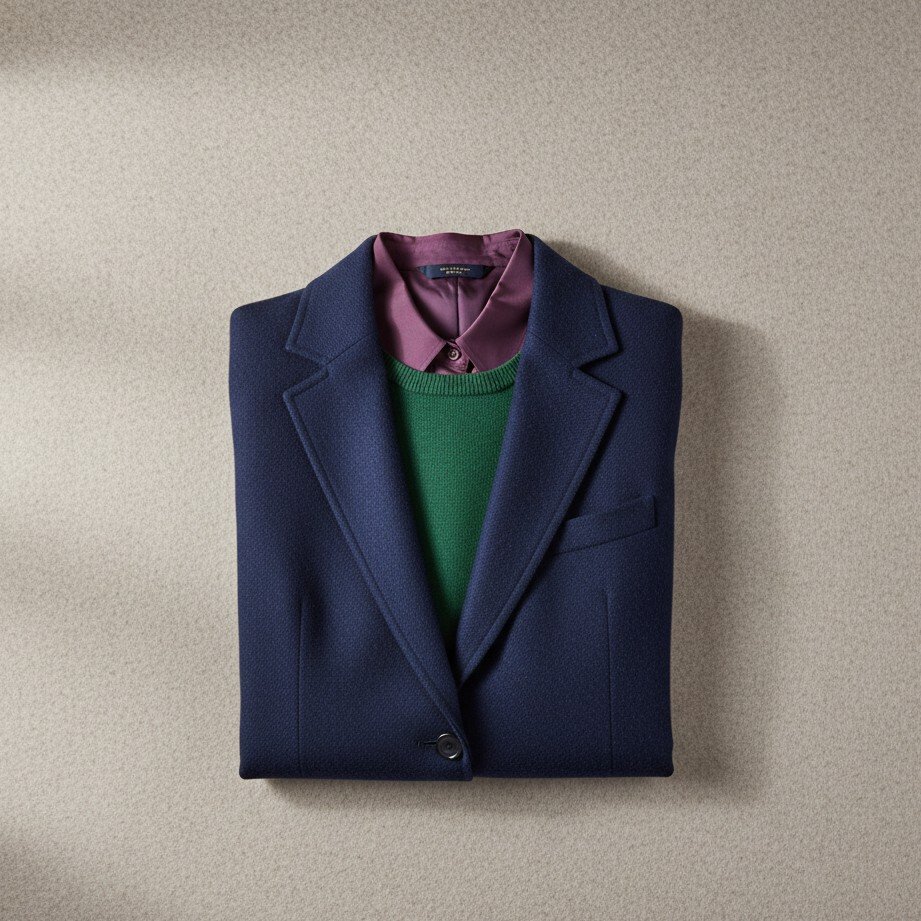
The Neckline Hack This is a photographer's secret weapon.
- V-Necks: These create diagonal lines that visually lengthen your neck and draw attention up to your face.
- Button-downs: Never button it all the way to the top unless you are wearing a tie. Leaving the top button open creates a natural V-shape that looks more approachable.
The "Moiré Effect" & Patterns You know those shirts with tiny checkered patterns or thin stripes? Avoid them. On a camera sensor (and mobile screens), they vibrate and create weird, dizzying lines called the "Moiré Effect." Solid colors are your best friend.
Watch the Wrinkles and Fit Nothing screams "unprofessional" faster than a wrinkled collar or a jacket that is bunching up at the shoulders. Your clothes need to fit perfectly.
3. The Real Problem: "I Have Nothing to Wear"
Okay, so now you know the rules: Wear a fitted, wrinkle-free, mid-tone blue blazer with a V-neck.
But here is the part nobody talks about: The logistics are a nightmare.
Maybe your "good blazer" has been sitting in the back of your closet for three years and is full of wrinkles. Maybe you gained or lost a little weight, and the fit isn't quite right anymore.
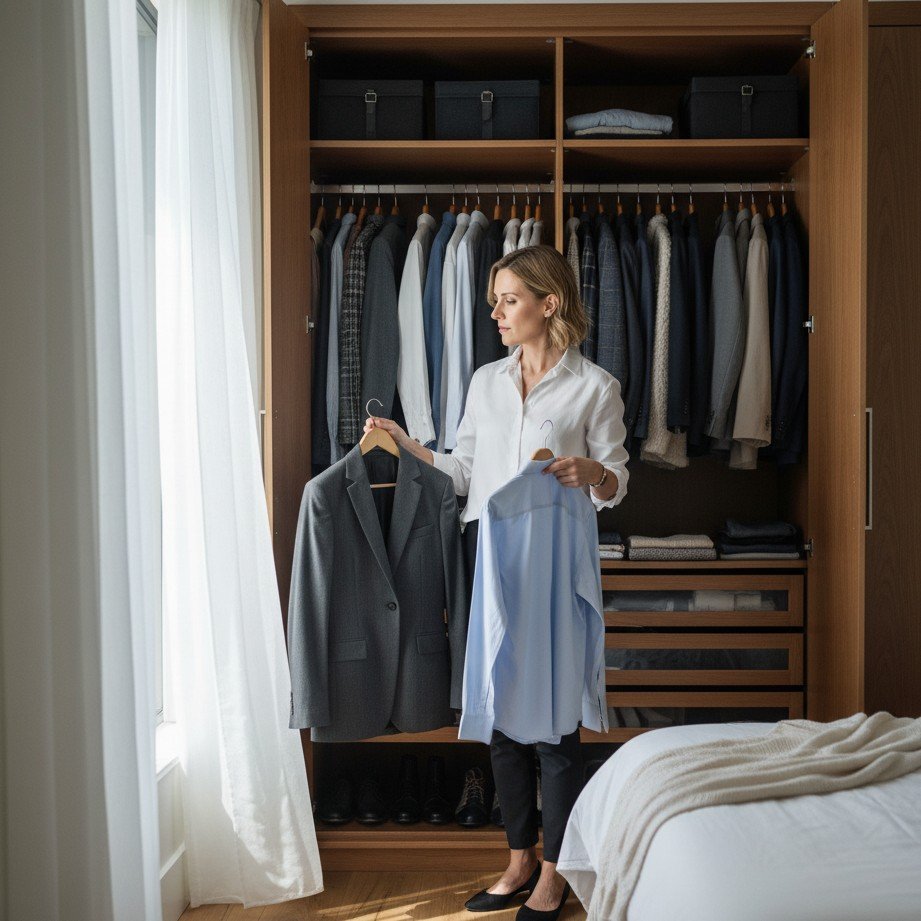
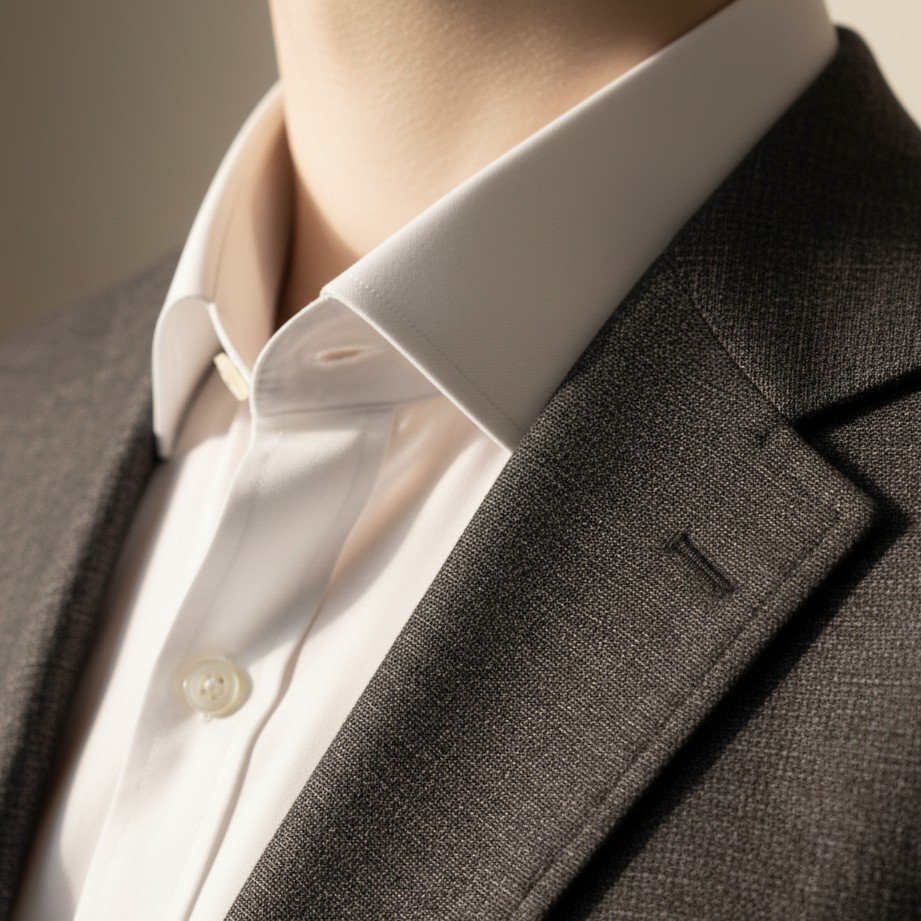
We’ve all been there. You find yourself thinking: "Do I really need to go to the mall, spend $300 on an outfit, and pay for dry cleaning just for a 5-second photo?"
Usually, the answer is "yes," and that’s why most people procrastinate updating their LinkedIn profile for years.
4. The Cheat Code (Skip the Mall, Keep the Style)
What if you could guarantee a perfectly fitted, wrinkle-free outfit without ever trying it on?
In 2026, we have a shortcut. It’s called SceneYou.art.
SceneYou.art isn't just a photo editor; it's an AI-powered professional headshot generator that understands fashion.
Start here: AI LinkedIn Photo Generator, or explore looks on the Templates page.
- Perfect Fit, Every Time: You don't need to worry about if your jacket is too tight or too loose. The AI generates clothes that fit your digital self perfectly.
- Zero Wrinkles: The AI ensures your shirt is crisp and ironed—no steamer required.
- A/B Test Your Style: Unsure if you should look "Corporate" or "Creative"? Don't guess. Use SceneYou.art to generate both. You can see exactly what you look like in a high-end suit vs. a smart-casual polo.


It’s the ultimate way to solve the "what to wear" dilemma: you don't have to wear anything specific. You just have to upload a few selfies, pick the style that matches your career goals, and let the AI do the heavy lifting.

Final Thoughts
Your LinkedIn profile is often the first time people meet you. You deserve a photo that focuses on your face, not your distracted jewelry or wrinkled shirt.
So, stop stress-eating in front of your open wardrobe. Whether you buy a new outfit or generate a perfect one instantly with SceneYou.art, just get that photo updated. Your future career will thank you.
Ready to publish?
Generate a LinkedIn-ready headshot in minutes
Upload a few selfies once and generate corporate or creative looks instantly—no studio, no shopping.