In 2025, the search for the perfect "Picture Maker" is no longer just about generating a cool image—it's about finding a tool that fits your specific workflow. Whether you need a professional LinkedIn headshot, a creative asset for a game, or a hyper-realistic travel photo for Instagram, one tool rarely fits all.
While PhotoAI has long been the benchmark for AI photographers, its steep pricing and complex model training aren't for everyone.
We've tested the top 5 contenders in the market right now to help you decide which one is worth your time and money. Here is our honest, deep-dive review.
1. Midjourney v6
Best For: High-end artistic creation & surreal visuals. Verdict: 🎨 The Artist's Dream, The Photographer's Nightmare.
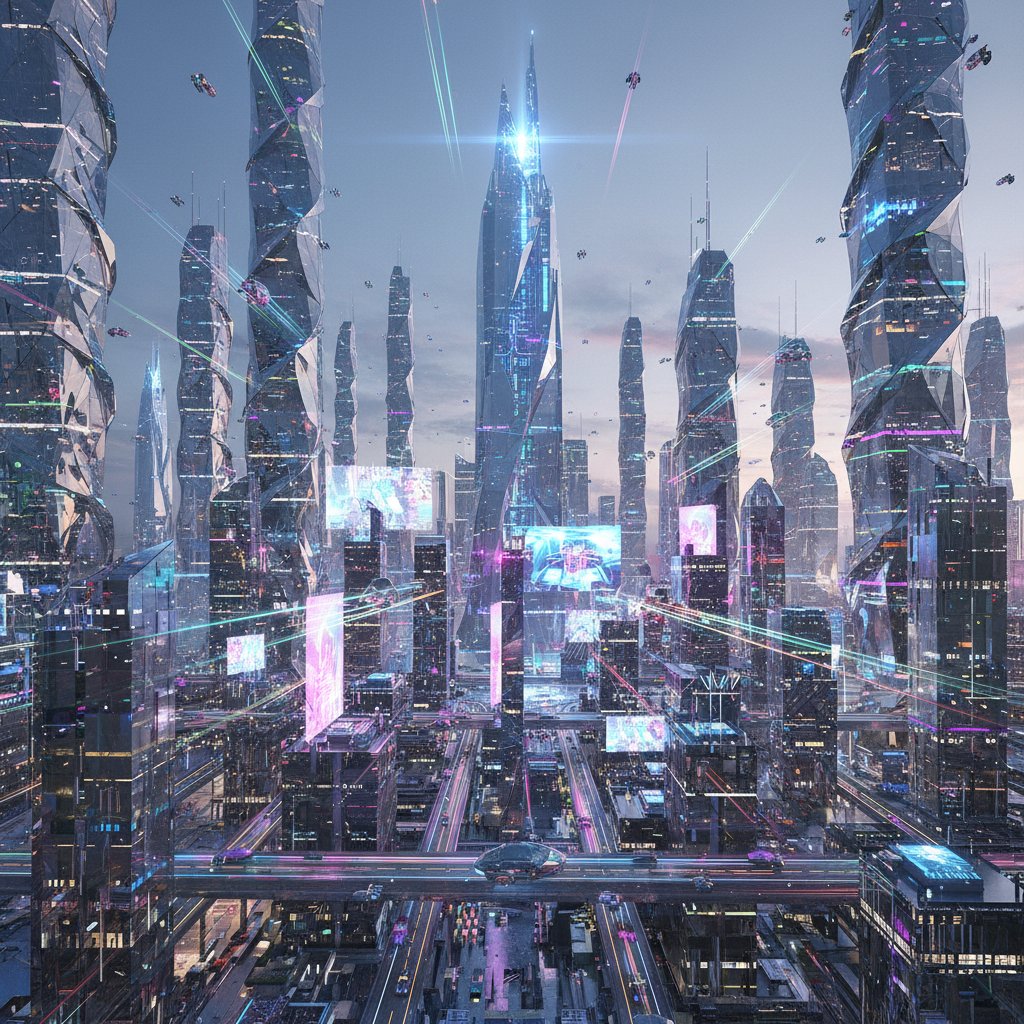
Midjourney remains the undisputed king of image fidelity and artistic style. If you want to create an image of a "cyberpunk city made of crystal," nothing beats it.
- Pros:
- Unmatched Texture & Lighting: The v6 model understands lighting better than almost any other AI.
- Style Variety: Can mimic almost any art style, from watercolor to 1980s VHS footage.
- Cons:
- Control Issues: Trying to keep a consistent face across multiple images is still a struggle (even with the
creftag, it often "beautifies" or alters features). - Usability: It still lives primarily inside Discord, which is a clunky interface for professional workflows.
- Not a "Photo" Maker: It excels at art, not necessarily realistic photos of you.
- Control Issues: Trying to keep a consistent face across multiple images is still a struggle (even with the
2. Leonardo.ai
Best For: Creative professionals who want a UI that makes sense. Verdict: 🛠️ The Balanced Workhorse.
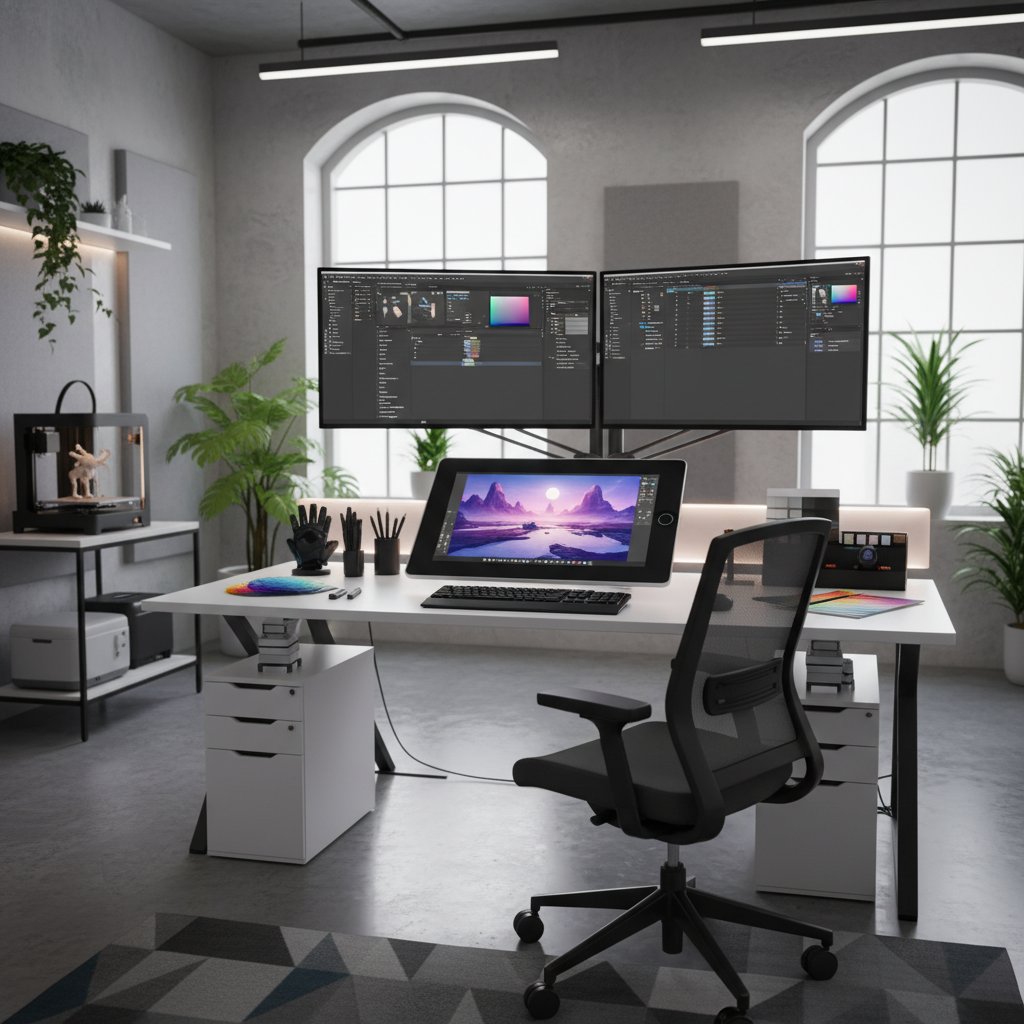
If Midjourney is a command-line tool, Leonardo.ai is Photoshop. It offers a robust web interface that gives you granular control over your generations.
- Pros:
- Canvas Editor: You can outpaint (expand) images and edit specific regions, which is great for fixing hands or weird artifacts.
- Generous Free Tier: Unlike most competitors, they offer a decent amount of daily free tokens to experiment with.
- Cons:
- Model Confusion: There are so many fine-tuned models (Anime, Photoreal, 3D Render) that it can be overwhelming to find the right one.
- Inconsistent Realism: While great for game assets and concept art, getting a truly "candid" looking photo that passes as a real snap is hit-or-miss.
3. Remini (AI Photos)
Best For: Mobile users needing a quick, polished headshot. Verdict: 📱 The "Filter" King.
You probably know Remini for fixing blurry photos, but their AI photo generation feature has exploded in popularity for generating baby photos, wedding snaps, and corporate headshots directly from your phone.

- Pros:
- Zero Learning Curve: It's a mobile app. You tap a button, upload selfies, and get results.
- Polished Look: It guarantees you look "good."
- Cons:
- The "Plastic" Look: The biggest complaint is that the skin often looks too smooth and perfect, giving away that it's AI generated instantly.
- Limited Scenarios: You are restricted to their preset packs. You can't just type "me eating a croissant in Paris" and expect a custom result; you have to wait for them to release a "Paris Pack."
4. PhotoAI
Best For: Tech-savvy users who want a full AI photographer suite. Verdict: 🤖 Powerful, but pricey and complex.
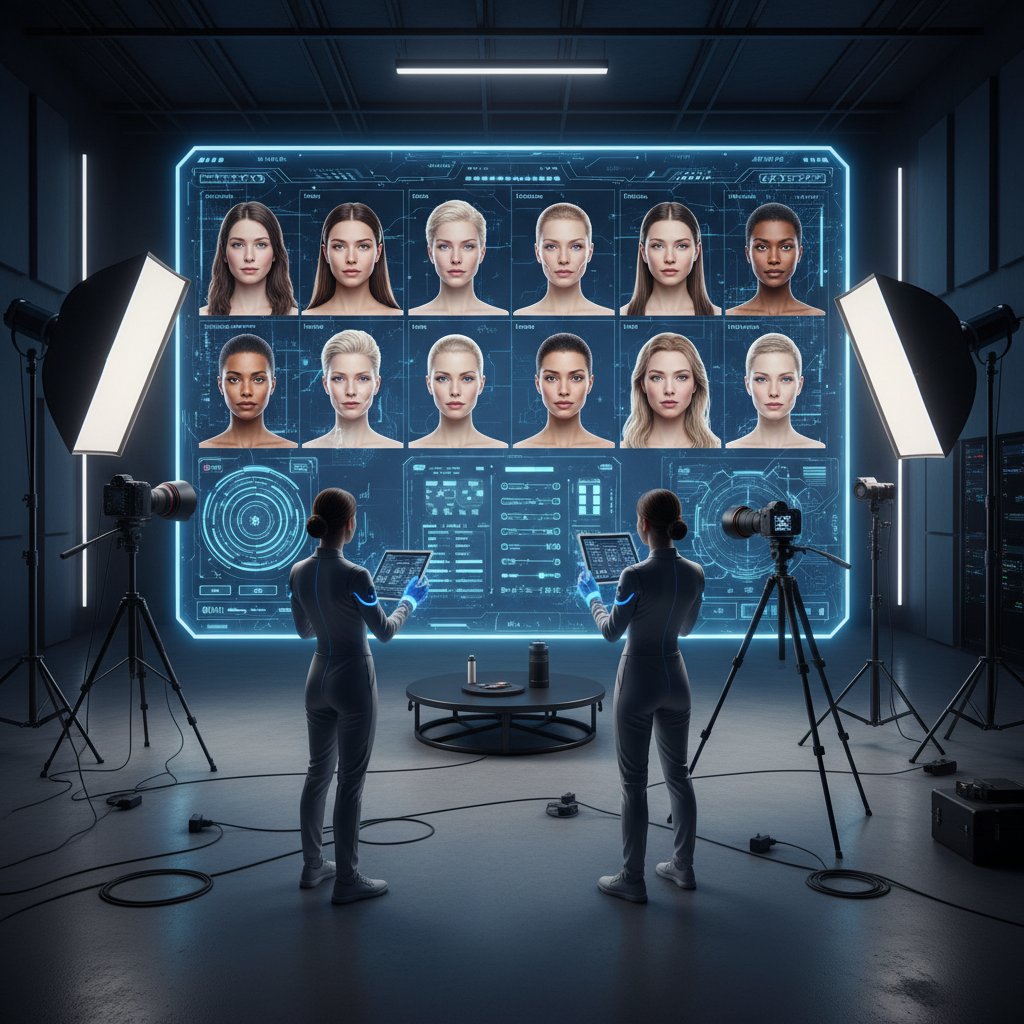
The giant in the room. PhotoAI offers a massive suite of tools, from "Sketch to Image" to creating full AI influencers.
- Pros:
- Comprehensive: It does almost everything. If you want to train a model of yourself and then generate 1,000 variations, this is the tool.
- Copycat Mode: You can upload a photo and tell the AI to "mimic this exact pose/lighting," which is very useful.
- Cons:
- Cost: It is one of the most expensive subscriptions on the list.
- Training Time: You often have to wait for models to train, and if the training goes wrong, you've wasted time.
- Complexity: It's built for power users. If you just want a photo now, the dashboard can be intimidating.
5. SceneYou.art
Best For: Hyper-realistic lifestyle & professional photos with zero hassle. Verdict: 📸 The 2025 "Realism" Specialist.
SceneYou.art enters the list as the specialist for people who care about backgrounds and authenticity. While other tools focus on generating the person, SceneYou focuses on placing that person into a credible reality.
- Pros:
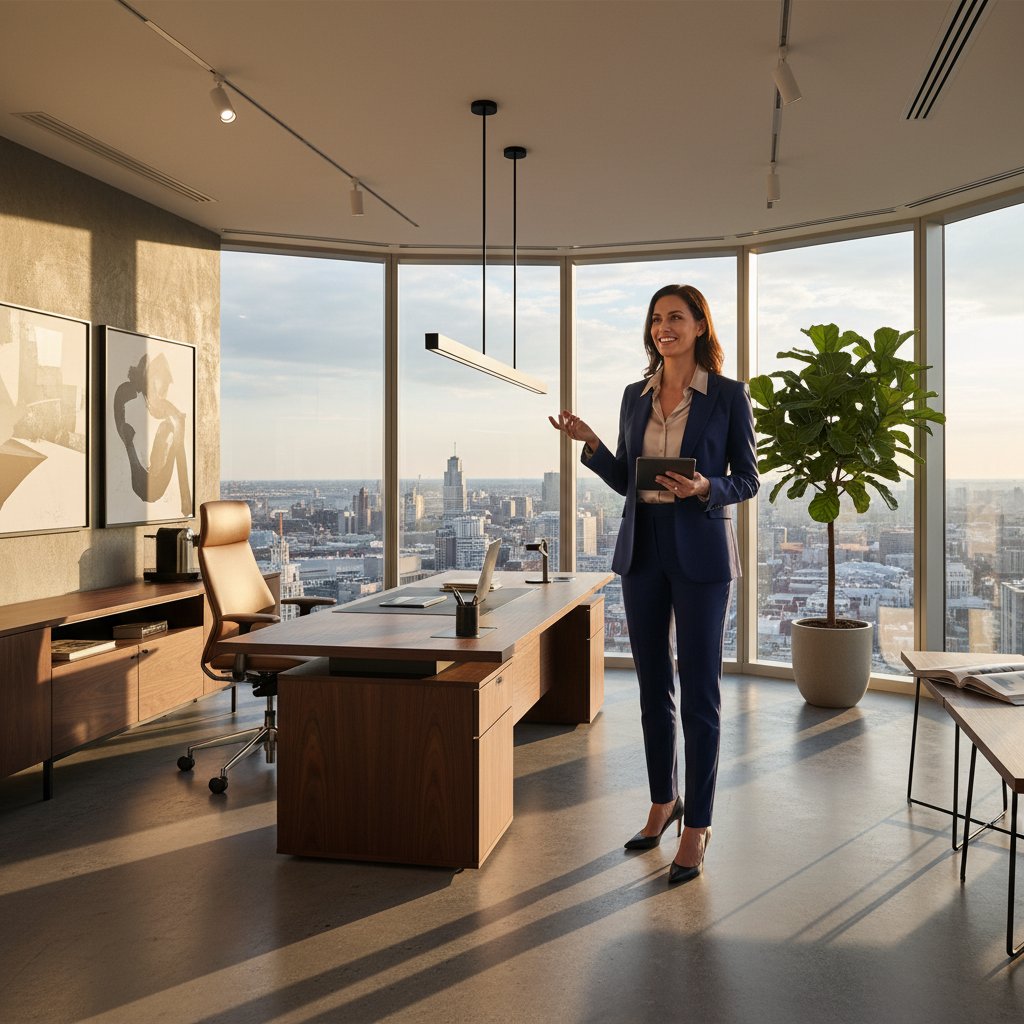
- Scene-First Approach: Instead of typing complex prompts to describe a background, you choose from a curated library of high-res, light-matched scenes (e.g., "Luxury Office," "Bali Poolside," "TED Talk Stage").
- One-Click Usability: There is no model training time. You upload, select a scene, and it generates.
- The "Un-AI" Look: The algorithms seem tuned to avoid the "glossy plastic skin" issue common in Remini. The photos retain skin texture and natural lighting imperfections that make a photo believable.
- Cons:
- Niche Focus: It is strictly for generating realistic photos of people. You wouldn't use this to generate a logo or a dragon (use Midjourney for that).
Comparison Table: At a Glance
| Feature | Midjourney | Leonardo.ai | Remini | PhotoAI | SceneYou.art |
|---|---|---|---|---|---|
| Primary Use | Art & Concepts | Design Assets | Mobile Selfies | Pro AI Suite | Real Photos |
| Ease of Use | Hard (Discord) | Medium | Very Easy | Hard | Very Easy |
| Realism | Stylized | Variable | High (but smooth) | High | Photorealistic |
| Control | Prompt-based | Canvas/Edit | Preset Packs | Full Control | Scene-based |
| Setup Time | Instant | Instant | Fast | Slow (Training) | Instant |
| Best For | Artists | Designers | Casual Users | Power Users | Professionals |
How to Choose Your Perfect AI Photo Tool
With five solid options, how do you pick? It comes down to your primary use case:
If You're an Artist or Designer
Choose Midjourney or Leonardo.ai
- You need creative freedom and artistic styles
- Creating concept art, game assets, or illustrations
- Don't need photorealistic portraits
If You Need Quick Social Media Updates
Choose Remini
- Mobile-first workflow
- Want polished, enhanced photos instantly
- Okay with the "AI filter" look
If You're Building an AI-Powered Business
Choose PhotoAI
- Need comprehensive features and batch processing
- Building AI influencers or professional photography service
- Budget allows for premium tools
If You Need Authentic Professional Photos
Choose SceneYou.art
- LinkedIn, dating profiles, or professional branding
- Want photos that look genuinely real
- Value simplicity and instant results
Frequently Asked Questions
Q: Are AI-generated photos detectable?
A: It depends. Tools like Remini often leave a "plastic" filter look, while SceneYou.art and PhotoAI can create photos that are nearly indistinguishable from real ones. The key is avoiding over-smoothing and maintaining natural imperfections.
Q: Can I use these for commercial purposes?
A: Most platforms allow commercial use, but check each tool's terms. Midjourney and Leonardo.ai are generally fine for commercial art, while Portrait-focused tools like PhotoAI and SceneYou.art are designed for personal/professional branding.
Q: Which offers the best value?
A: For casual users, Remini's mobile app is cheapest. For professionals, SceneYou.art offers the best bang-for-buck with realistic results at a reasonable price. Midjourney and PhotoAI are premium tools for those with specific needs.
Quick Comparison Summary
| Tool | Best For | Realism | Ease of Use | Price |
|---|---|---|---|---|
| Midjourney | Artists | ★★☆☆☆ | ★★☆☆☆ | Premium |
| Leonardo.ai | Designers | ★★★☆☆ | ★★★★☆ | Freemium |
| Remini | Mobile Users | ★★★★☆ | ★★★★★ | Budget |
| PhotoAI | Power Users | ★★★★★ | ★★☆☆☆ | Premium+ |
| SceneYou.art | Professionals | ★★★★★ | ★★★★★ | Mid-range |
Final Recommendation
- Go with Midjourney if you are an artist needing inspiration.
- Go with Remini if you just want a quick, fun photo for social media on your phone.
- Go with PhotoAI if you are building an AI influencer agency and need mass-production tools.
- Go with SceneYou.art if you need believable photos for LinkedIn, Tinder, or Instagram that actually look like you took them, without the "plastic AI filter" look.
Ready to transform your photos?
Don't settle for generic AI filters. Choose a tool that matches your vision and needs.
👉 Try SceneYou.art Today and Get Professional Photos in Minutes
Ready to publish?
Generate Realistic AI Photos in Minutes
Upload your photos once, pick from 100+ professional scenes, and get photorealistic results that don't look like AI.