Turn your selfie into a 90s yearbook portrait
Join the viral #AIYearbookChallenge with realistic, nostalgic portraits — from classic school photos to grunge and blue-laser backdrops.

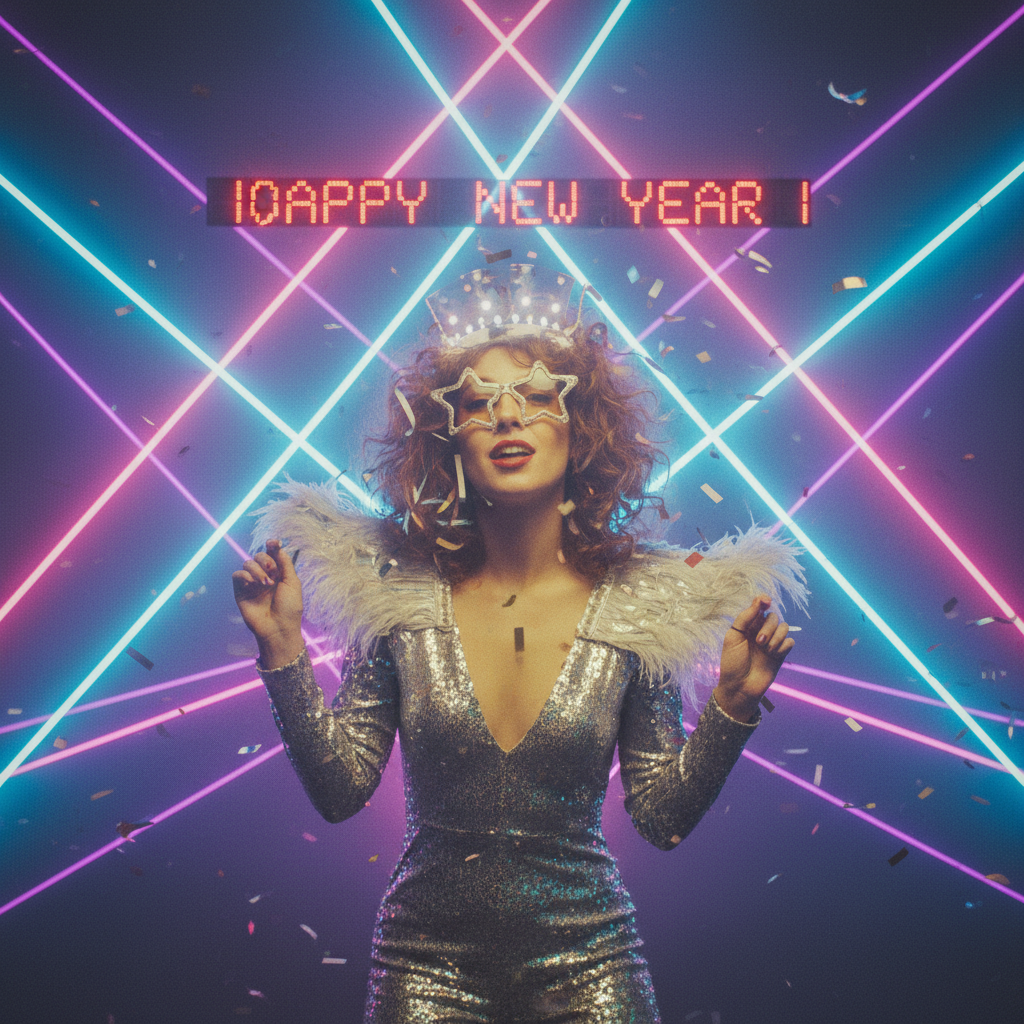
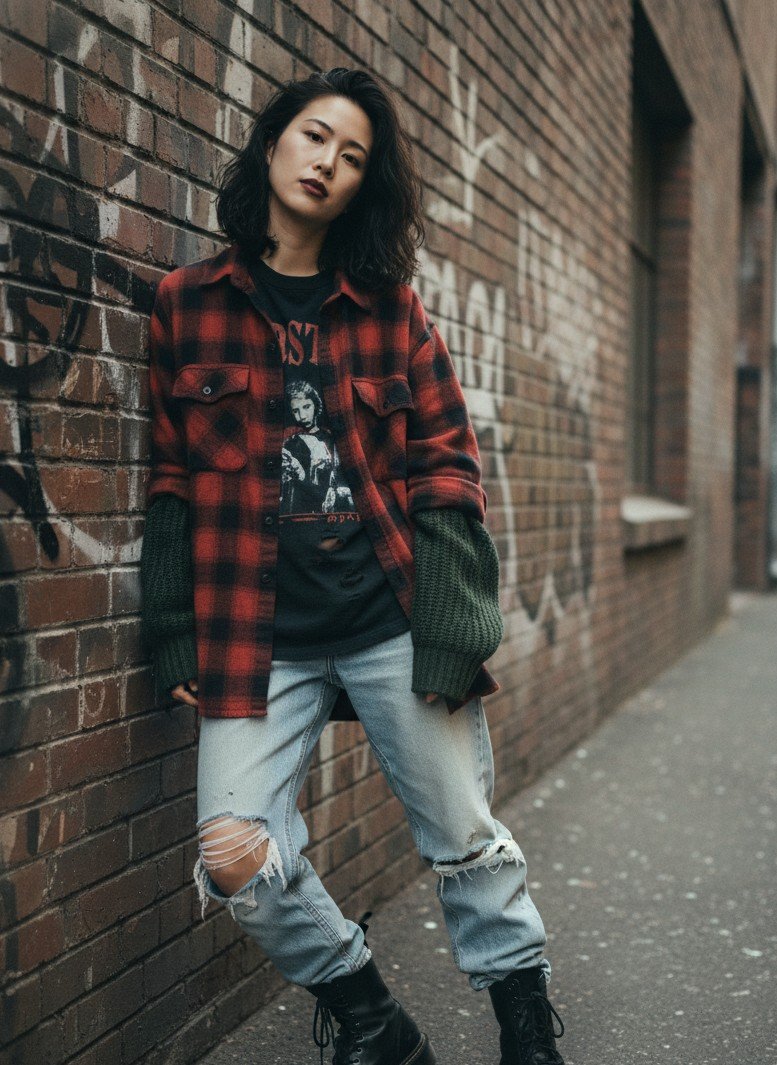

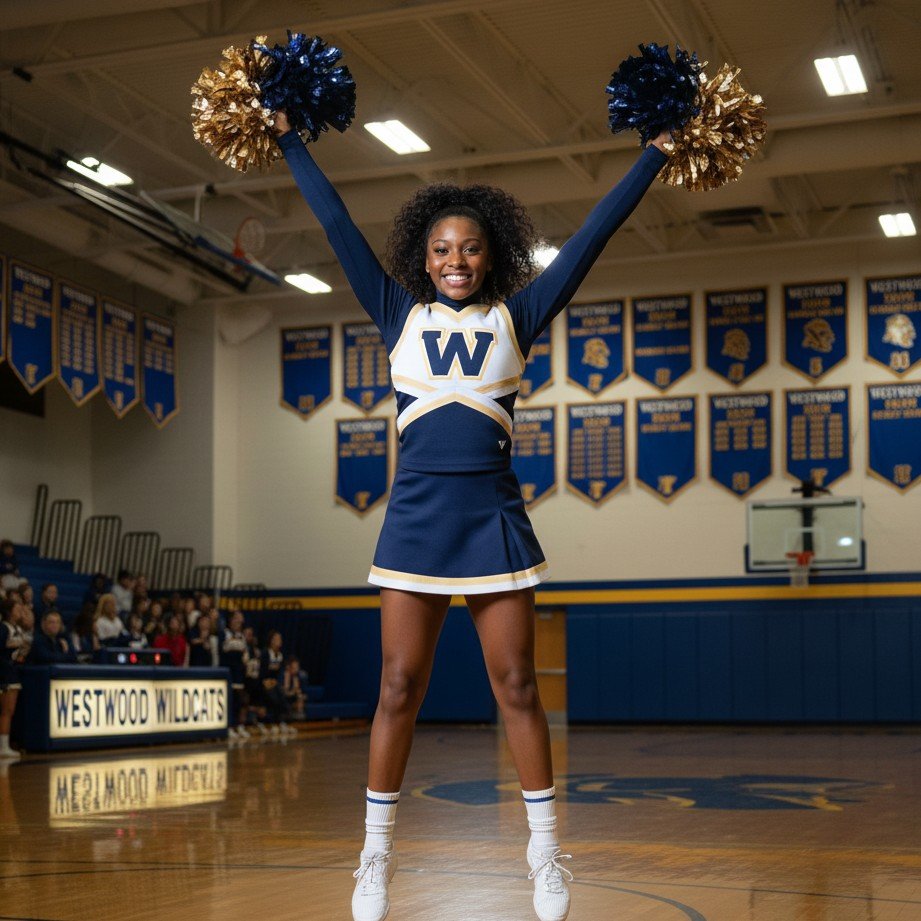
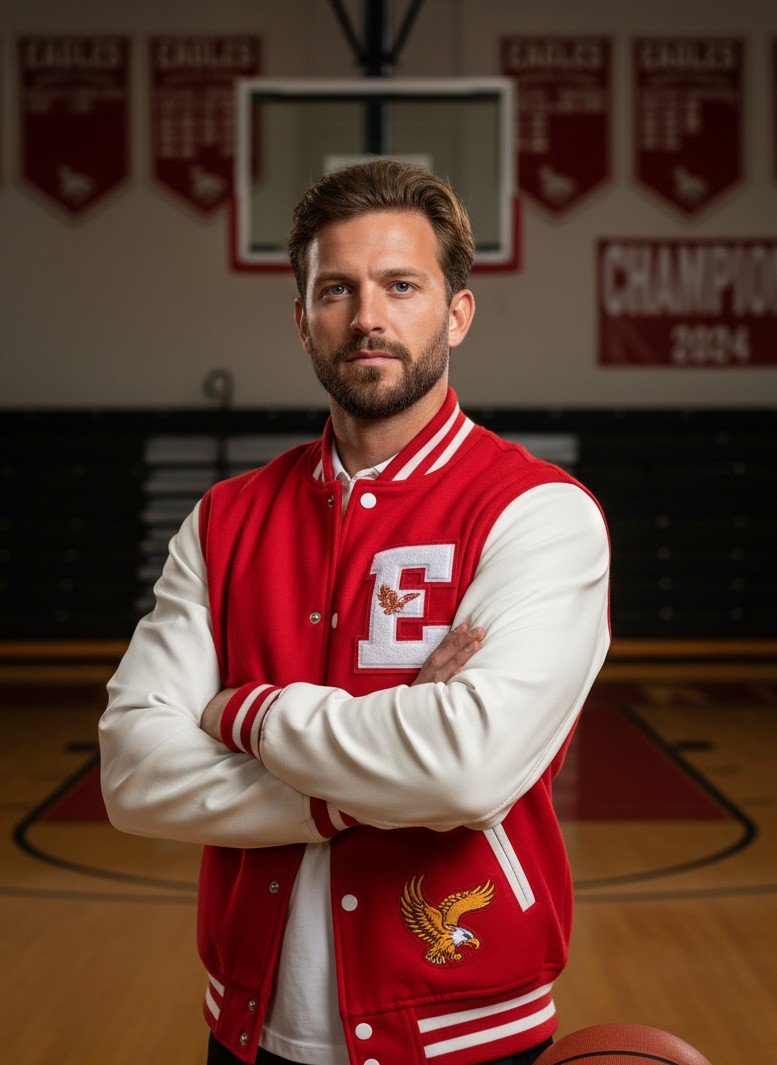
Pick a vibe (with lots of images)
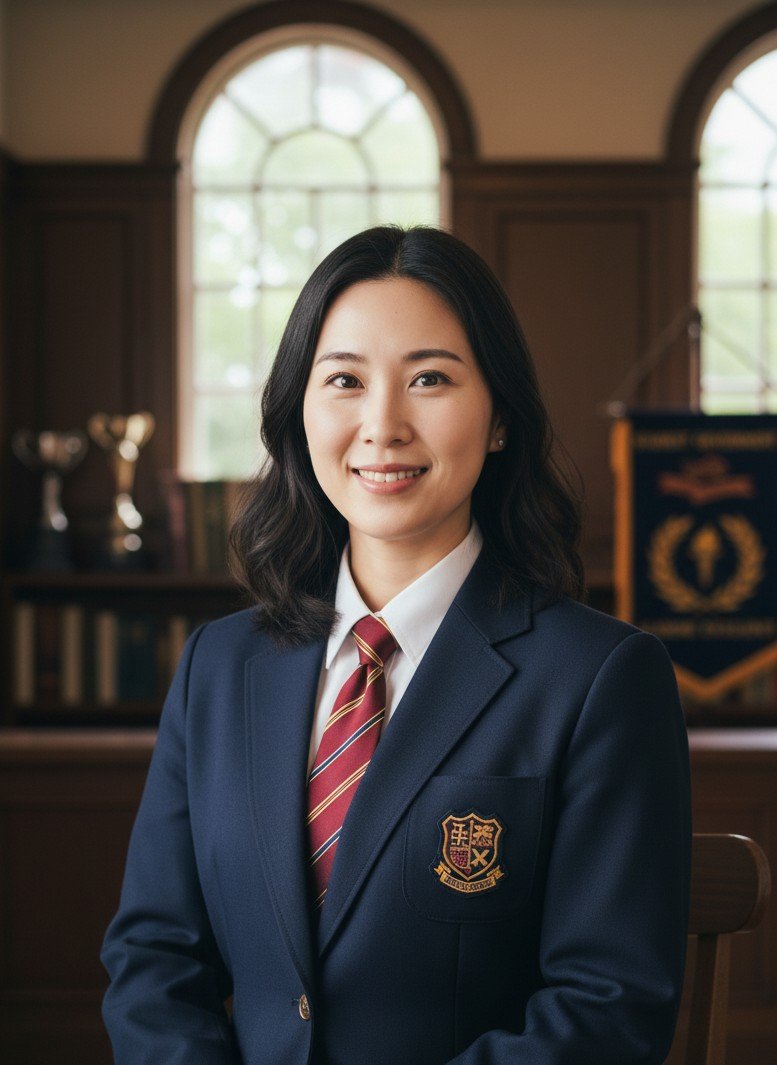
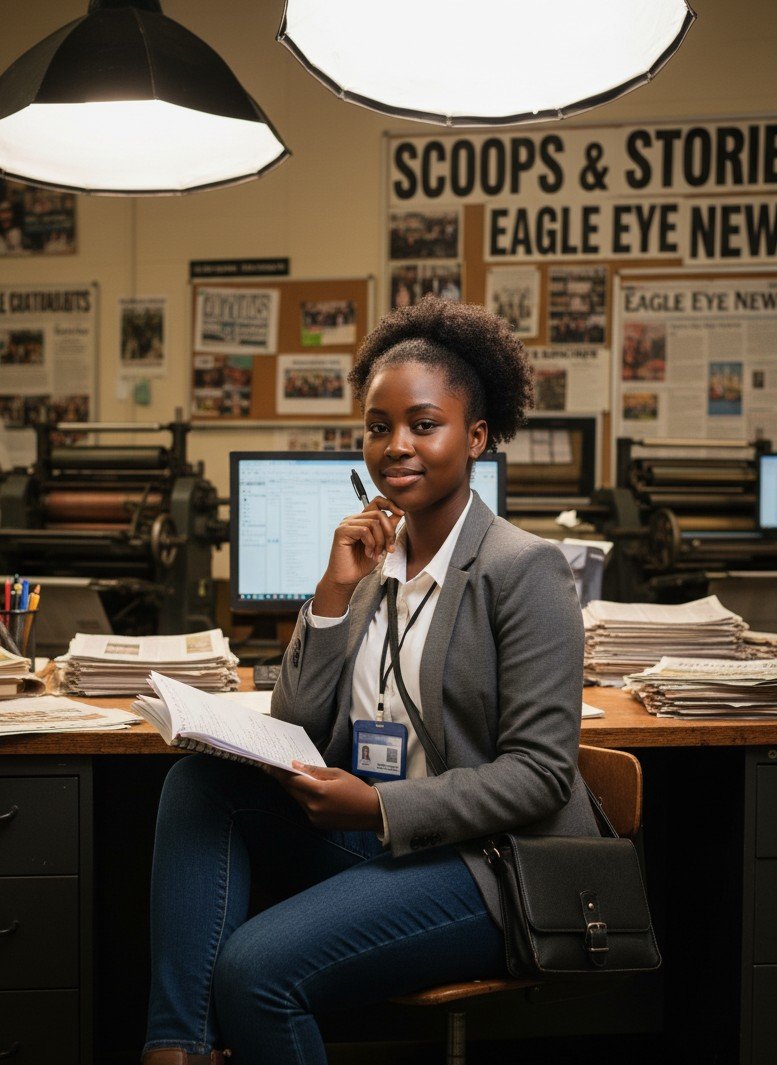
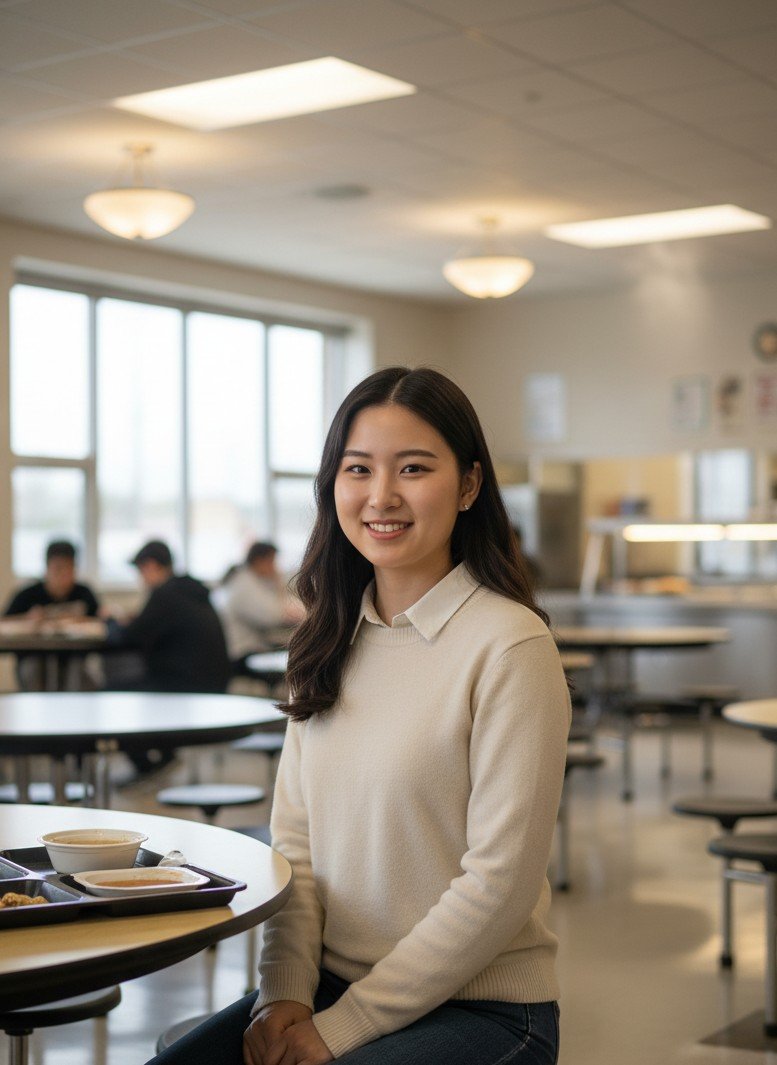
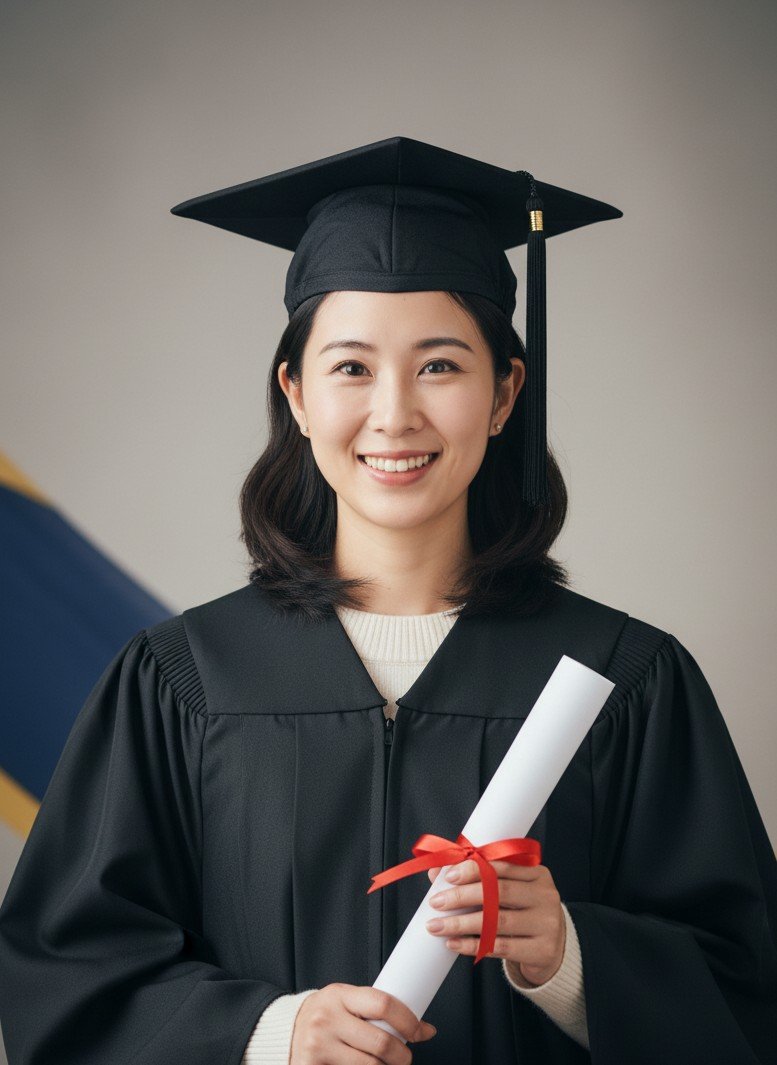
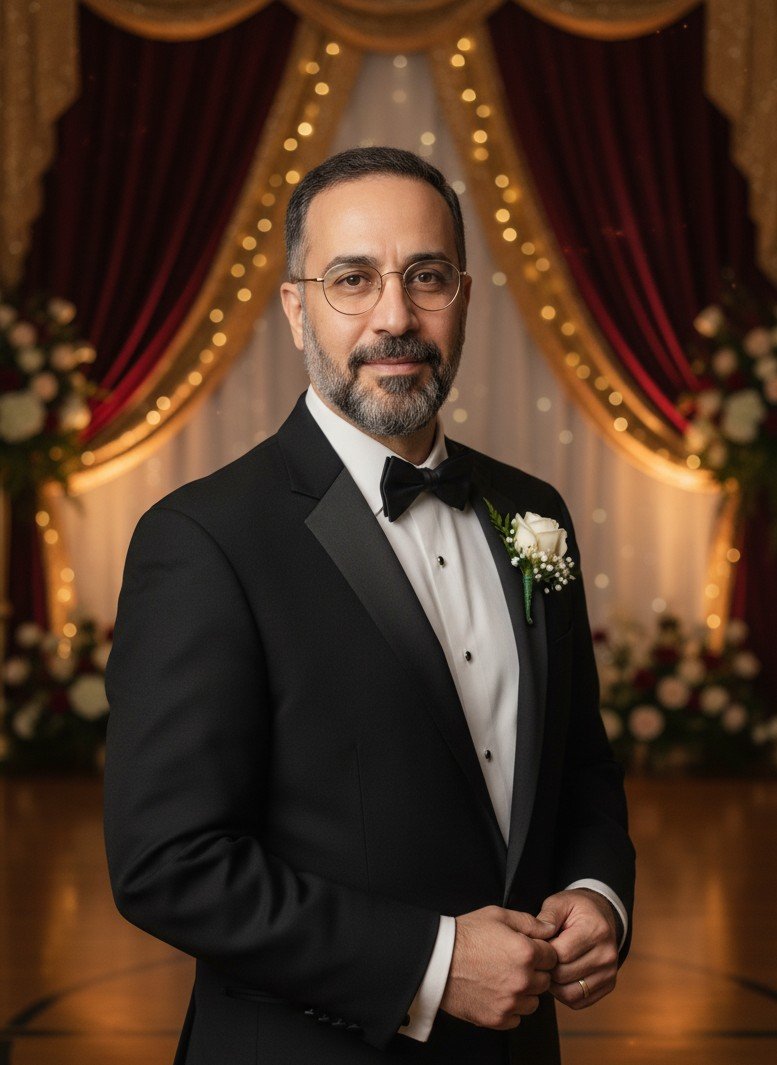
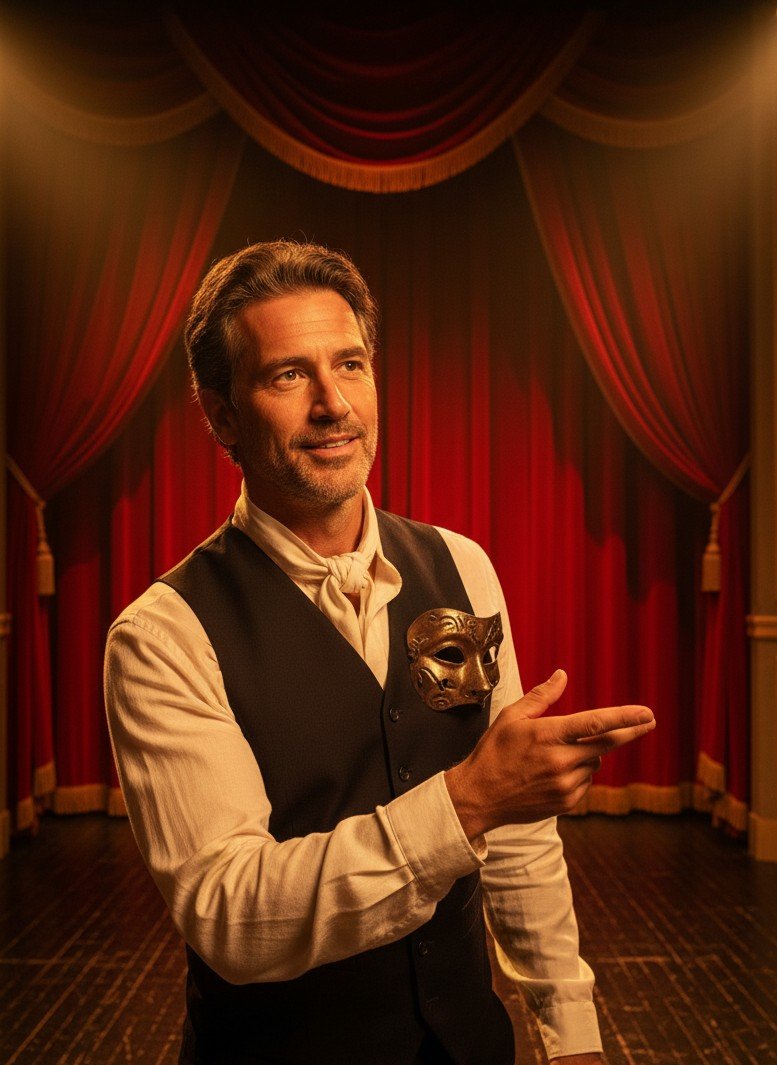
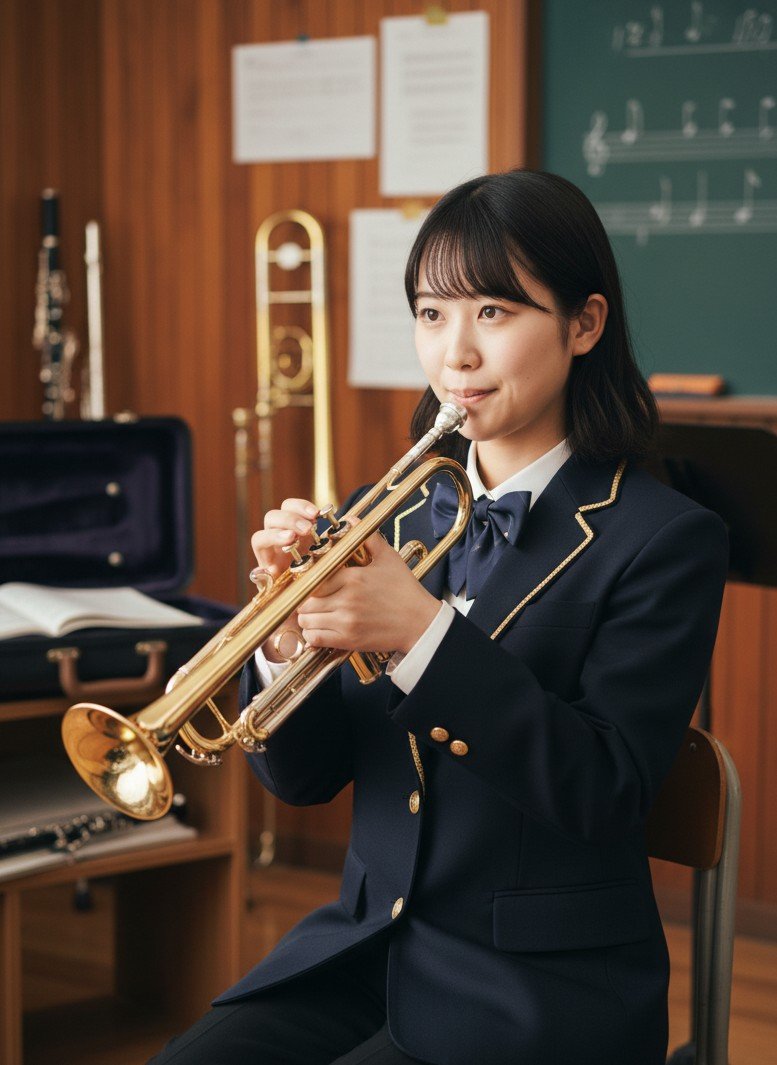
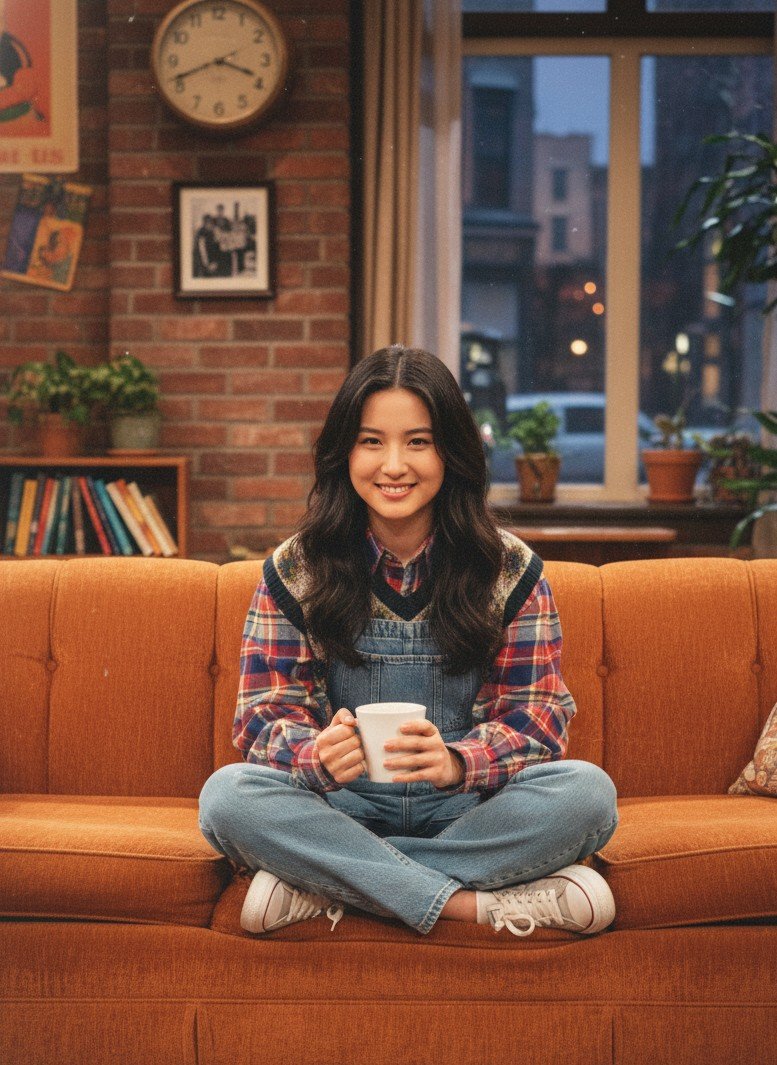
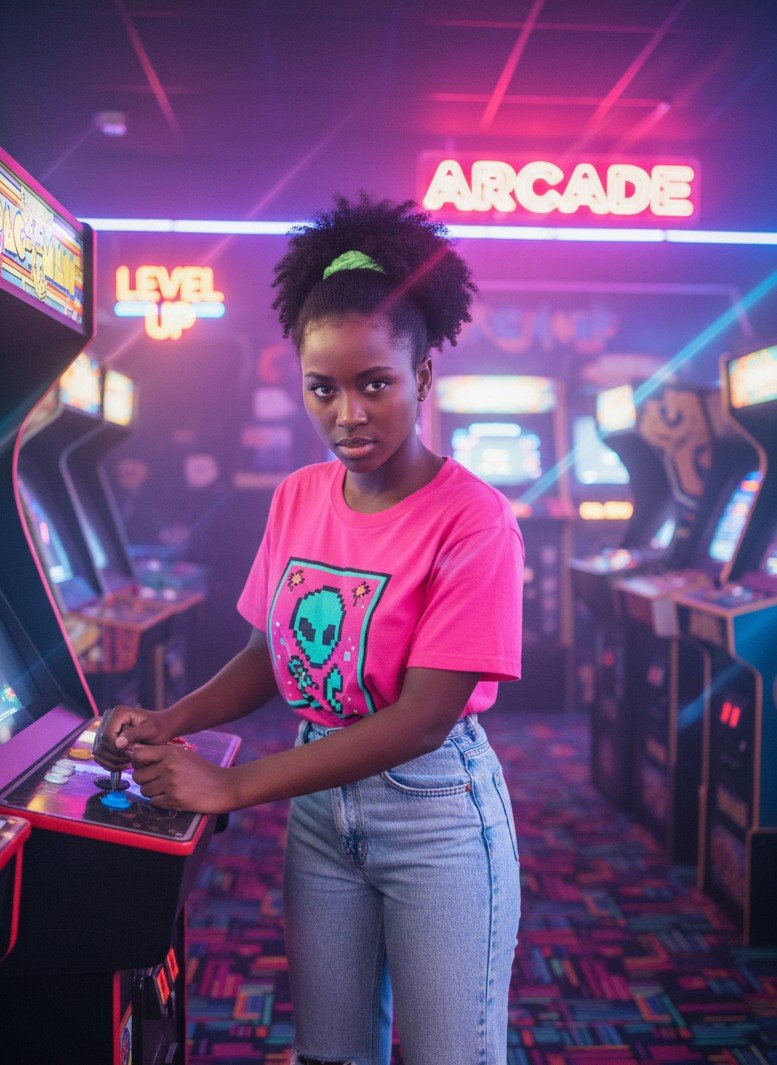
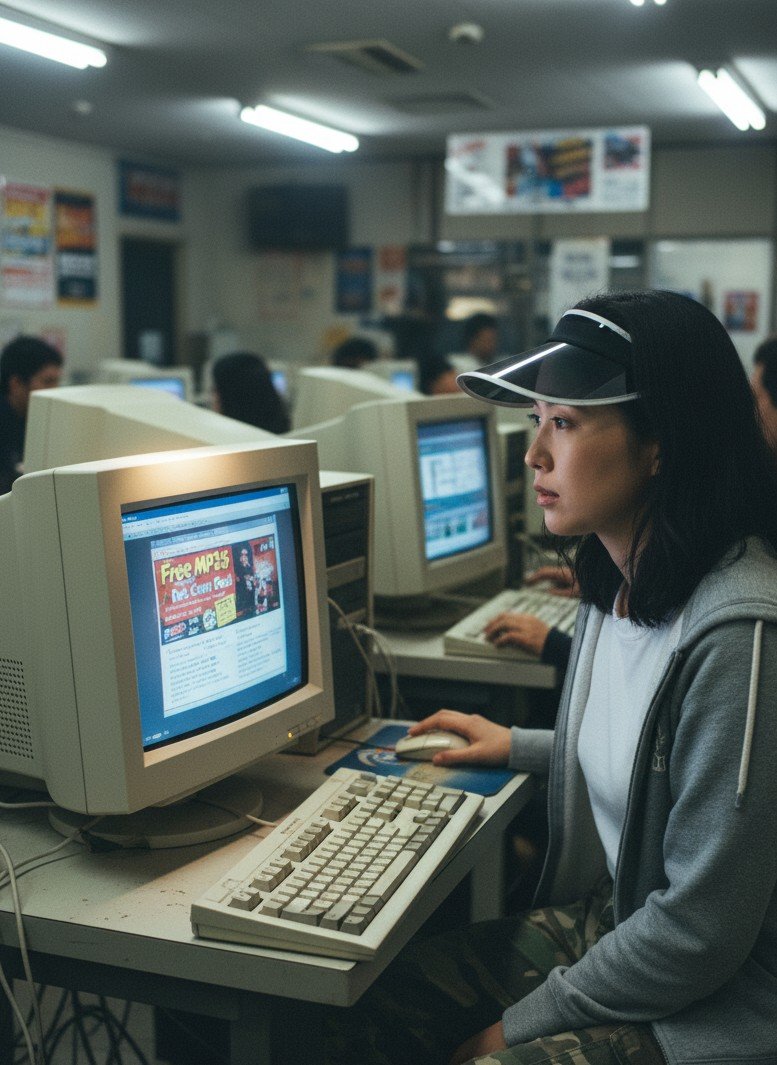
Classic school portraits, sports, cheer, lab nerd, plus retro laser looks — click any card to open the template.
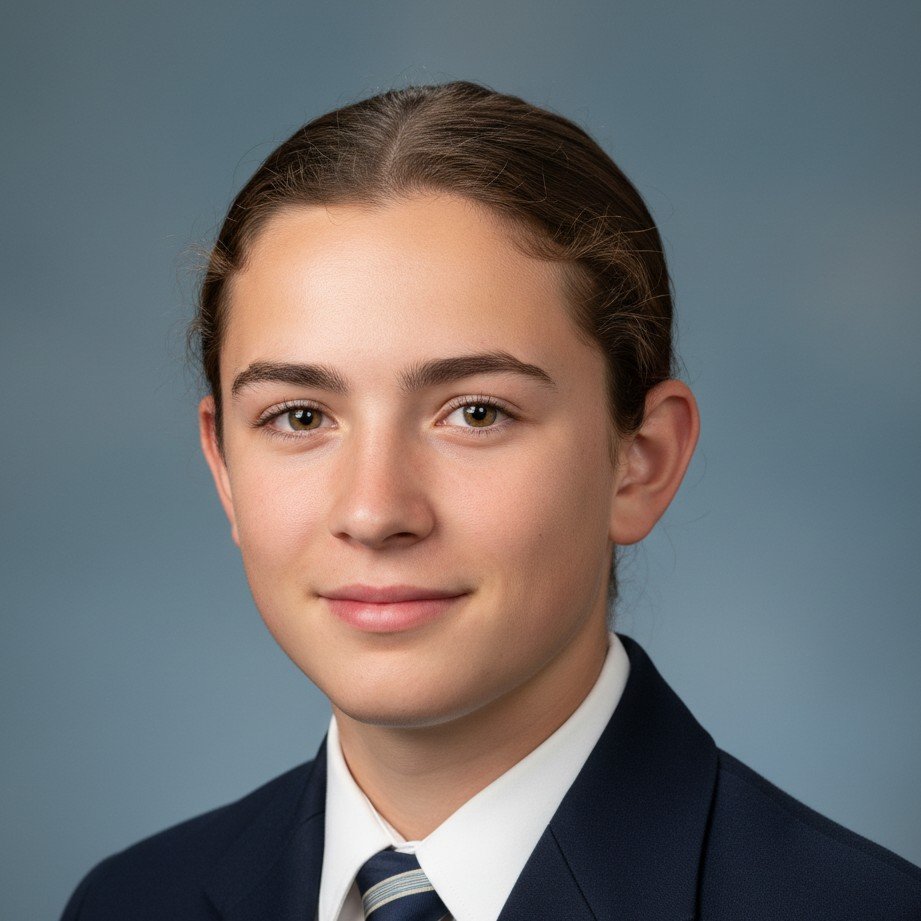

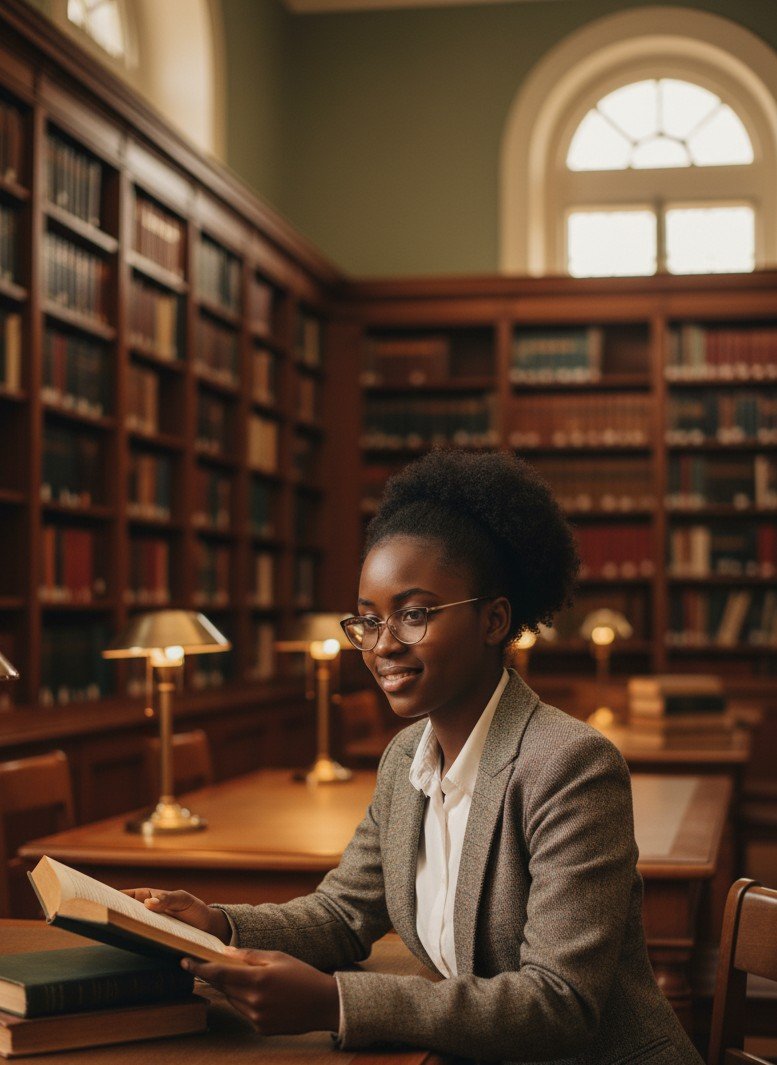
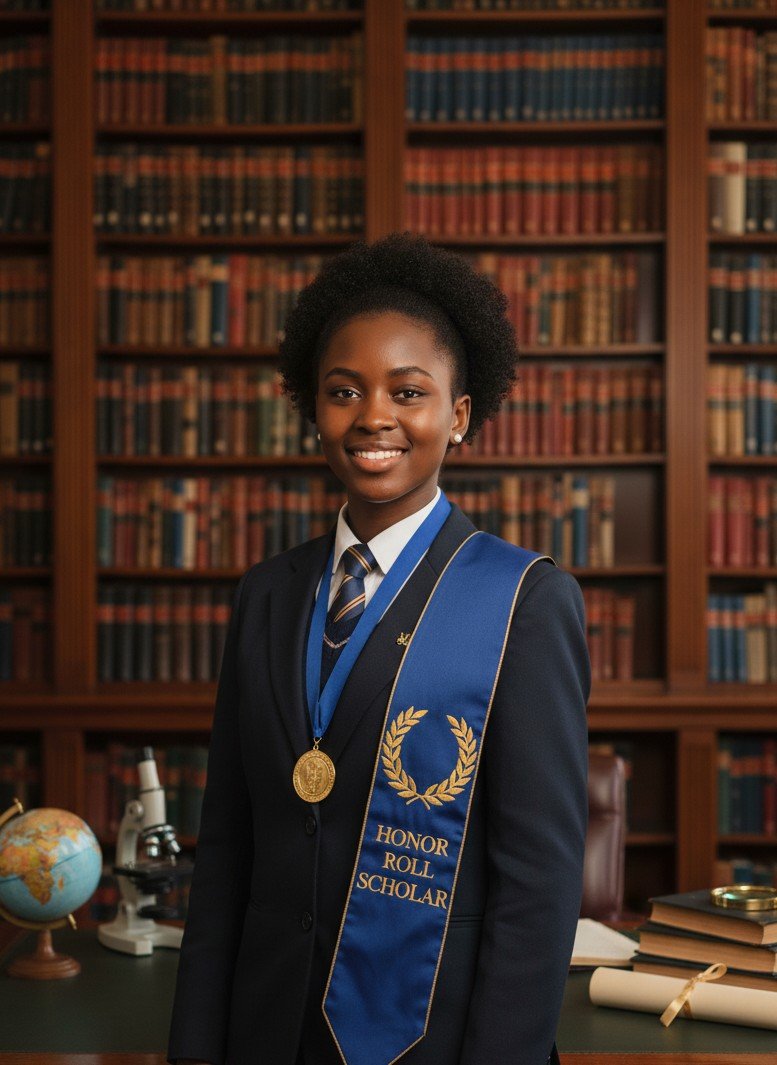
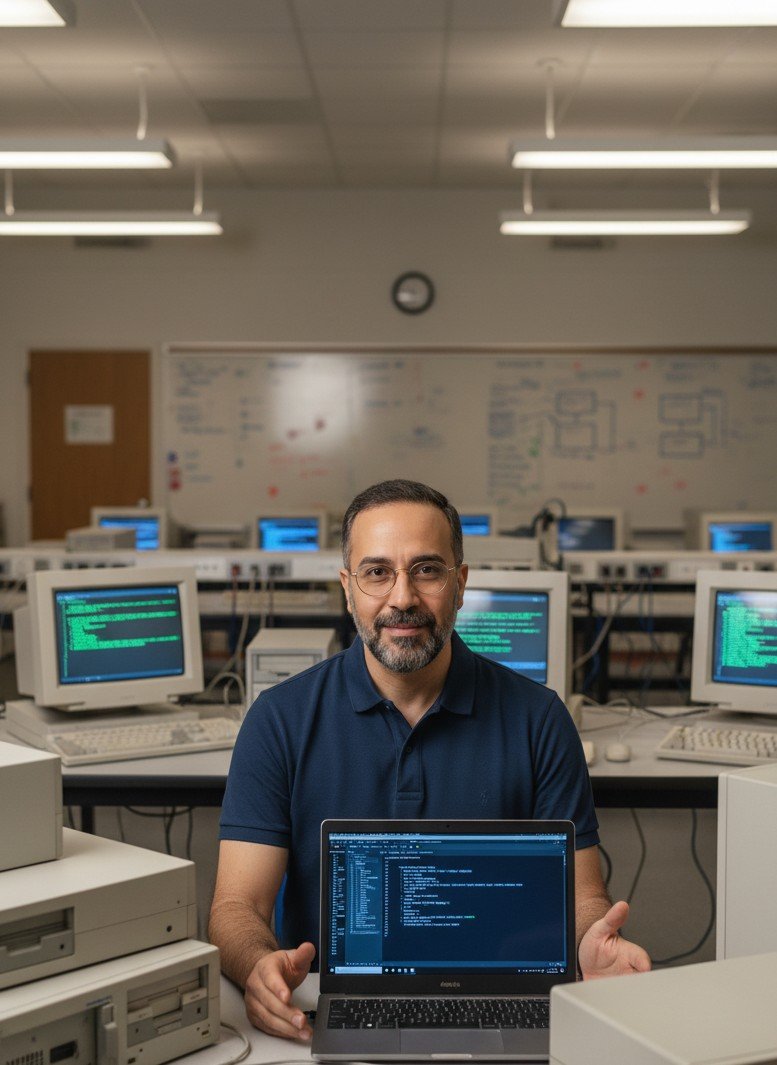



How to generate 90s yearbook photos
Upload a selfie, pick a style, and generate — no prompt engineering required.
Upload a clear selfie
Front-facing, well-lit photos work best. Avoid sunglasses and heavy shadows.
Choose a high school vibe
Classic yearbook, grunge, mathlete, cheer, varsity — pick what fits your personality.
Generate & download
Get realistic results with film grain and retro color grading in seconds.
Tips for going viral
Make your 90s reveal feel authentic (and shareable).
Start with a good selfie
Natural window light and a clean background improve realism.
Use trending 90s audio
Pair the reveal with a throwback track to boost watch time.
Use the right hashtags
Try #AIYearbookChallenge, #AIYearbook, #90sTrend, #Throwback.
FAQ
Quick answers before you generate.
Is the AI yearbook generator free?
Does it work on iPhone and Android?
Do I need to write prompts?
What happens to my uploaded photos?
Generate your 90s yearbook look today
Upload a selfie and get nostalgic yearbook portraits in seconds — no app download required.
The Viral 90s Yearbook AI Trend (No App Needed)
Remember dial-up internet, awkward school picture day smiles, and that iconic studio backdrop? The 90s are back — and #AIYearbookChallenge is everywhere on TikTok and Instagram.
A lot of tools make you install heavy apps, pay for subscriptions, or wait in a long queue. With SceneYou.art, you can generate retro yearbook-style portraits straight from your browser.
What is the 90s AI Yearbook Trend?
The idea is simple: take a modern selfie and reimagine it as a nostalgic high-school portrait — think classic lighting, vintage hair/outfits, soft film grain, and those unmistakable retro backdrops. It's more than a filter — it's a digital time machine.
How to Generate Your 90s Yearbook Photos
- Upload a selfie (front-facing + good light works best).
- Pick a vibe: classic yearbook, grunge, mathlete, varsity, cheer, or a bold laser backdrop.
- Generate and download your results.
Why Use SceneYou Instead of Typical Mobile Apps?
| Feature | SceneYou.art (Web) | Typical mobile apps |
|---|---|---|
| Convenience | No download. Works in your browser. | Requires installing an app. |
| Speed | Fast generation without long queues. | Often slower during peak hours. |
| Privacy | Designed with privacy in mind. | Varies by app and policy. |
| Quality | Realistic lighting + texture. | Can look overly smooth or "filtered". |
4 Iconic 90s Styles You Must Try
1) The "Saved by the Bell" Look
Bright colors, big smiles, and an upbeat school-photo vibe.
2) The "Nirvana" Grunge
Flannel shirts, messy hair, and moody lighting — a late-90s Seattle-inspired look.
3) The "Mathlete" Nerd
Oversized glasses, lab vibes, and academic confidence.
4) The Classic Blue Laser
Nothing screams "retro yearbook" like a bold laser background.
Tips for Going Viral
- Use a trending throwback song.
- Do a "reality vs AI" reveal cut.
- Add hashtags like #AIYearbook, #90sTrend, and #Throwback.
Ready to jump in? Scroll up, upload a selfie, and generate your 90s yearbook look.