Spooky Profile Icon Refresh
October is here! Swap out your avatar, cover, or profile shots across all networks without booking a real shoot.
Turn a simple selfie into a cinematic, spooky Halloween portrait in seconds. Nail the perfect costume, moody lighting, and party-ready vibes without spending hours on makeup. Perfect for your Instagram feed, TikTok, party invites, and seasonal campaigns.
Pulling off a killer Halloween shoot usually means expensive costumes, hours of messy makeup, hunting for locations, and endless photo editing. If you want the spooky aesthetic without the exhausting logistics, AI is your ultimate shortcut.
With SceneYou.art, just upload a clear portrait and instantly step into any Halloween vibe. Whether you want to be a mystical witch, a posh vampire, or rock a high-fashion party costume, you'll get flawless, campaign-ready results without ever stepping foot in a studio.
Pick your vibe, tap a template, and instantly generate a set of photos that look like a high-end Halloween photoshoot.
Spellbound styling packed with dramatic shadows, textured fabrics, and an enchanted, cinematic mood.
Elegant gothic energy featuring rich dark tones, sharp contrast, and the premium polish of a classic horror film.
Sleek, party-ready costume visuals with confident posing and high-impact lighting made to stop the scroll on social.
Story-driven, moody horror aesthetics with eerie backlighting, fog, and poster-ready framing for couples.
Explore wicked witch looks, classic monsters, horror-movie couples, and glam costume portraits. Tap any card to preview and generate your magic.
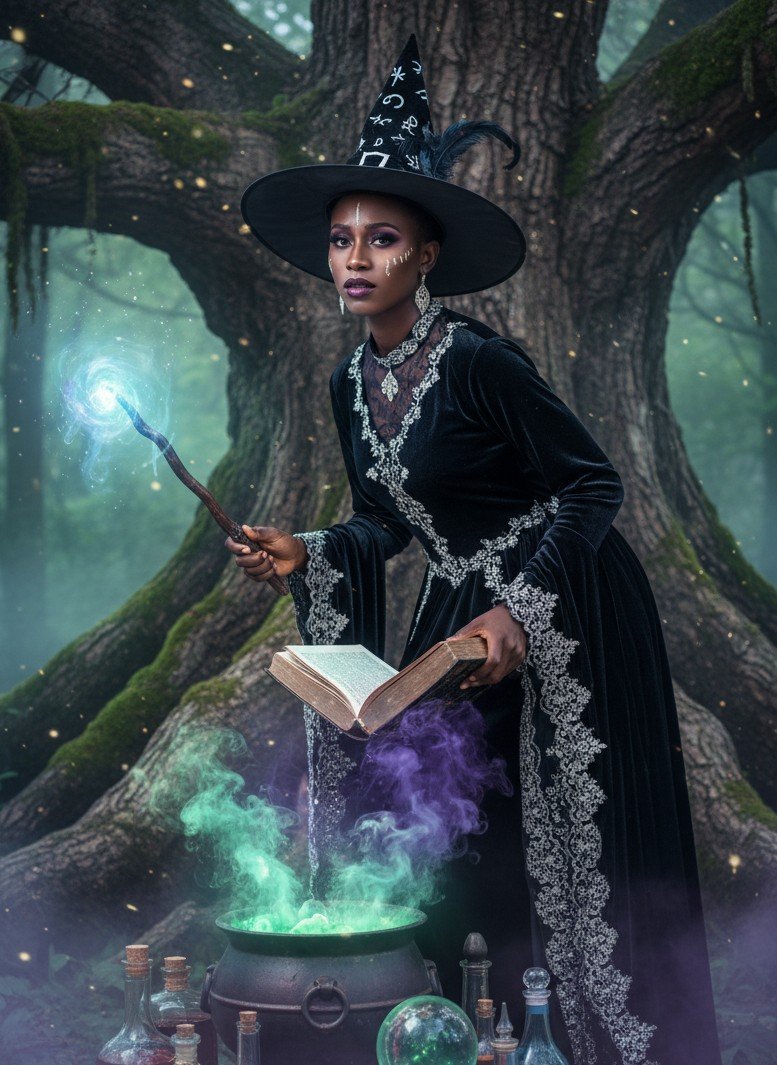
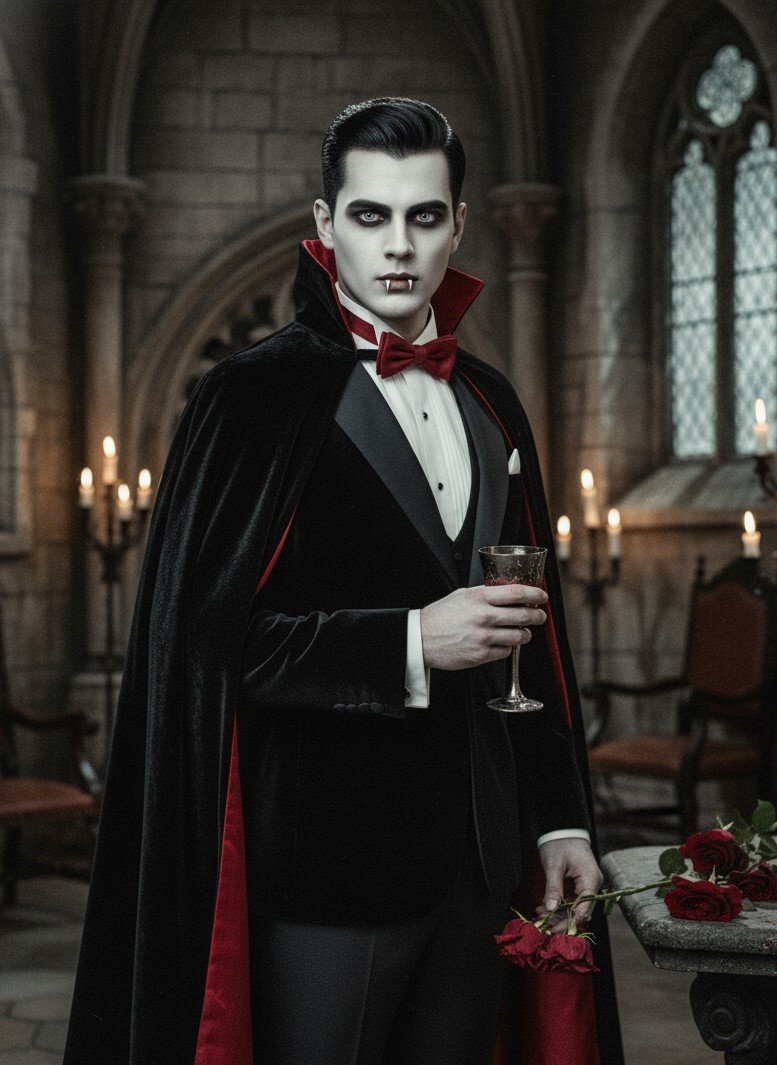
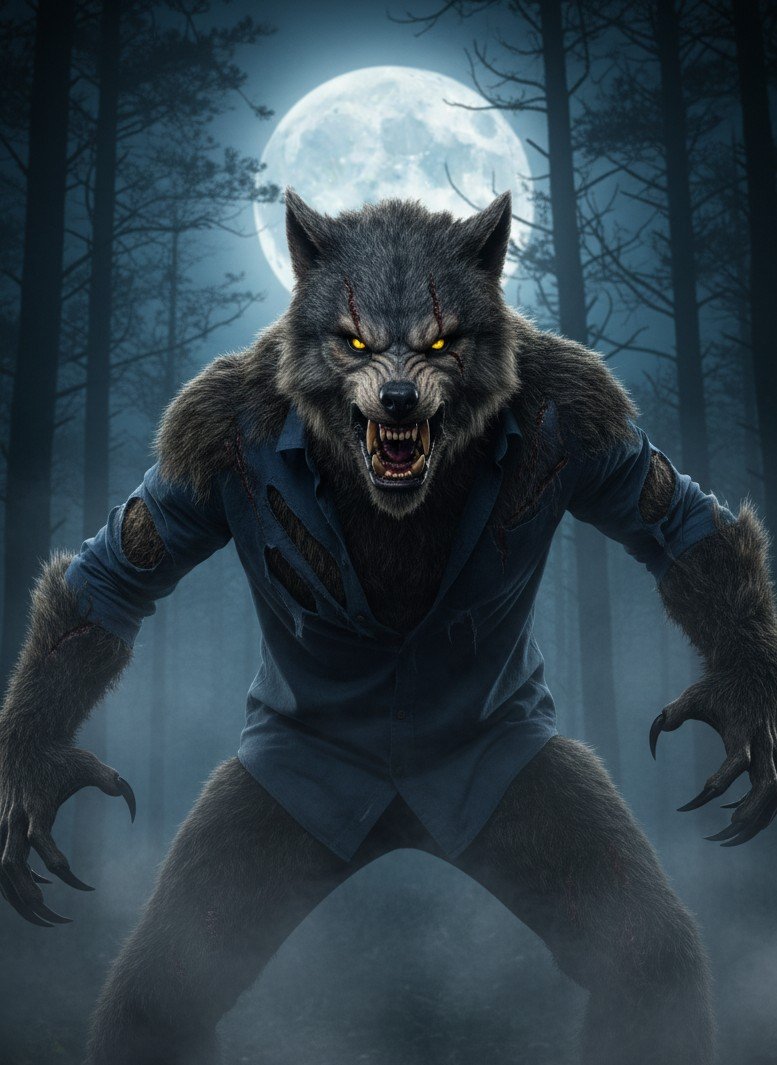
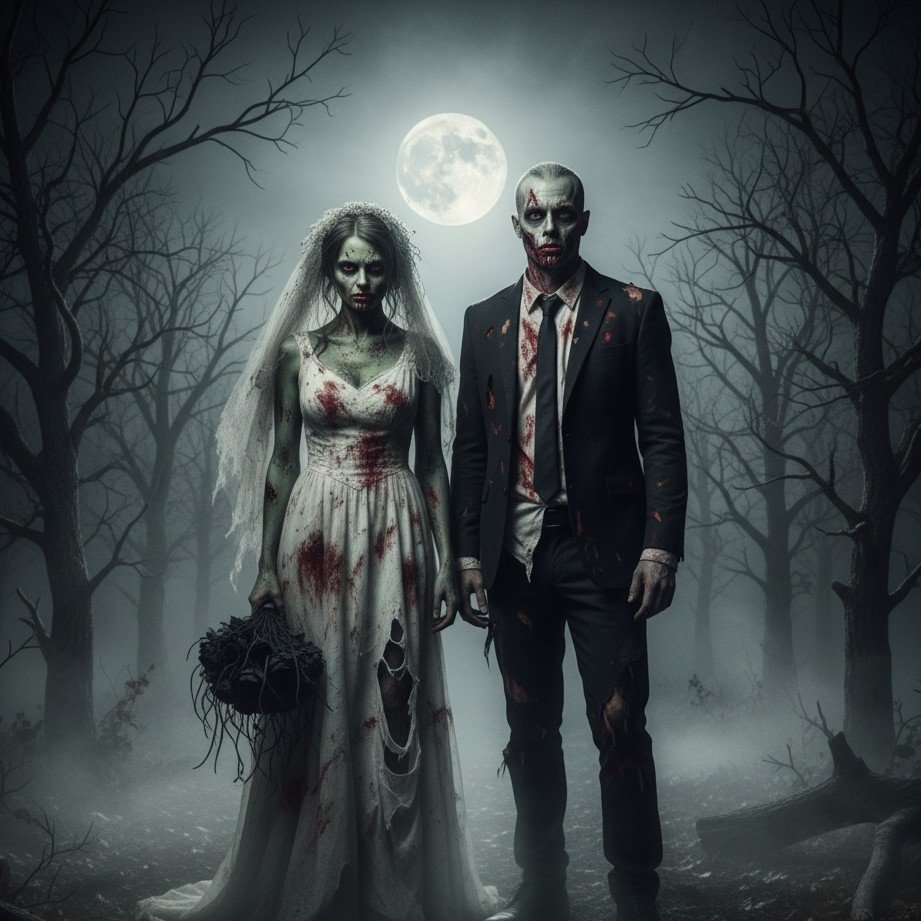

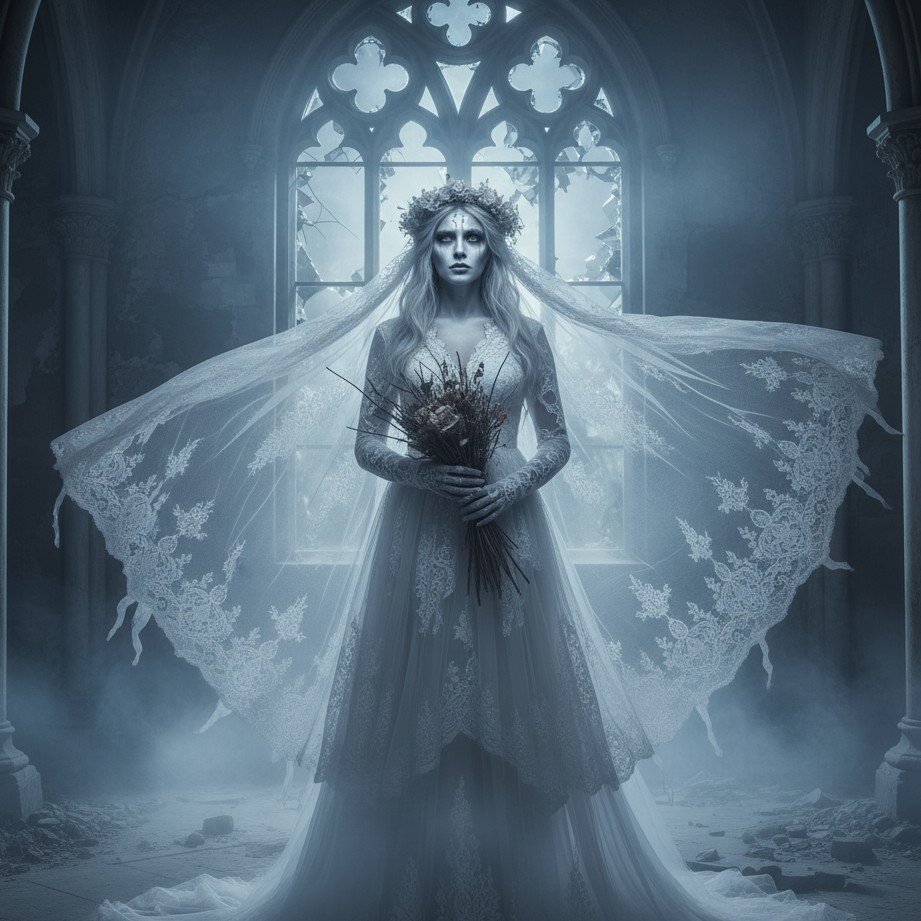
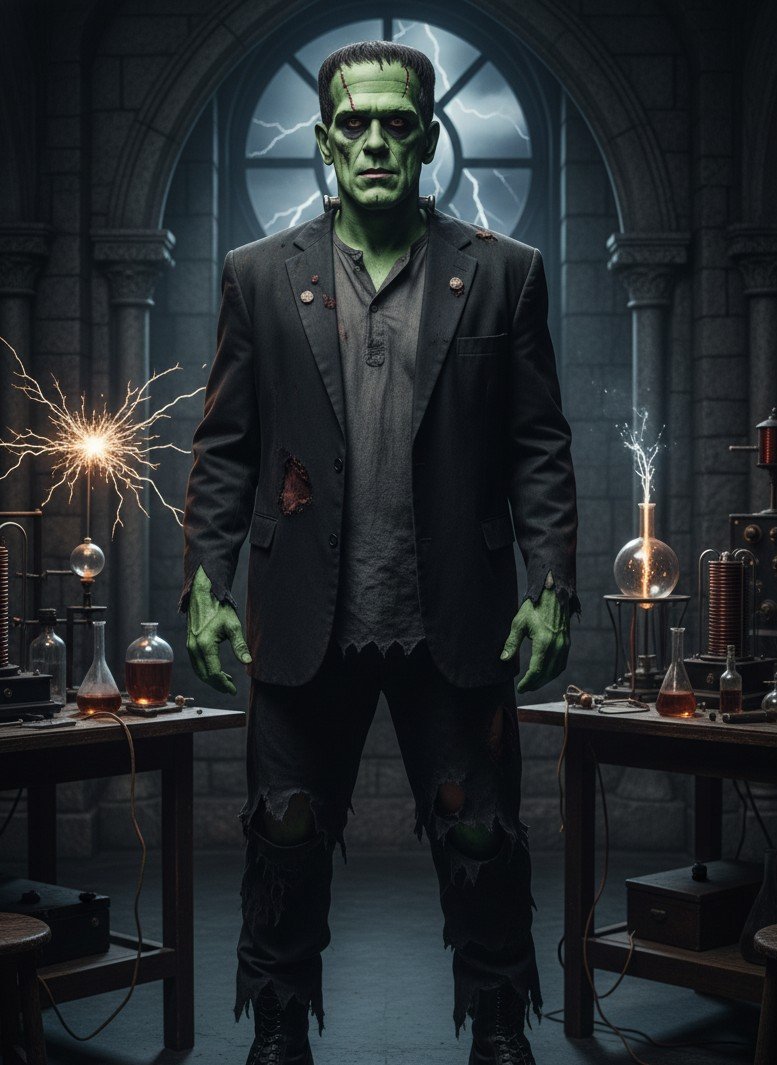
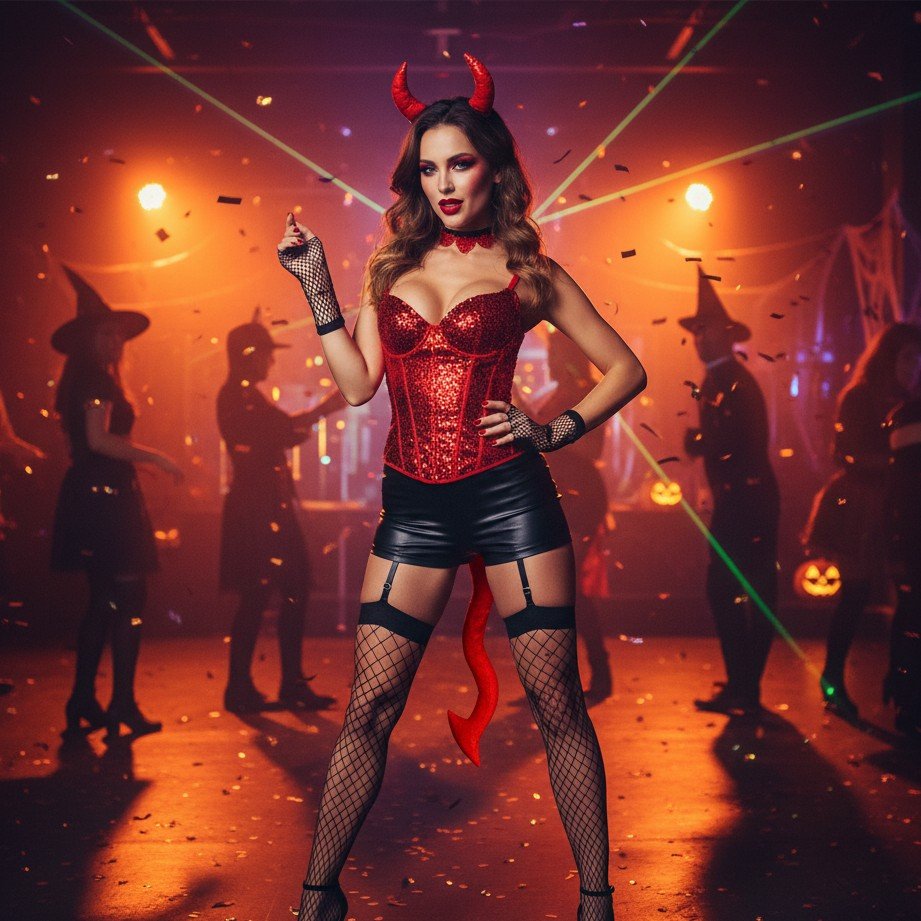
No struggling with complex prompts, no expensive costume rentals, and no tedious photo editing required.
Snap a sharp selfie or half-body shot in good natural lighting. The clearer the original photo, the more realistic and flawless your AI result will be.
Choose between witch, vampire, glam party costumes, or horror-cinematic styles and preview your favorite templates.
Export the high-resolution images to flex on Instagram, design custom party invitations, or drop into your seasonal ads.
October is here! Swap out your avatar, cover, or profile shots across all networks without booking a real shoot.
Ditch the generic stock images. Create personalized Halloween invite visuals starring you in full costume.
Try on multiple costume aesthetics in minutes and drop a carousel or reel sharing your favorite looks as a cohesive set.
Generate scroll-stopping cover images and creatives for your Halloween reels, stories, and seasonal marketing runs.
SceneYou is template-first, making it super easy, but if you want to take the wheel with custom prompts, try these directions:
Generate spooky, hyper-realistic Halloween photos in minutes and post them right as the spooky-season hype peaks. Don't fall behind the trend!
Not at all. Just upload a normal, everyday portrait. SceneYou handles generating the Halloween outfits, fx makeup, lighting, and spooky background automatically.
Use a clear, front-facing selfie or a half-body shot, ideally taken in natural light facing a window. A sharp input photo yields much better facial details and lighting realism.
Yes! Plenty of users generate these visuals to create highly engaging social media posts, event flyer designs, posters, and seasonal ad campaigns for their businesses.
People start feeling the vibe in early October, with demand peaking on October 31st. Getting your content generated and published early helps you capture the seasonal hype!