Trust
Strong First Impressions
Professional lighting and clean framing increase perceived credibility in hiring and sales conversations.
Compare DIY iPhone tips, studio sessions, and AI generation. Create polished LinkedIn-ready headshots instantly with SceneYou.art.
In a digital-first job market, your professional headshot is your visual handshake. Recruiters, clients, and collaborators judge trust and credibility within seconds.
Whether you need a LinkedIn profile refresh, a company bio photo, or a polished resume image, the right headshot helps you look competent, approachable, and ready for opportunities.
Professional lighting and clean framing increase perceived credibility in hiring and sales conversations.
No need to master camera gear, retouching tools, or complicated AI prompts. Upload and generate quickly.
Get high-end headshot aesthetics at a fraction of traditional photographer pricing.
In today's digital-first world, your professional headshot is your visual handshake. Whether on LinkedIn, your company website, or a resume, a high-quality photo establishes trust, competence, and approachability instantly.
But getting a great photo traditionally meant booking expensive studios or struggling with lighting at home. With the rise of specialized AI professional headshot generators like SceneYou.art, getting a studio-quality shot is now faster and more affordable than ever. This guide covers your best options, from DIY tips to the latest AI workflow.
A professional headshot is more than just a picture. It is a personal branding asset.
If you have time and patience, you can try taking a photo yourself. Here is a practical guide on how to take a professional headshot at home.
Lighting is the hardest part of DIY photography.
A professional headshot background should support your face, not compete with it.
DIY can work, but it often requires many retakes before lighting and angle feel truly professional.
These templates match the home-shoot guidance in the article: clean background, natural light, and practical camera angles.
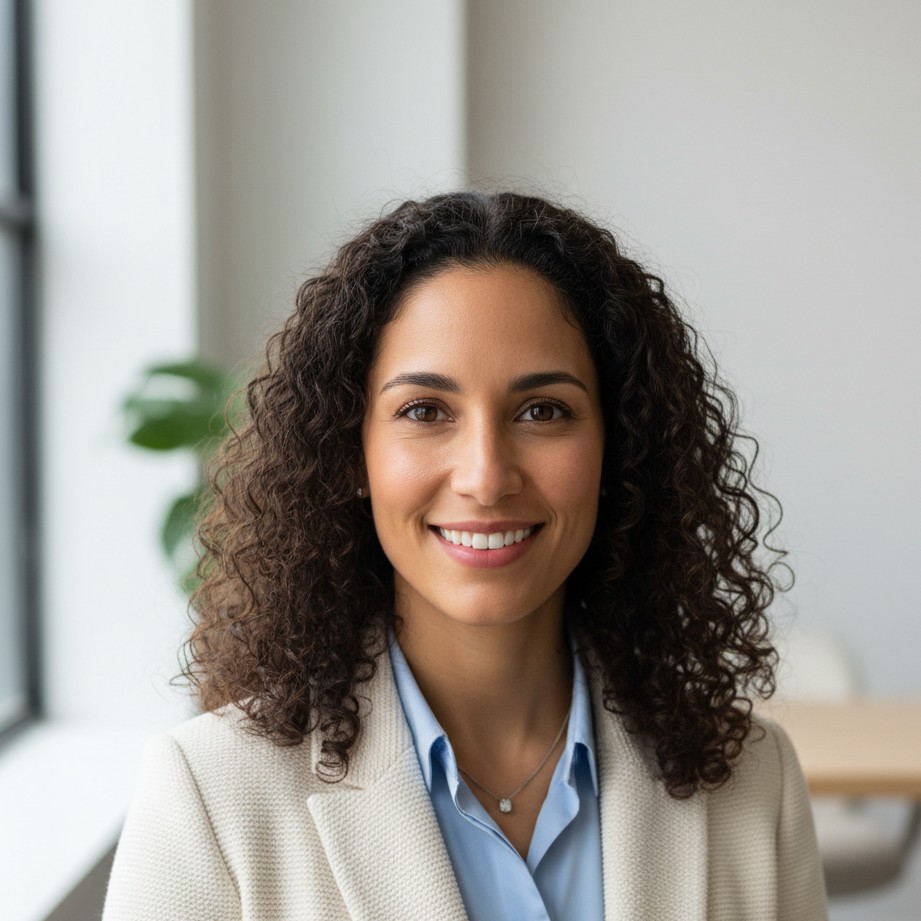
Natural-light-inspired portrait with gentle facial contrast.

Timeless neutral studio style for broad business use.
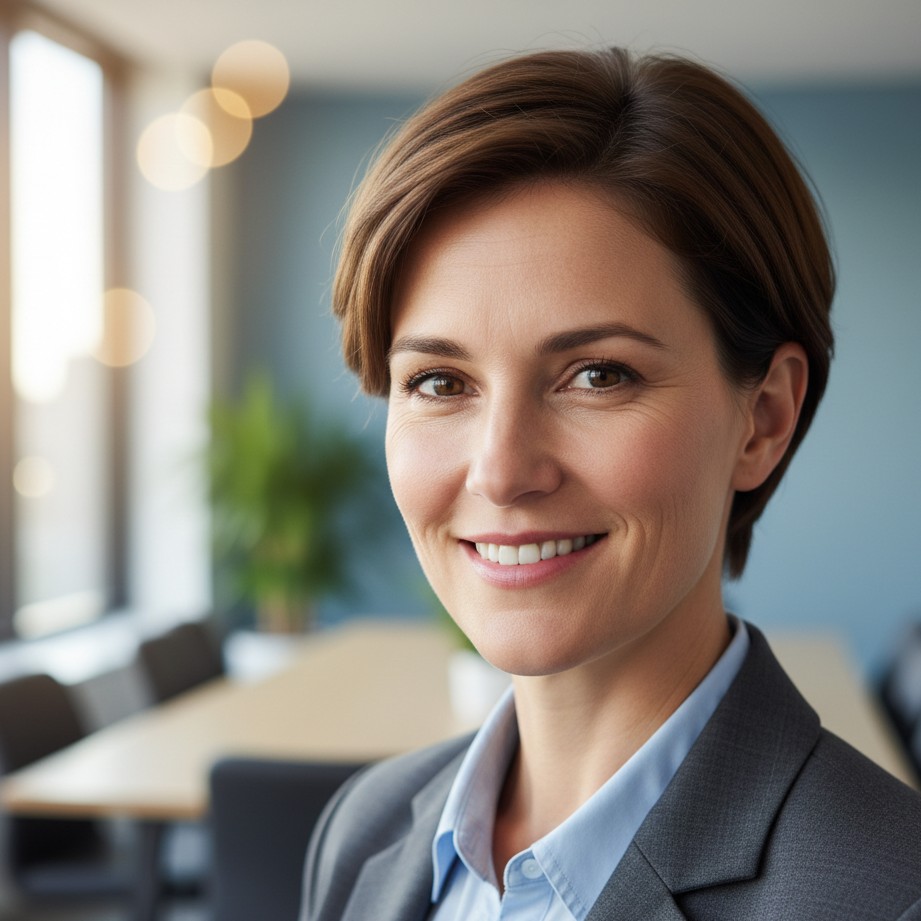
Professional office blur to keep focus on your expression.
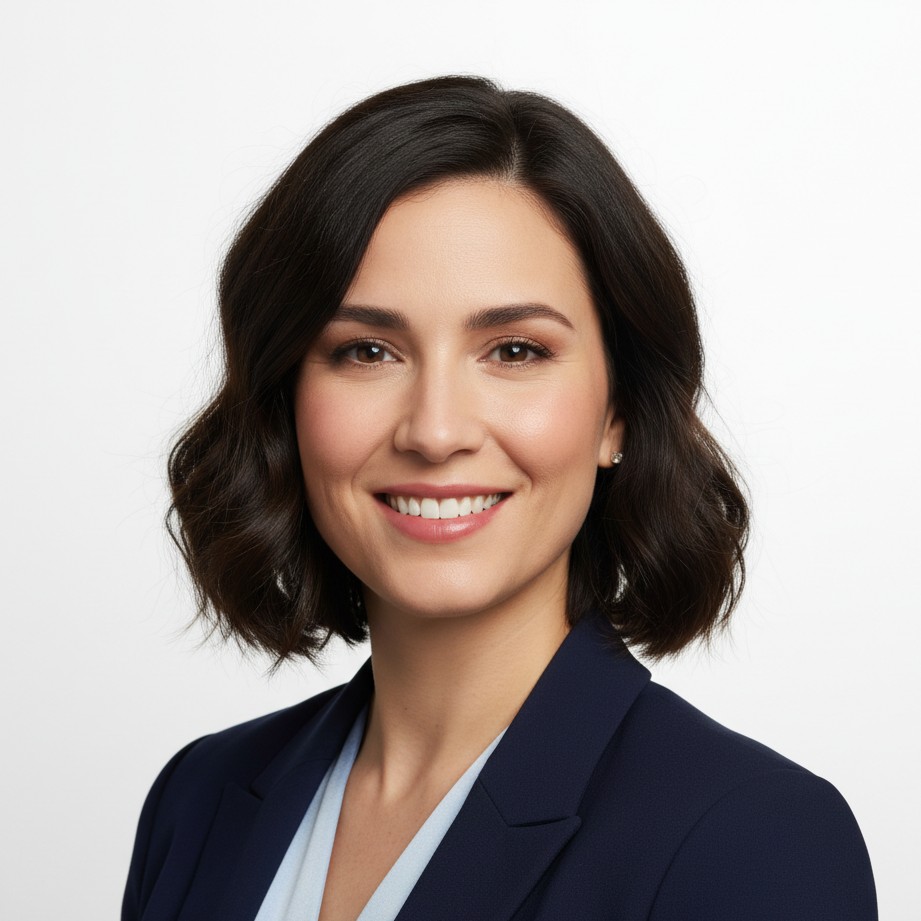
Bright recruiter-friendly look for CV and resume profiles.
If you want polished results without studio logistics, AI professional headshot tools are the fastest path.
SceneYou.art removes technical friction. You upload one clear photo, choose a style, and the AI handles outfit polish, skin tone balancing, and professional background generation.
From corporate to creative profiles, these styles show how AI adapts outfits, background depth, and facial polish without over-editing.
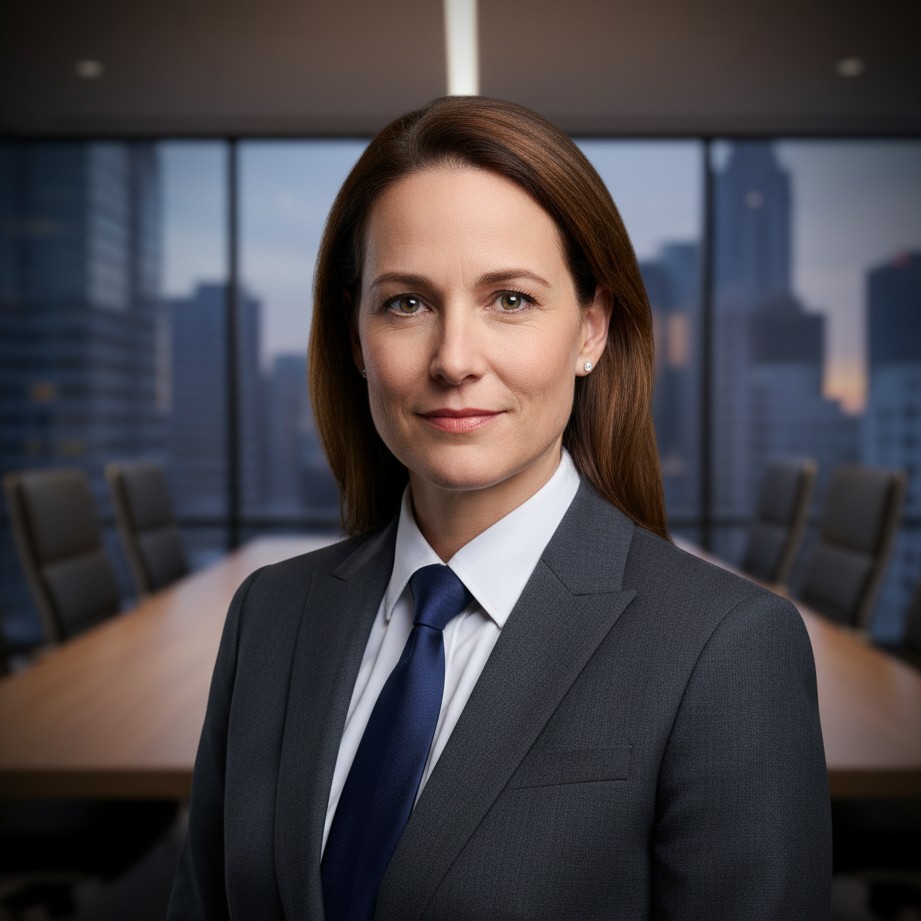
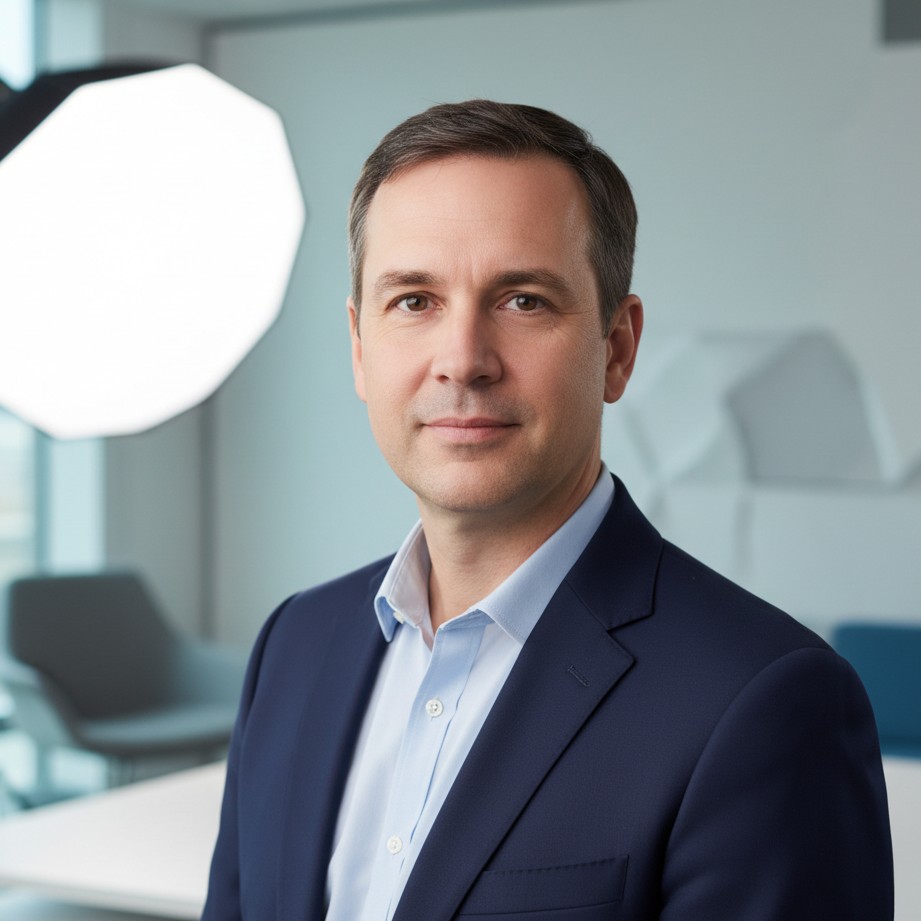
Leadership-focused portrait with strong boardroom presence.
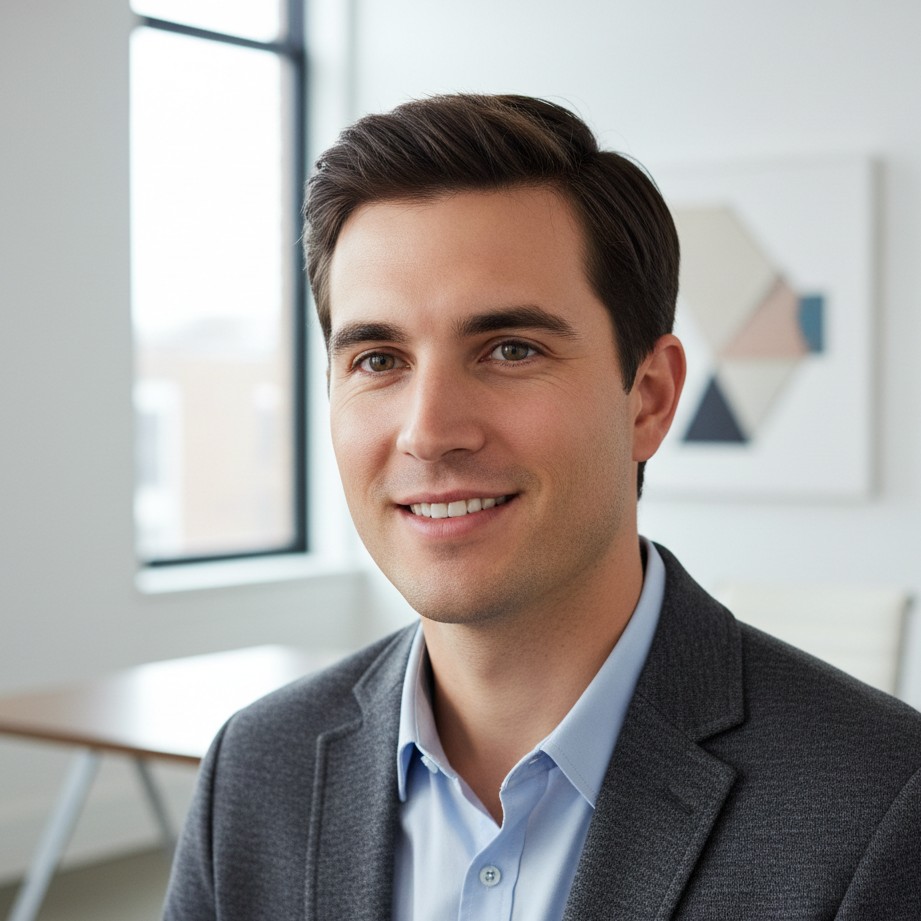
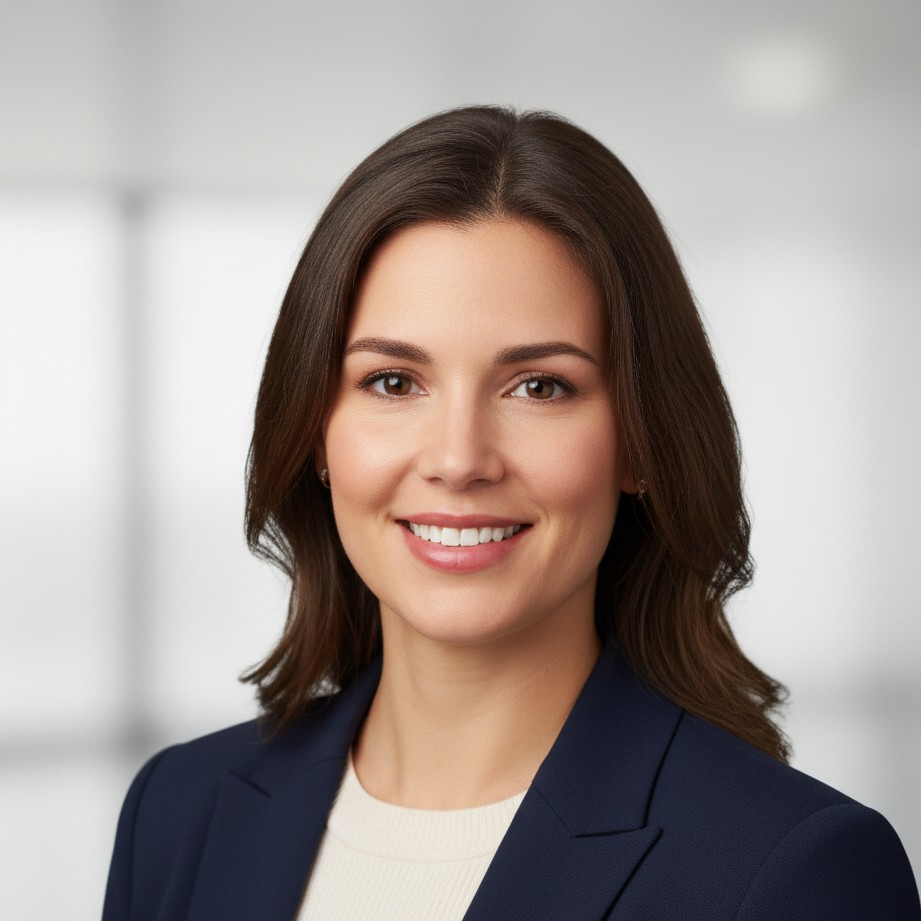
Balanced modern look for founders and growth teams.

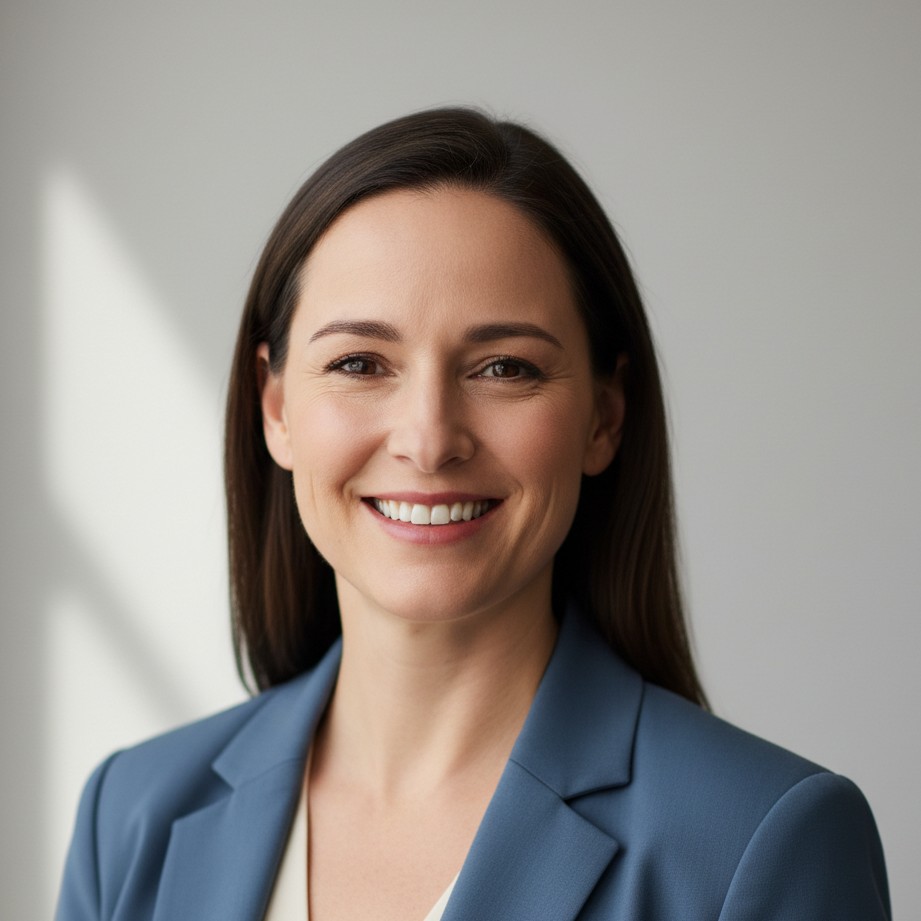
Clean, trustworthy style for healthcare and clinic profiles.
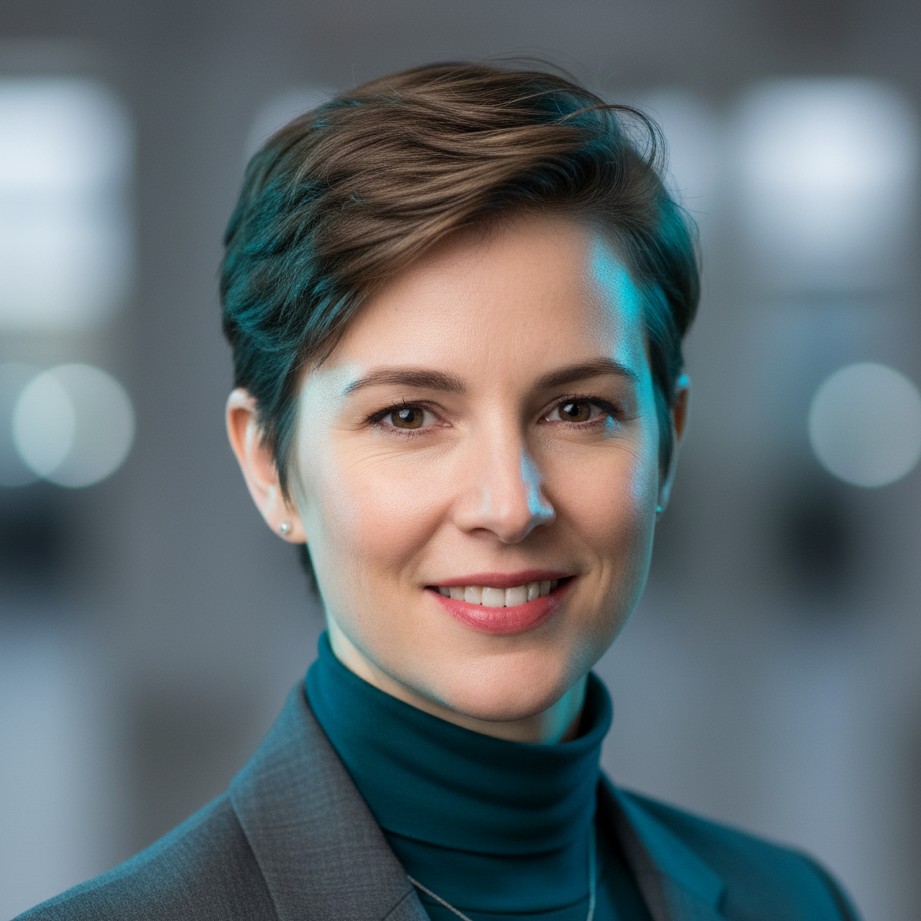
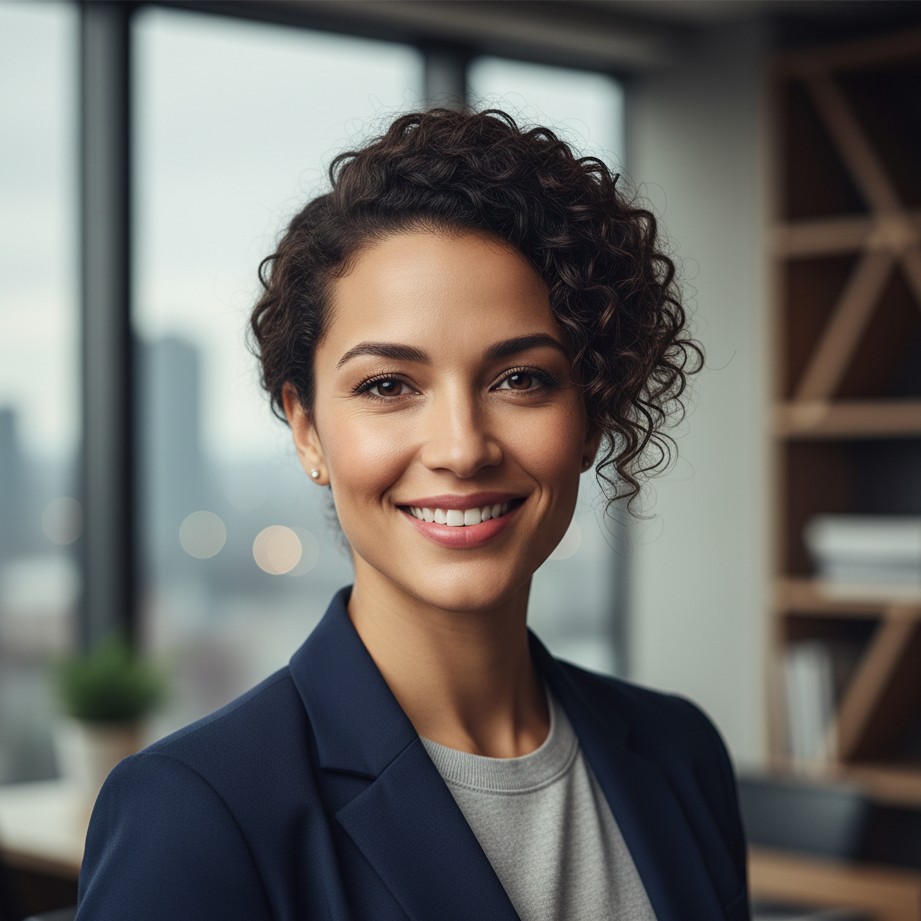
Sharper contrast and personality for creative professionals.
Use role-specific wardrobe tones and background mood to match finance, tech, HR, product, and founder positioning.
Your clothing signals your industry and role level.
Upgrade your profile with a professional image that reflects your real capability. Upload one photo and generate your headshot with SceneYou.art.
Traditional studio headshots often cost between 150 and 500 USD or more. AI professional headshots usually cost much less while still delivering polished business-ready results.
Yes. A clear selfie can be transformed into a professional headshot when AI corrects lens distortion, improves lighting, and replaces distracting backgrounds.
Neutral gray, white, or softly blurred office backgrounds perform well because they keep attention on your face while signaling professionalism.
Choose industry-appropriate solid colors and clean lines. Finance and legal roles usually prefer blazer or suit looks, while tech and creative roles can use refined smart-casual styles.