How to Generate Realistic Fake Travel Photos for Instagram with AI
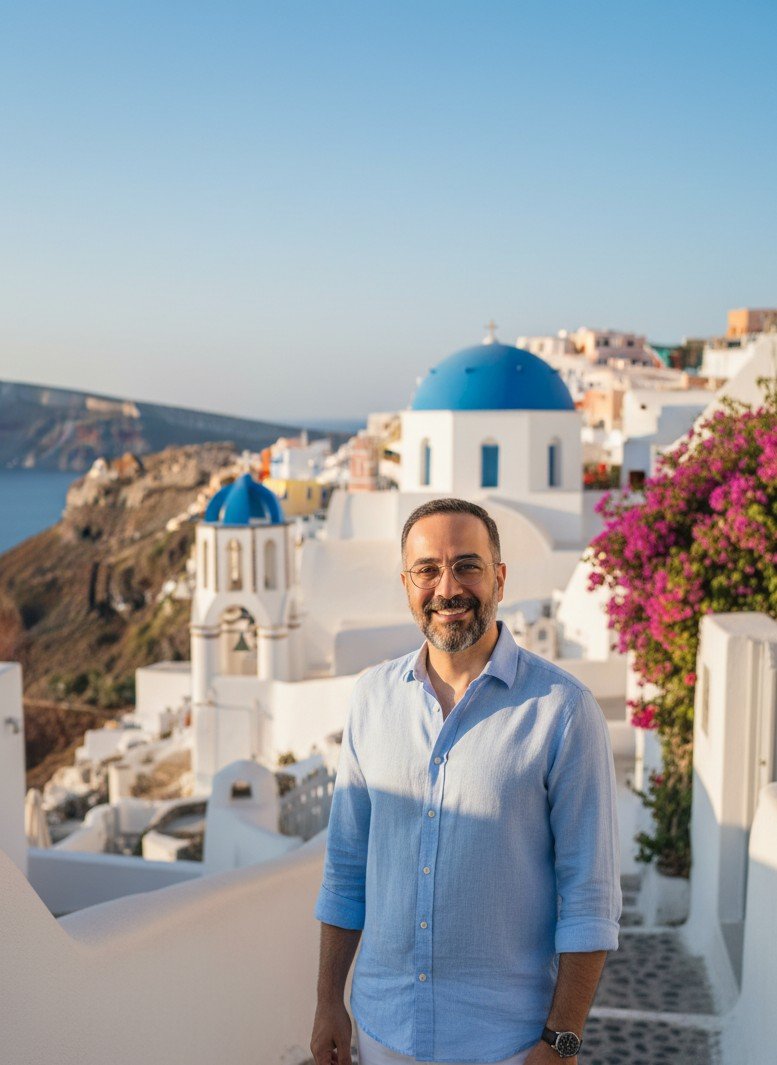
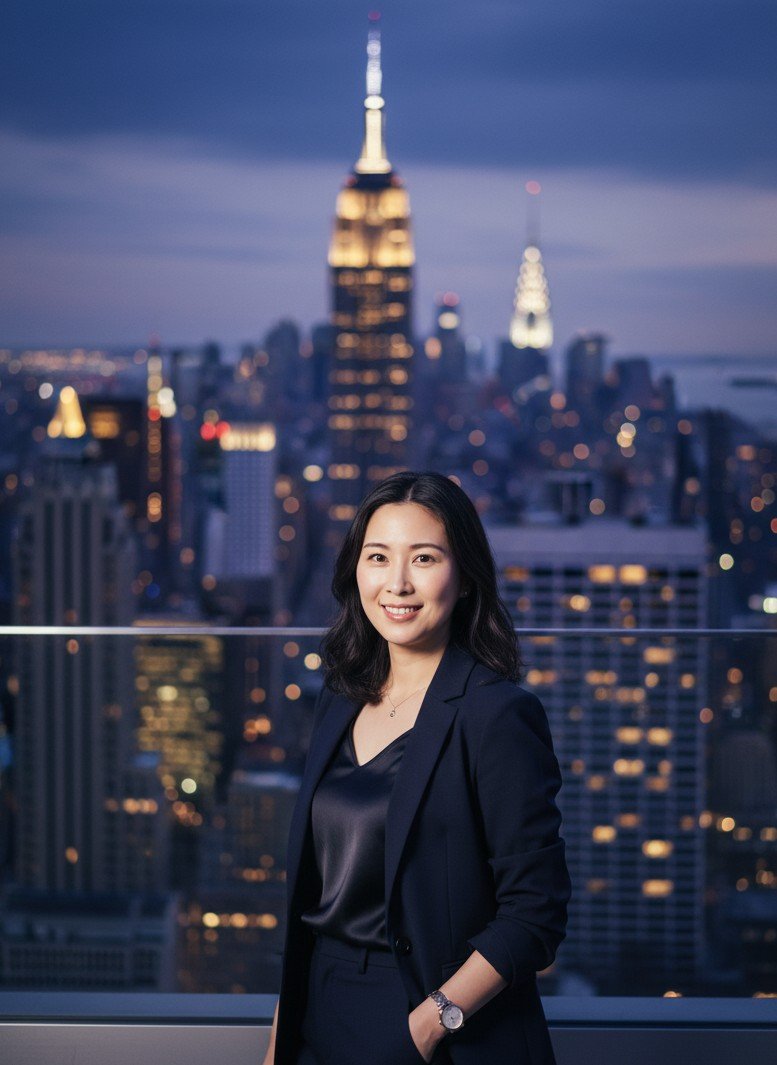
Want to post stunning travel photos without the flight ticket? Generate hyper-realistic fake vacation photos for Instagram with SceneYou.art — zero “AI plastic” look.
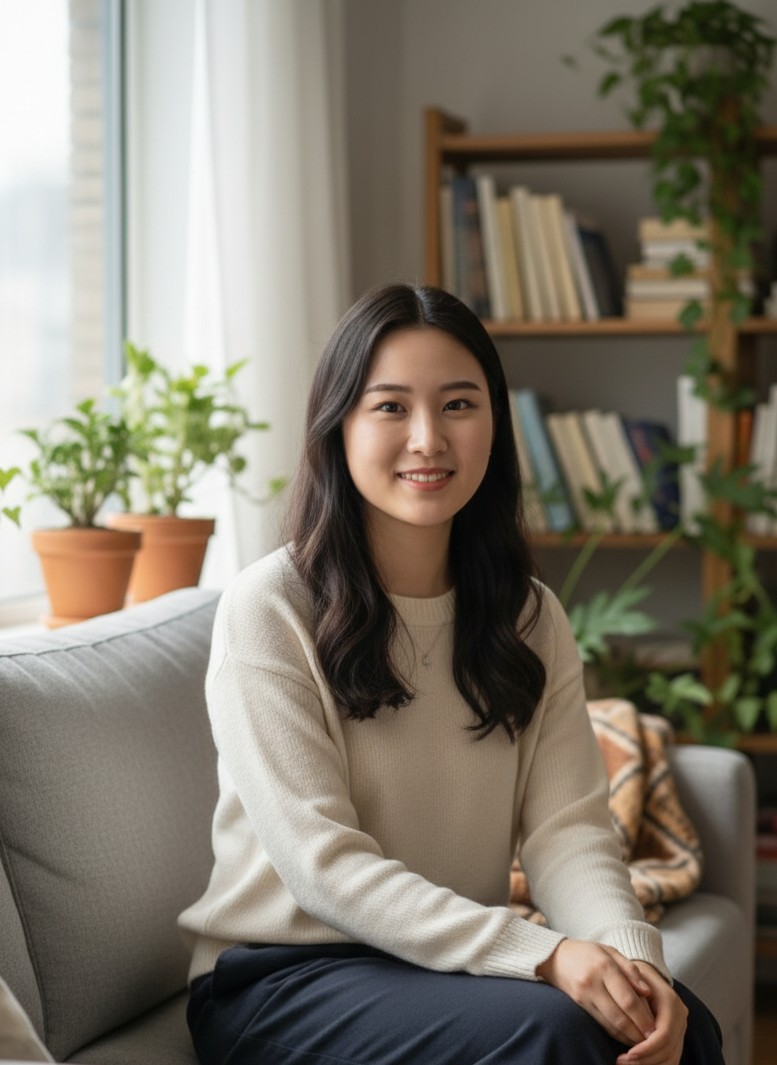
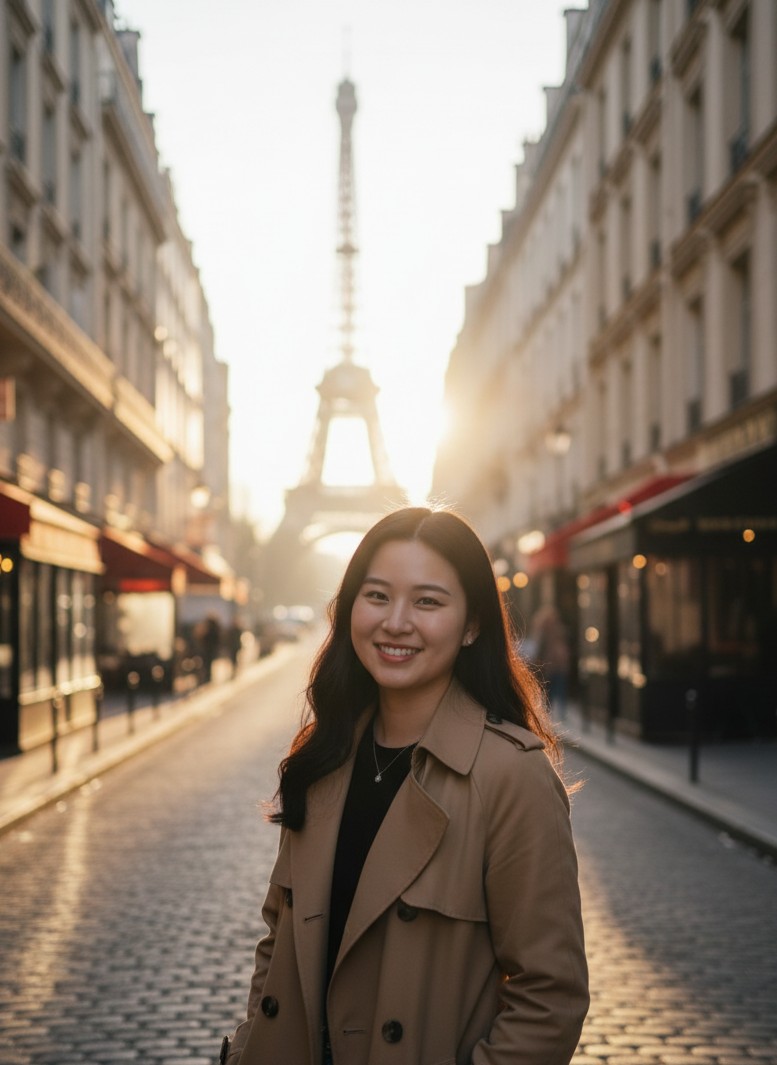
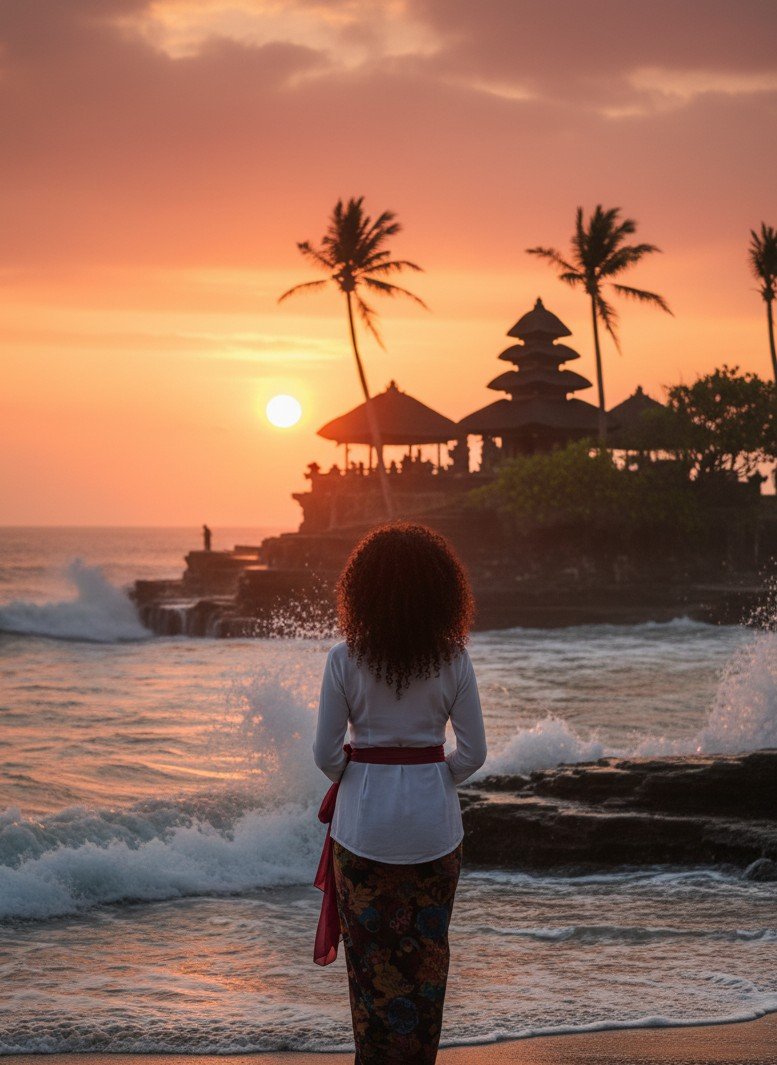
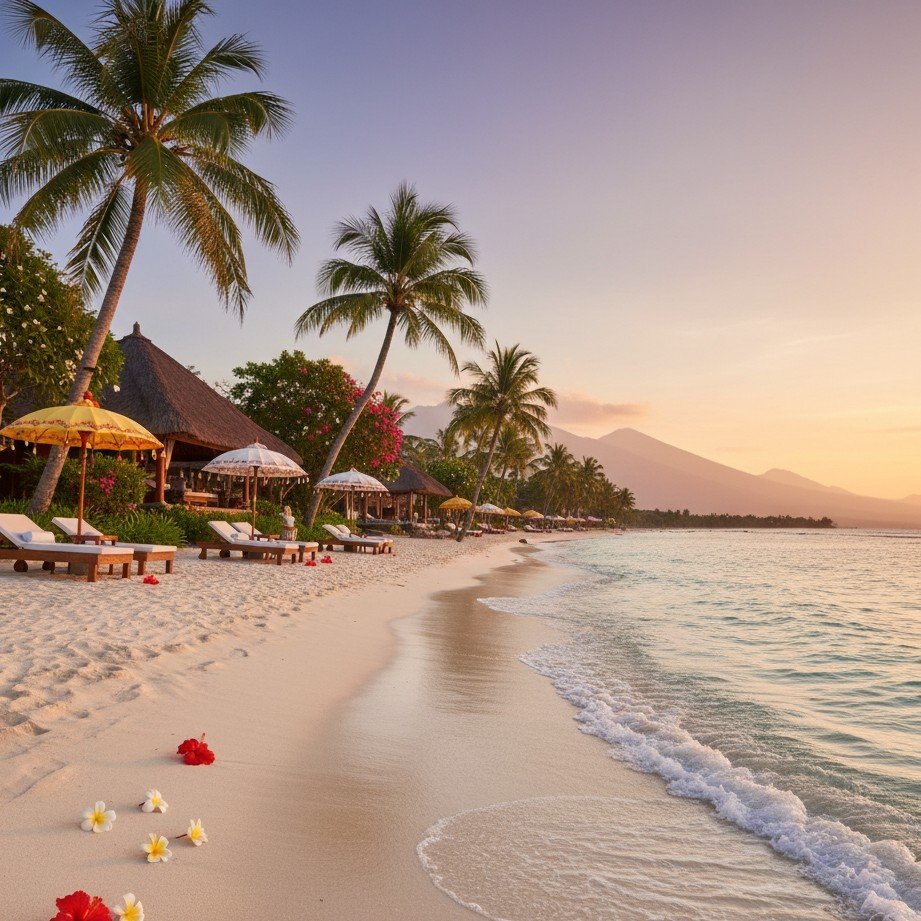
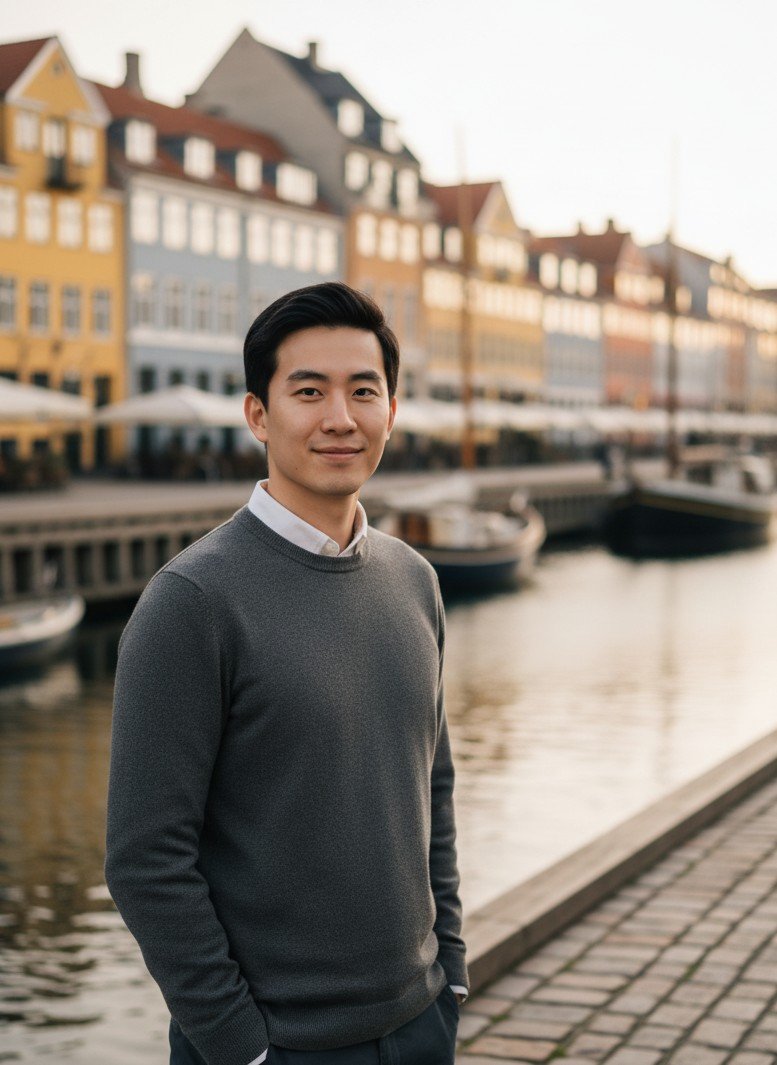
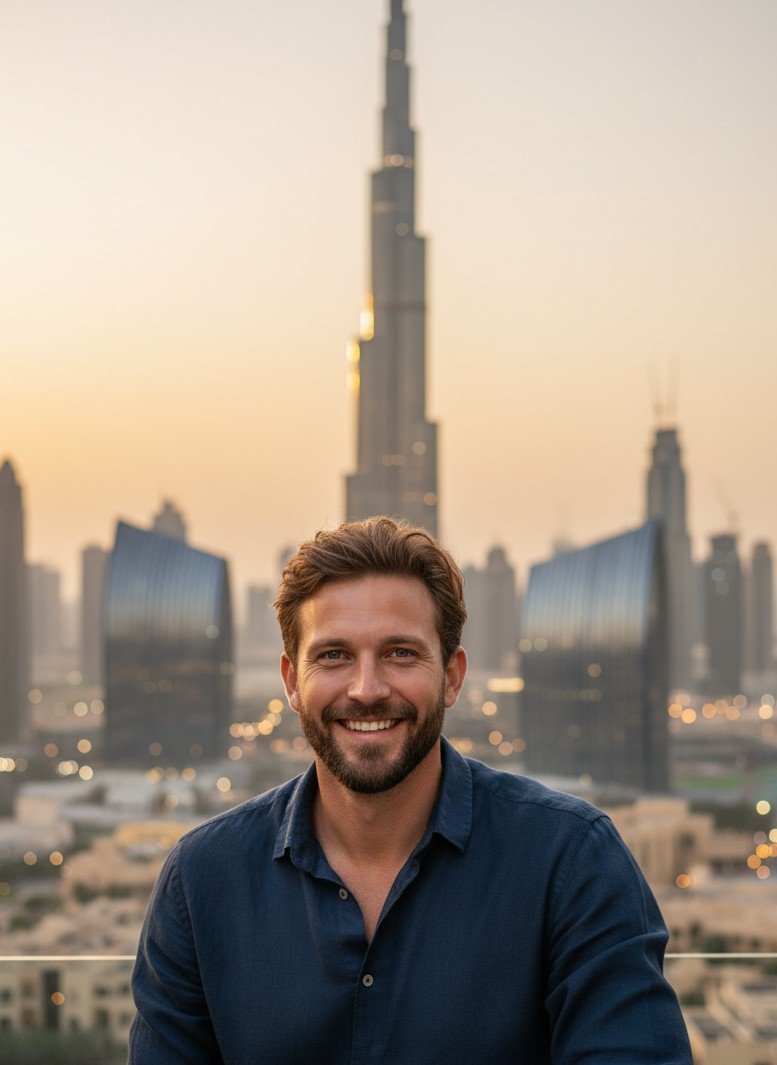
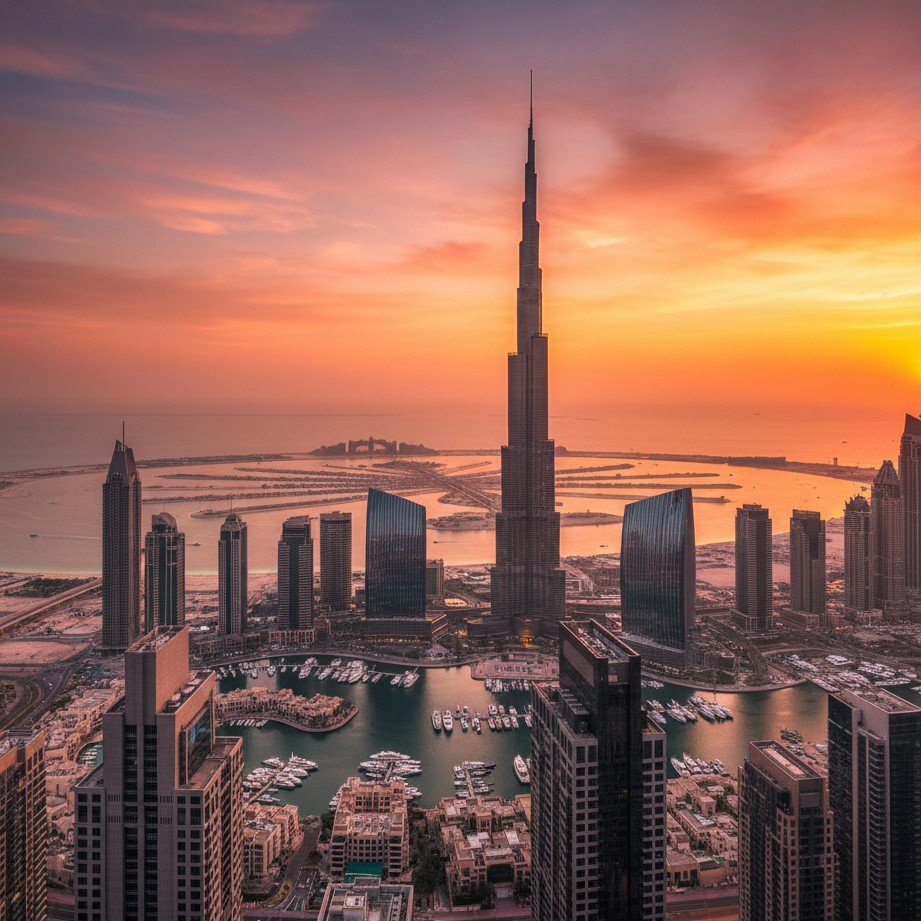
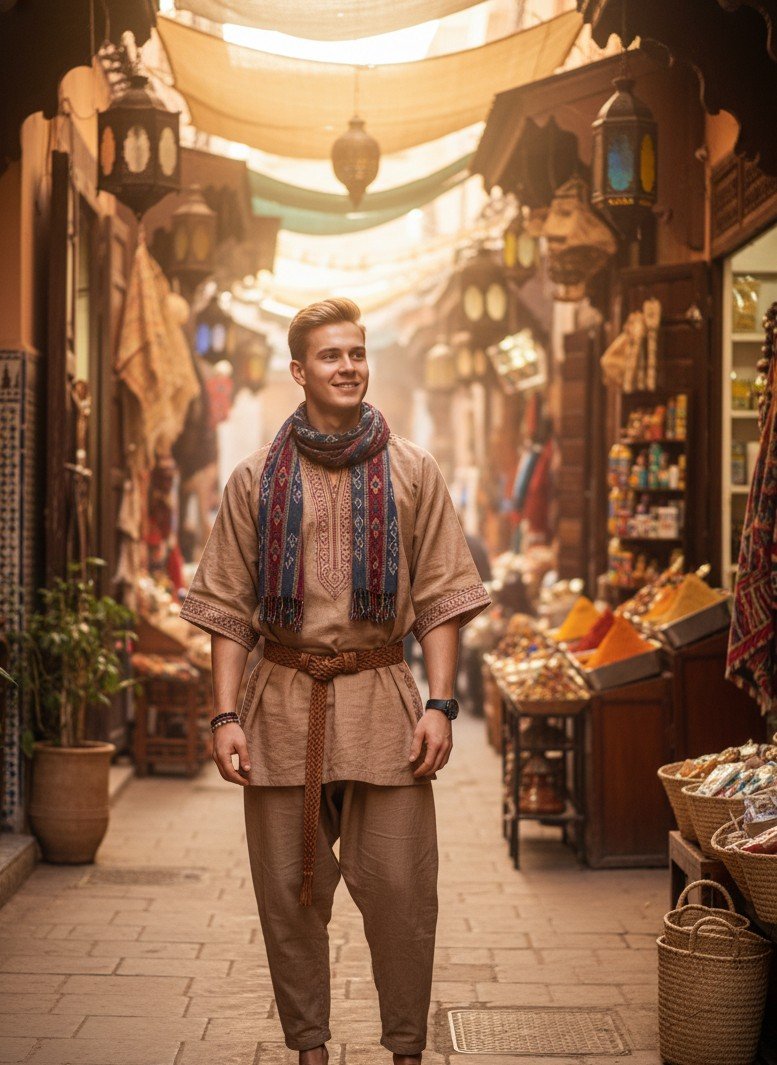
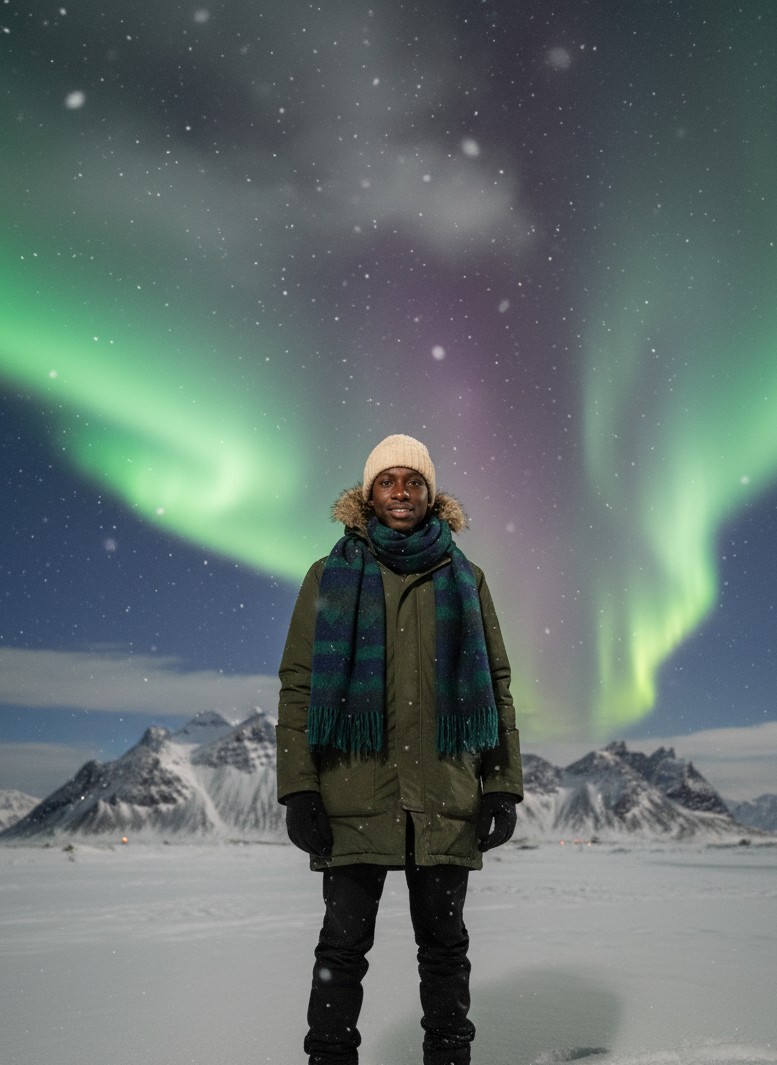
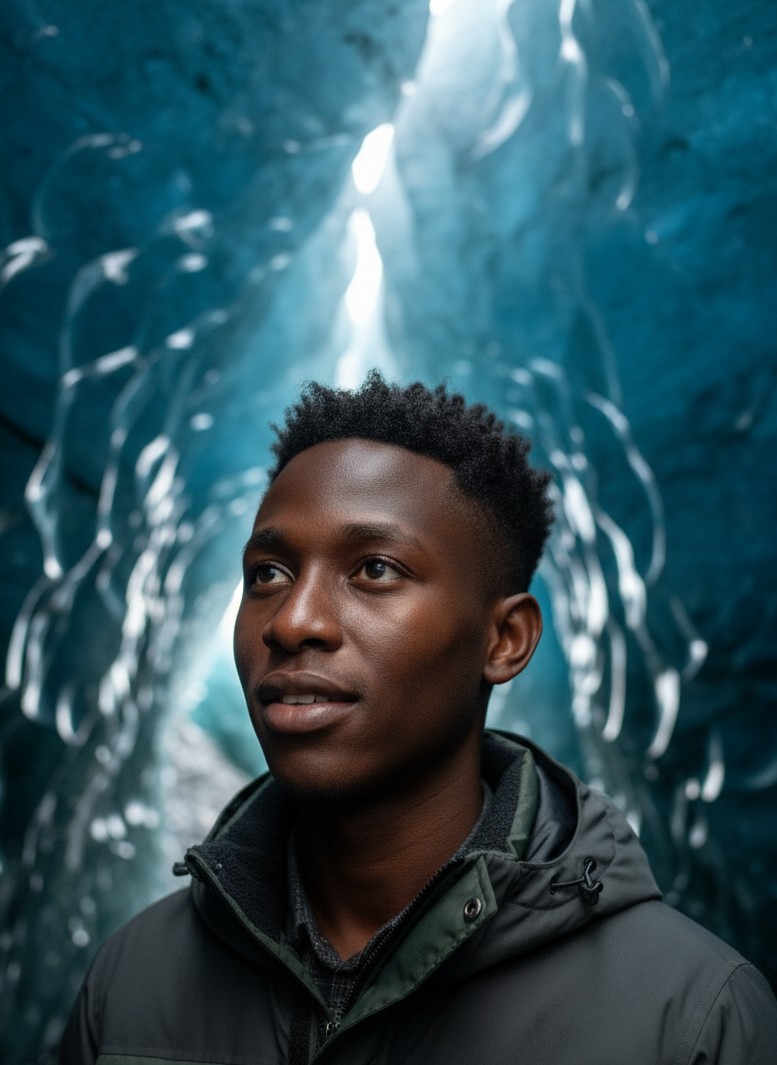
A calm, travel-like vibe — with lots of images
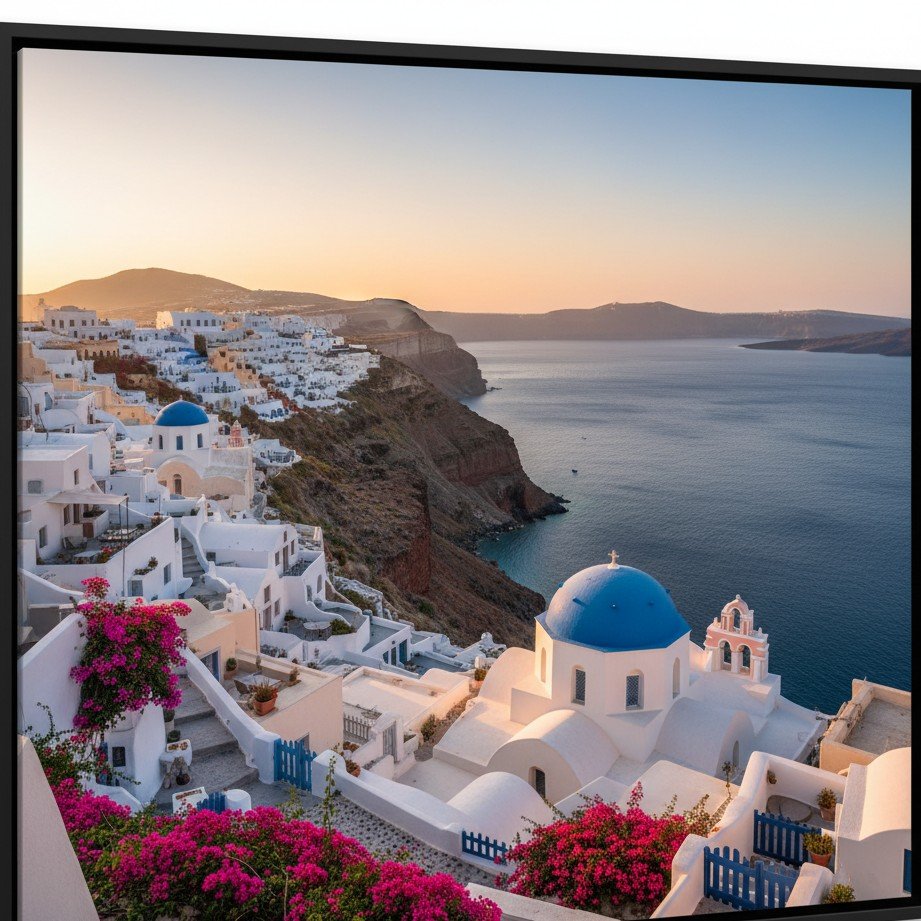
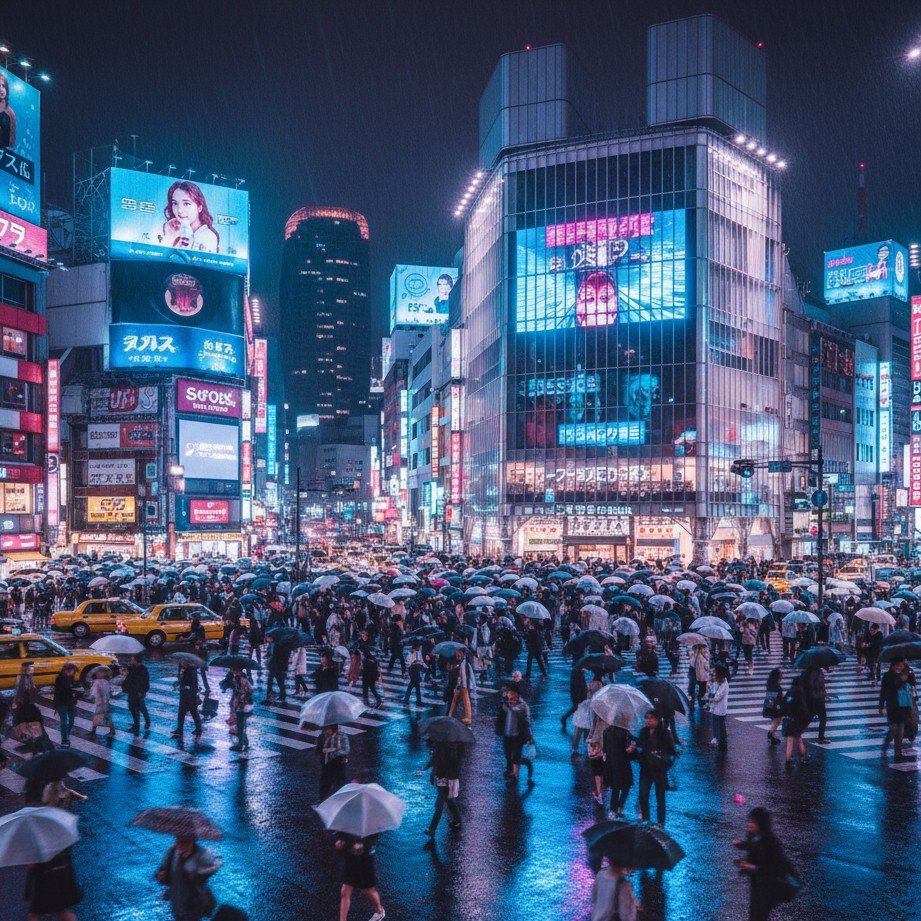
Beaches, mountain lakes, snowy nights, rooftop cities — pick a scene and let the AI do the blending.
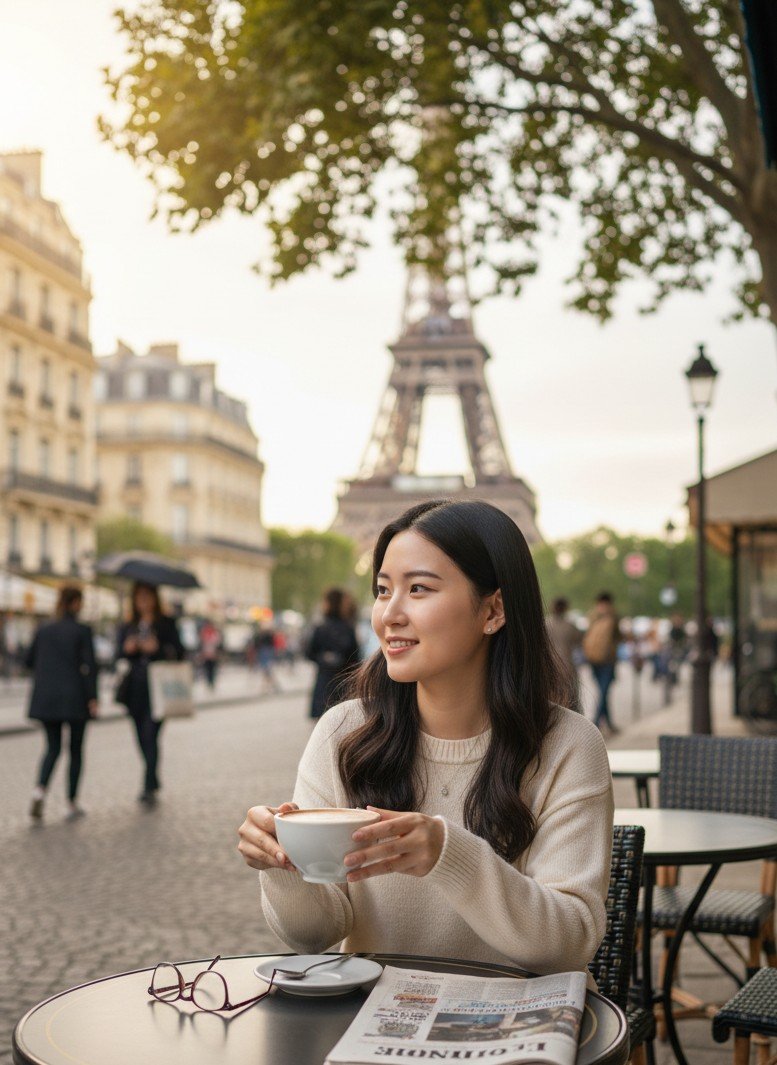
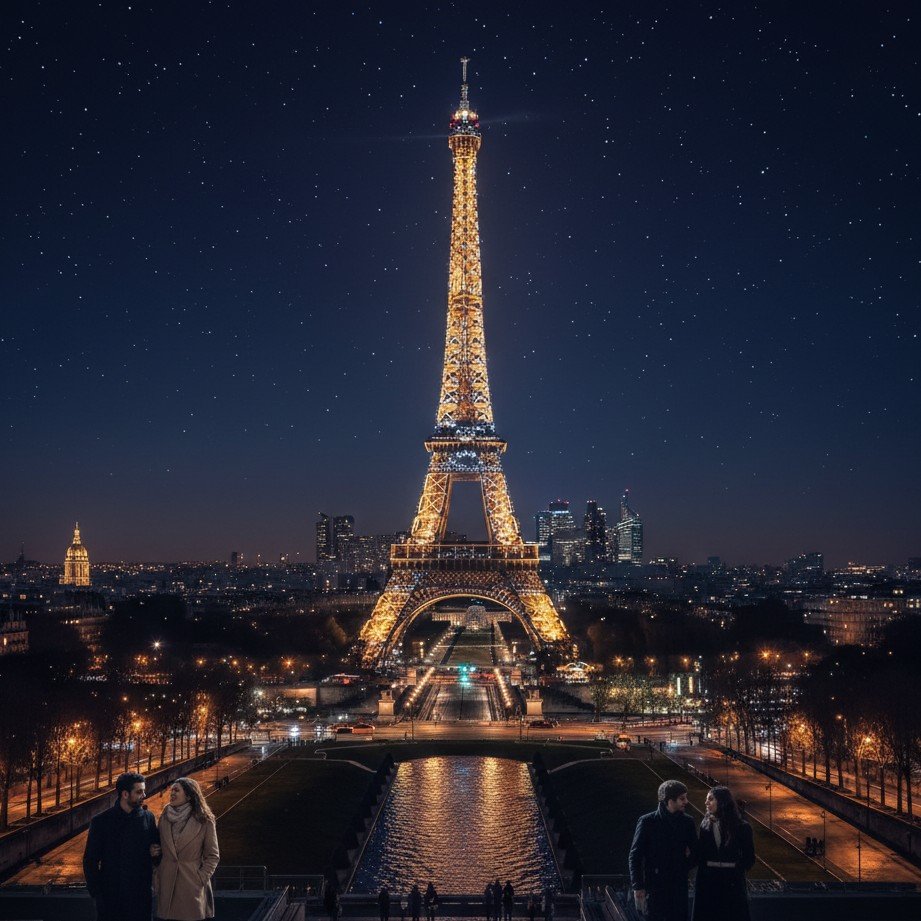

Why “Digital Travel” is Taking Over Instagram
It’s not just about fooling people; it’s about creative expression and digital escapism. For content creators and burned-out professionals, AI offers a way to maintain a high-quality feed without the travel burnout.
The Problem with Generic AI Tools
Searching for “fake travel photos” often leads to prank apps or low-quality generators. The common issues include:
- Unnatural lighting The sun on your face doesn’t match the background shadows or color temperature.
- Plastic skin AI filters often remove skin texture, making you look like a digital doll.
- Distorted landmarks Background settings look warped, historically incorrect, or AI-generated.
Unlike generic generators that rely on complex prompts, SceneYou uses pre-trained, professional photography templates. We lock the lighting and perspective logic to ensure your character blends seamlessly into the scene.
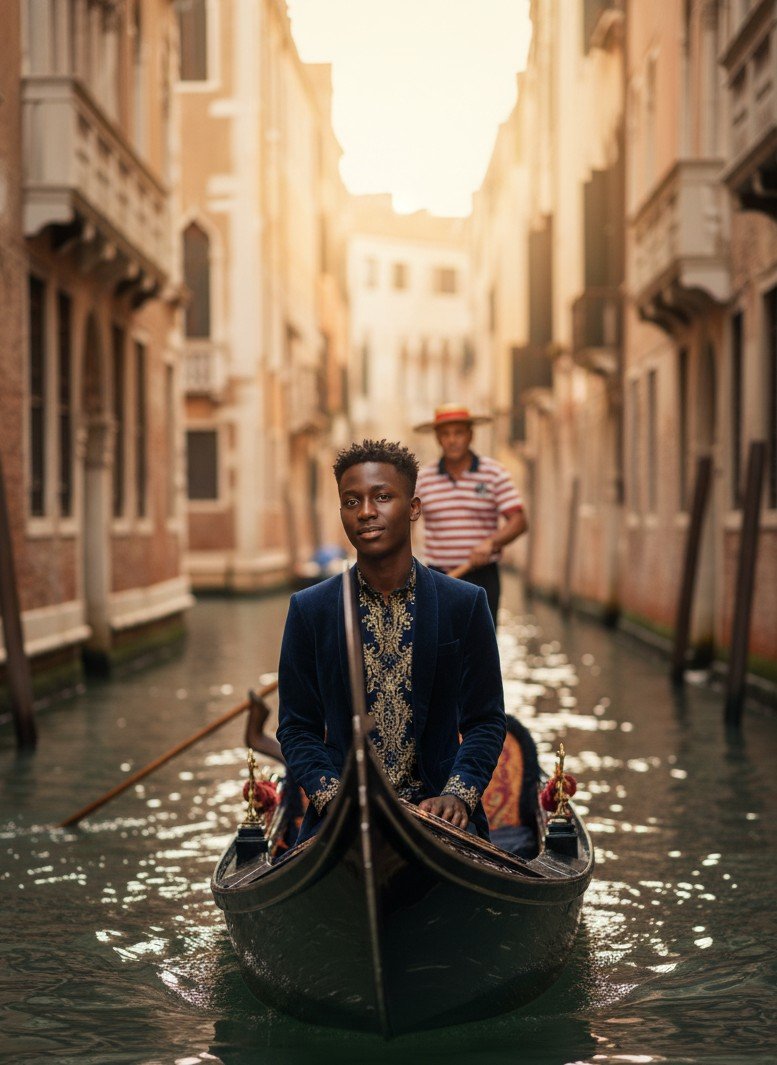
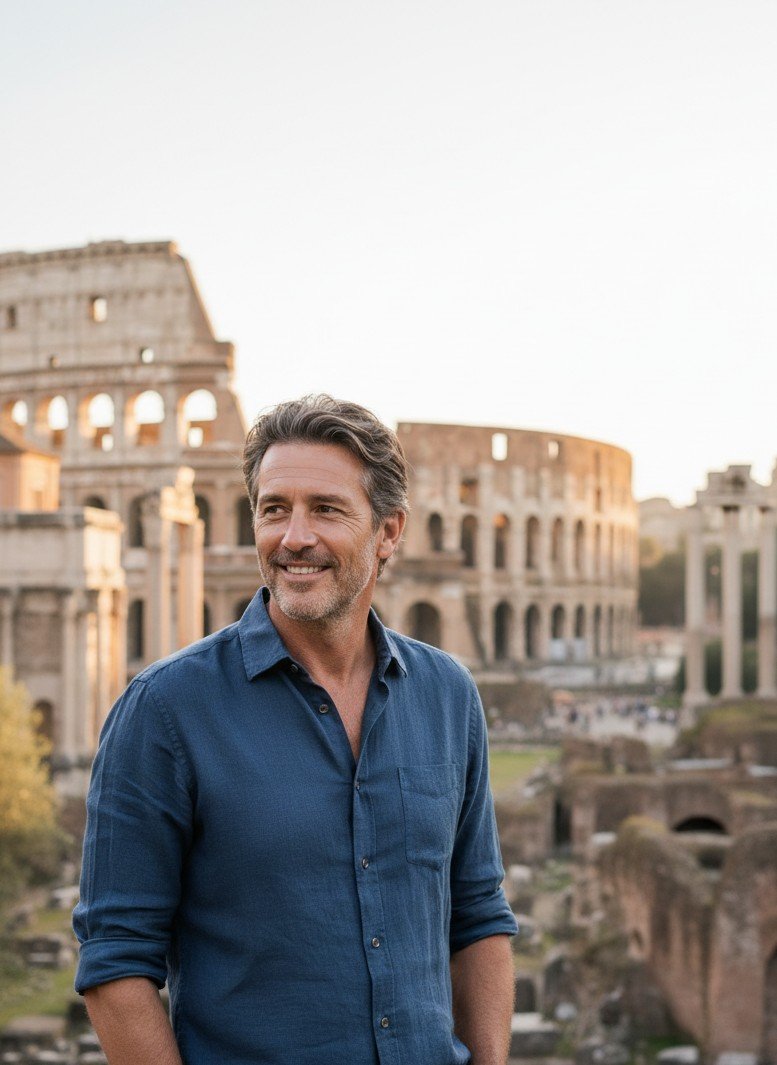
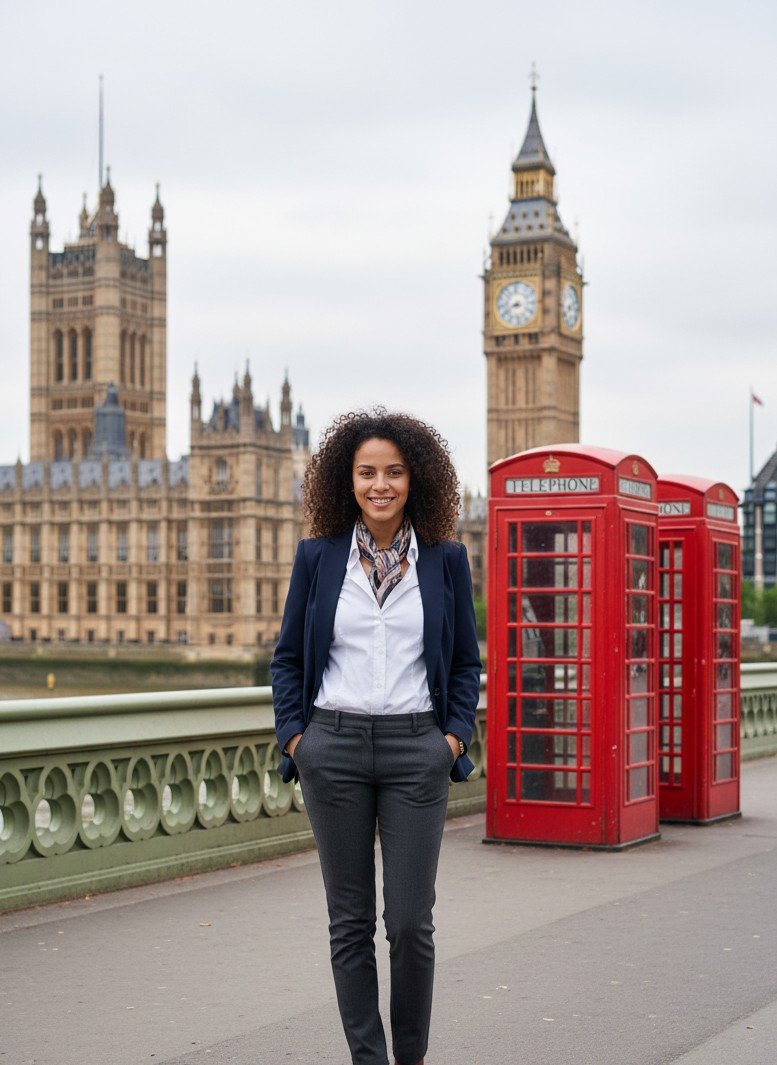
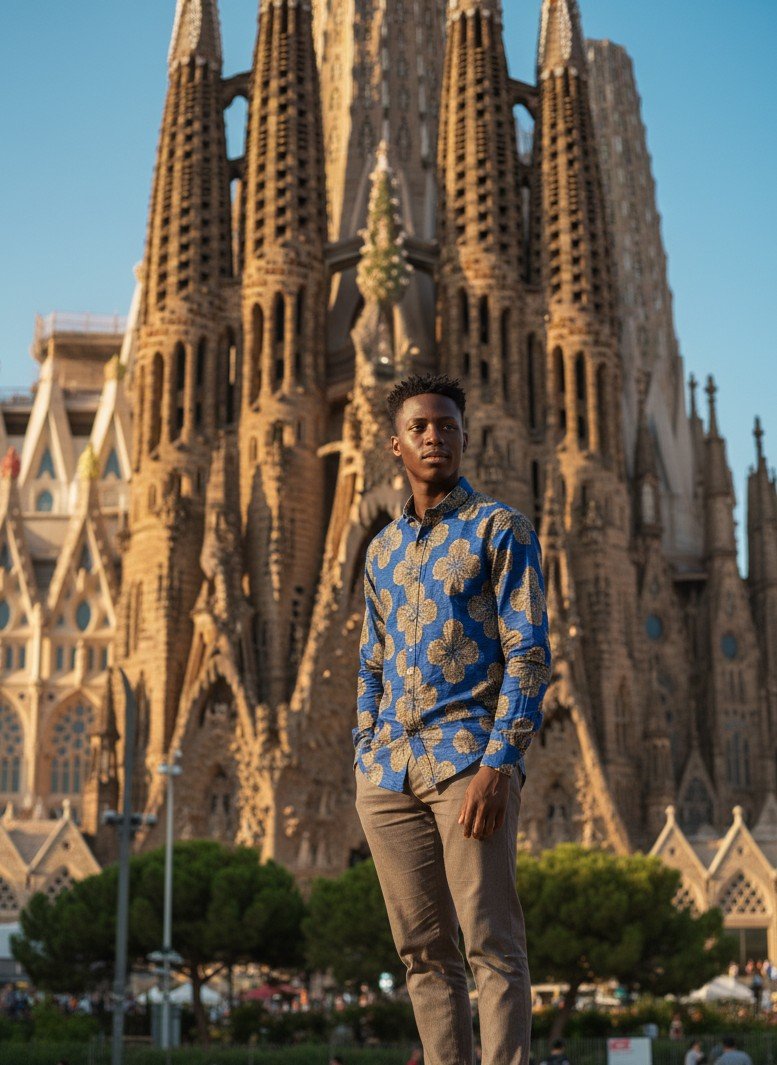
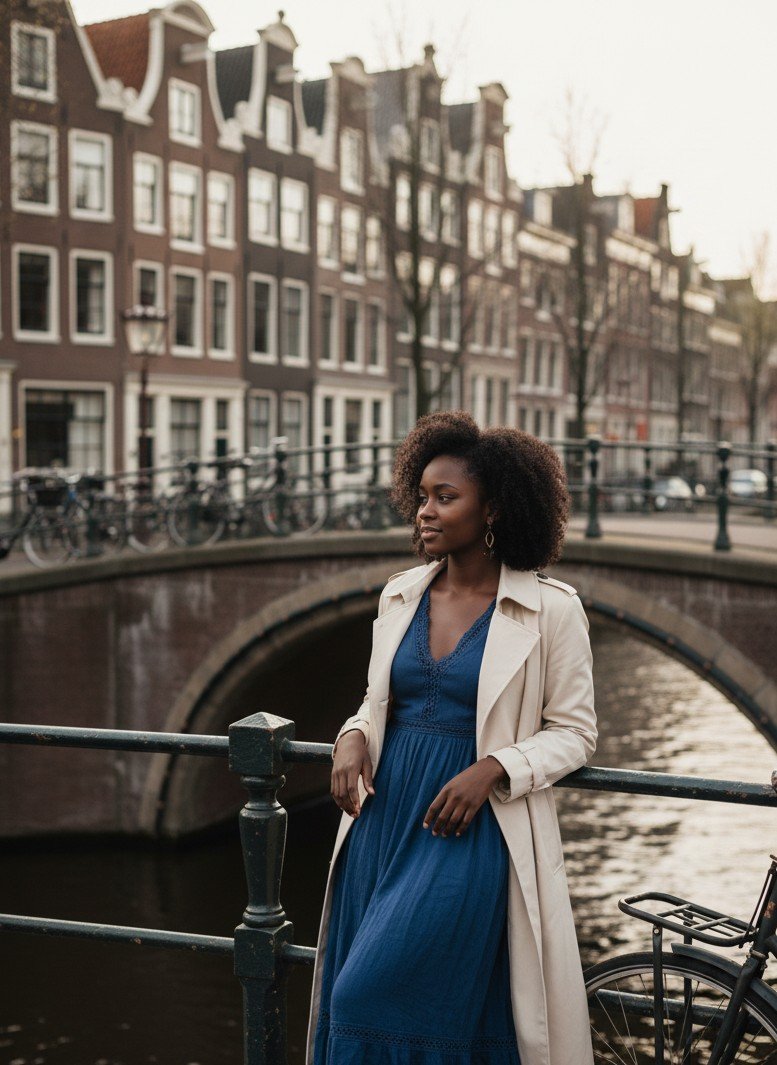
How to Create Your AI Travel Photo
Forget complex prompts. We’ve done the heavy lifting so you can focus on the vibe.
Pro Tips for Convincing Feeds
To make your realistic AI photos truly undetectable on your Instagram feed:
Frequently Asked Questions about AI Travel Photos
Quick answers optimized for “People Also Ask”.
Is there an app to fake travel photos that looks real?
How do influencers fake travel photos?
Do I need to write AI prompts?
Can I use these photos for professional profiles?
Ready to travel the world from your phone?
Stop scrolling through other people’s vacation photos and start creating your own. Experience the freedom of style with SceneYou.
The Ultimate Guide to Realistic AI Travel Photos for Instagram
Let’s face it: we all need a break. But between expensive flights, busy schedules, and the pressure to look perfect on camera, a real world tour isn't always possible. Enter the era of AI travel photography.
You might have seen the viral trend of "faking a vacation" on social media. But there's a problem: most AI tools create images that look plastic, awkward, and obviously fake. If you want to impress your followers on Instagram, you need more than a face-swap app—you need a virtual photographer.
In this guide, we’ll show you how to create realistic fake travel photos that look so authentic, even your closest friends might ask, "When did you fly to Paris?"
Why "Digital Travel" is Taking Over Instagram
It’s not just about fooling people; it’s about creative expression and digital escapism. For content creators and burned-out professionals, AI offers a way to maintain a high-quality feed without the burnout.
- Cost-Effective: Skip the $1,000 plane ticket.
- Weather-Proof: It’s always golden hour in SceneYou.art.
- Consistency: Keep your Instagram grid aesthetic perfect, even when you're working from home.
The Problem with Generic AI Tools (And How to Fix It)
Searching for "fake travel photos" often leads to prank apps or low-quality generators. The common issues include:
- Unnatural Lighting: The sun on your face doesn't match the background shadows.
- Plastic Skin: AI filters often remove skin texture, making you look like a doll.
- Distorted Backgrounds: Famous landmarks look warped or incorrect.
The Solution? SceneYou.art. Unlike generic generators that rely on complex prompts (like Stable Diffusion), SceneYou uses pre-trained, professional photography templates. We lock the lighting and perspective logic to ensure your character blends seamlessly into the scene.
How to Create Your AI Travel Photo in Seconds
Forget about typing lengthy prompts like "woman standing in front of Eiffel Tower, cinematic lighting, 8k...". With SceneYou, you get instant access to over 1,000+ professionally curated templates.
- Upload a Selfie: Just one clear photo is all it takes. No long training process.
- Choose Your Destination: From the romantic streets of Paris and the beaches of Bali to the snowy peaks of Iceland. We also offer specific styles like Cyberpunk, Vintage Film, and Hanfu (Chinese Traditional).
- Generate & Download: Our AI handles the heavy lifting—adjusting skin tones, matching lighting, and fixing hair details automatically.
5 Tips for Posting "Fake" Travel Photos on Instagram
To make your realistic AI photos truly convincing on your feed:
- Match the Caption: Don't just post an image. Share a story or a quote about the location.
- Use the Right Aspect Ratio: SceneYou generates photos optimized for Instagram Posts (4:5) and Stories (9:16).
- Mix with Real Life: Alternate between your AI travel shots and your daily life stories to keep your persona grounded.
- Avoid Over-Filtering: Our AI output is already graded with film-like colors. Adding too many extra Instagram filters might degrade the quality.
- Tag the Location: Use the geo-tag of the landmark to boost your reach.
Frequently Asked Questions about AI Travel Photos
Q1: Is there an app to fake travel photos that looks real?
A: Yes. SceneYou.art is designed specifically for realism. Unlike basic face-swap apps, it reconstructs the lighting and shadows of your face to match the environment perfectly, making it the best choice for realistic AI travel photos.
Q2: How do influencers fake travel photos?
A: Many influencers now use generative AI tools. Instead of flying to a location for a single brand deal, they use platforms like SceneYou to generate high-quality lifestyle shots in diverse locations like Tokyo, New York, or Santorini without leaving their studio.
Q3: Do I need to write AI prompts?
A: No. With SceneYou.art, you don't need to learn prompt engineering. We provide over 1,000 built-in templates covering travel, business, fitness, and artistic styles. You simply select the scene you want.
Q4: Can I use these photos for professional profiles?
A: Absolutely. Beyond travel, SceneYou offers templates for Business Headshots and LinkedIn profiles. The quality is comparable to a professional studio shoot.
Ready to travel the world from your phone?
Stop scrolling through other people's vacation photos and start creating your own. Experience the freedom of style with SceneYou.