Sorority Composite AI Generator
Create polished, consistent sorority-style composite portraits for recruitment packets, chapter websites, and social announcements without booking a full studio day.
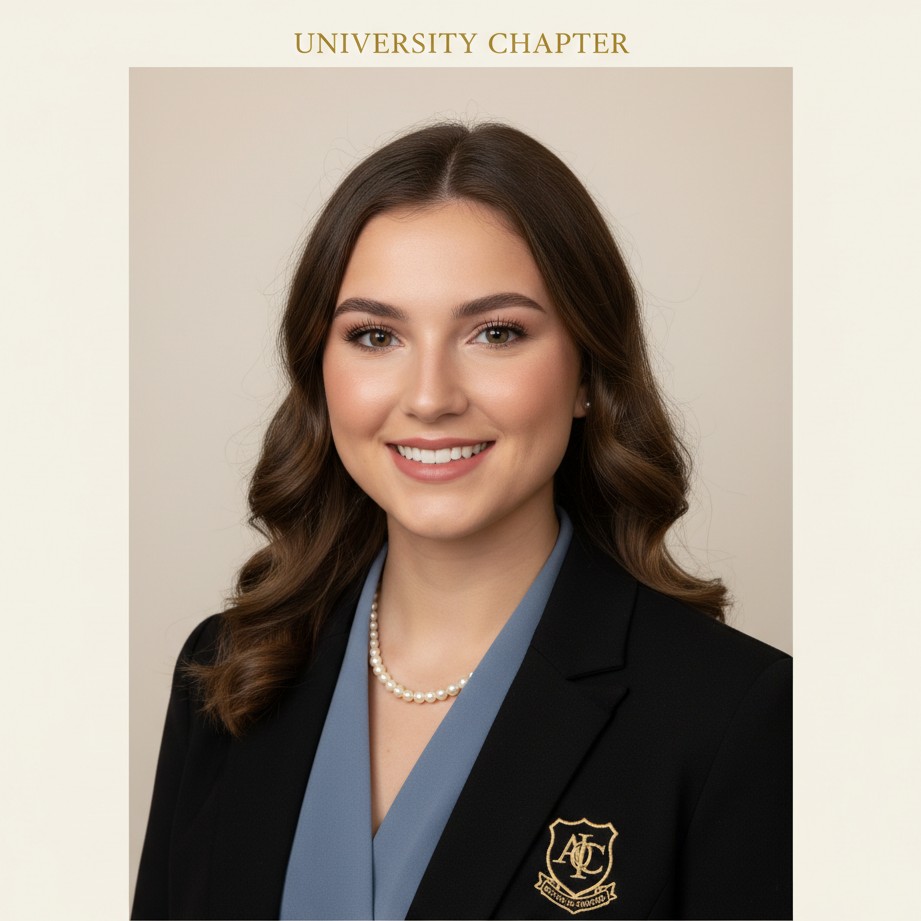
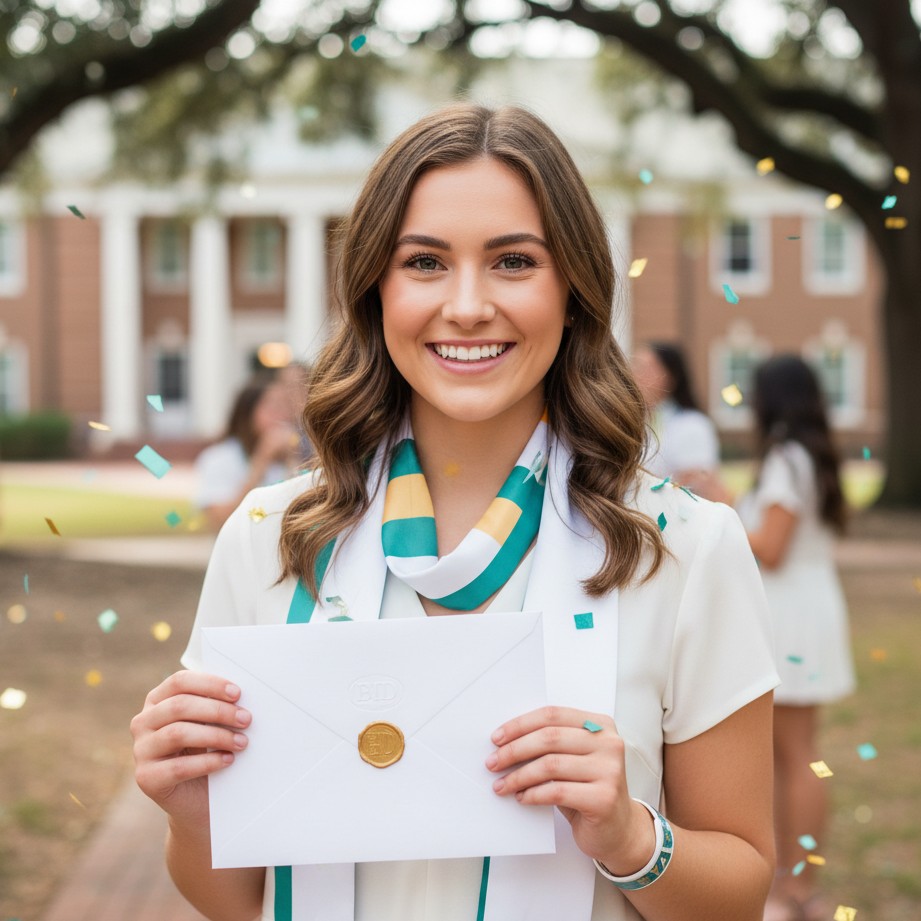
Why Sorority Composite Photos Need Consistency
A composite page works best when every portrait feels cohesive while still looking like the real member. Consistent framing, lighting, and color direction help your chapter look organized and professional across recruitment and alumni channels.
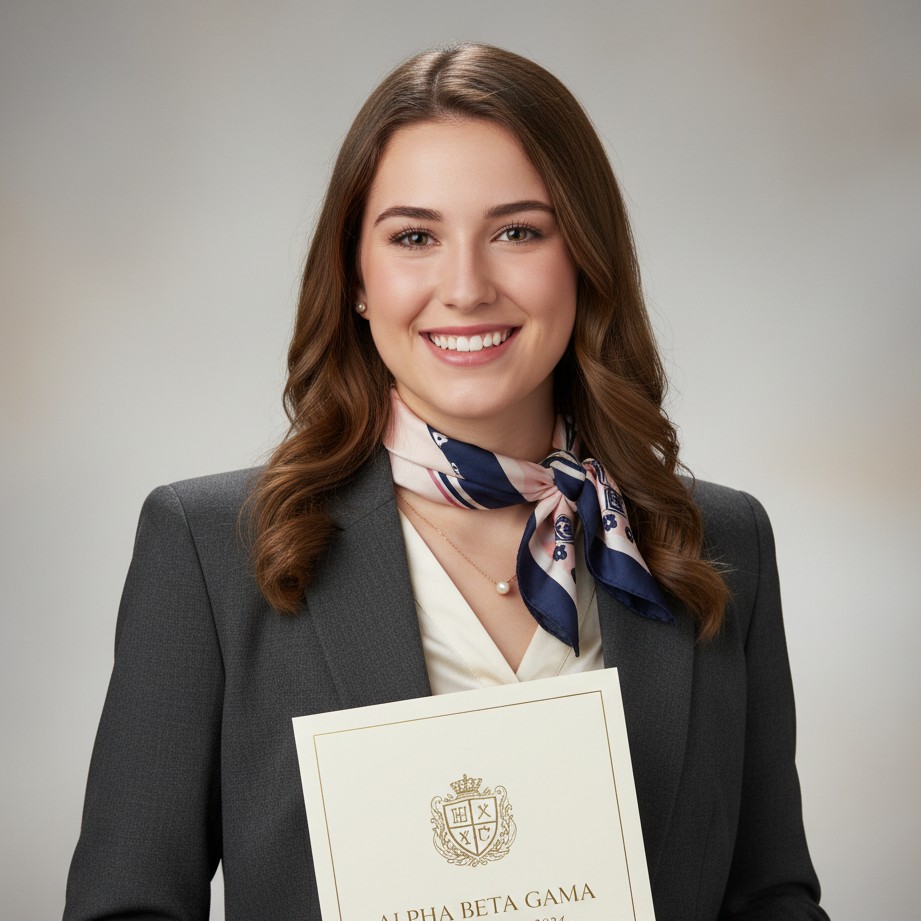
Structured formal portrait style tailored for rush packets and chapter sites.
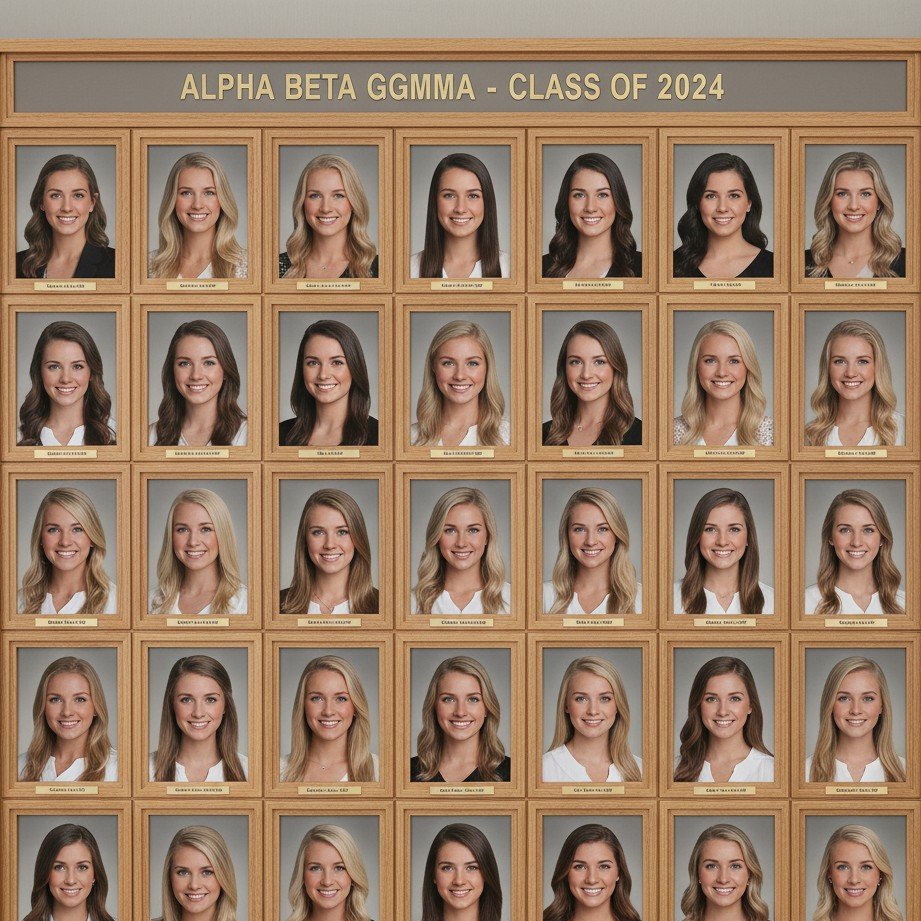
Neutral, standardized framing for easy matching across full member composites.
Unified Chapter Aesthetic
Keep every member photo aligned in tone, crop, and polish for cleaner composite boards.
Faster Recruitment Updates
Refresh chapter pages quickly when new members join or leadership roles change.
Ready for Print + Digital
Export high-resolution portraits suitable for websites, social cards, and recruitment PDFs.
Traditional composite sessions are difficult to schedule for everyone at once. SceneYou.art helps members generate matching visual direction quickly while preserving identity and natural expression.
Sorority Composite AI Generator: Build A Cohesive Chapter Look Faster
Creating a polished sorority composite board is hard when member photos are captured at different times, in different lighting, and on different devices. Inconsistent portraits can make chapter materials look unorganized even when your team is strong.
SceneYou.art helps chapters generate consistent sorority-style portraits from selfies, making recruitment packets, chapter websites, and leadership pages easier to maintain throughout the year.
What Makes A Strong Sorority Composite
Great composite boards usually share a consistent visual system: similar framing, clean lighting, balanced color tone, and authentic expressions. This consistency builds trust and makes your chapter identity feel intentional.
When image quality varies too much from person to person, recruitment and branding assets lose impact.
Recruitment-Friendly Portrait Directions
Build a first-impression set that feels warm, polished, and chapter-consistent for rush season.
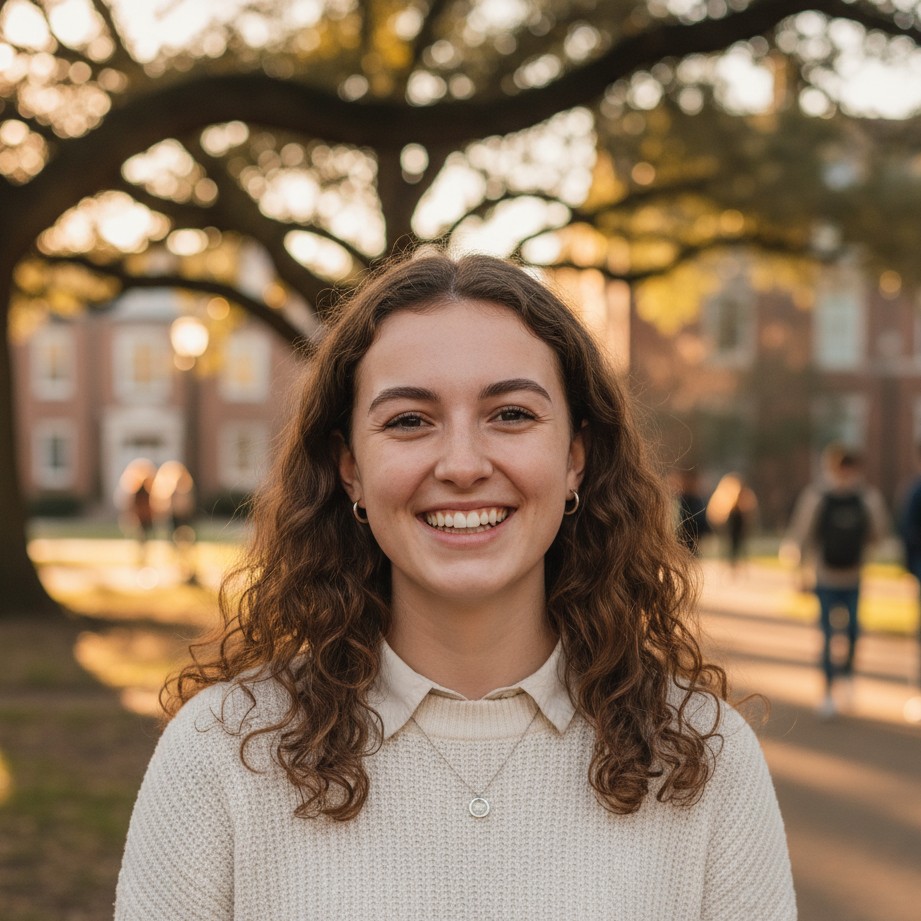
Friendly first-impression look designed for rush-week outreach campaigns.
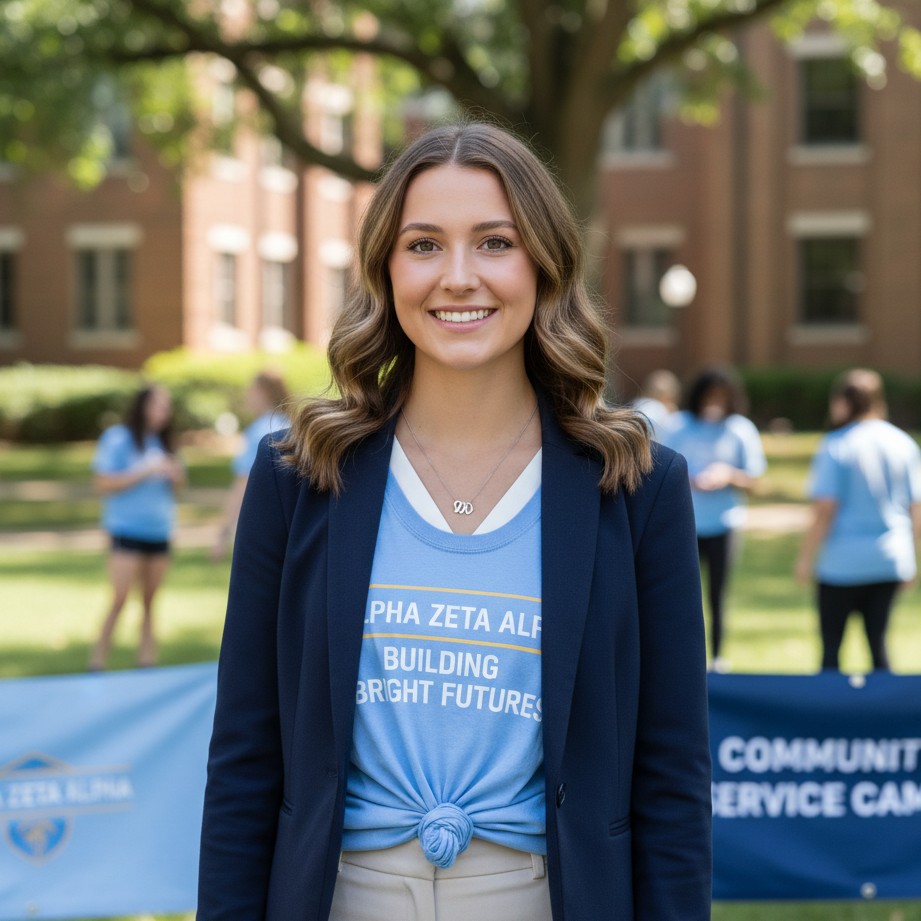
Community-focused portrait style for service highlights and impact storytelling.
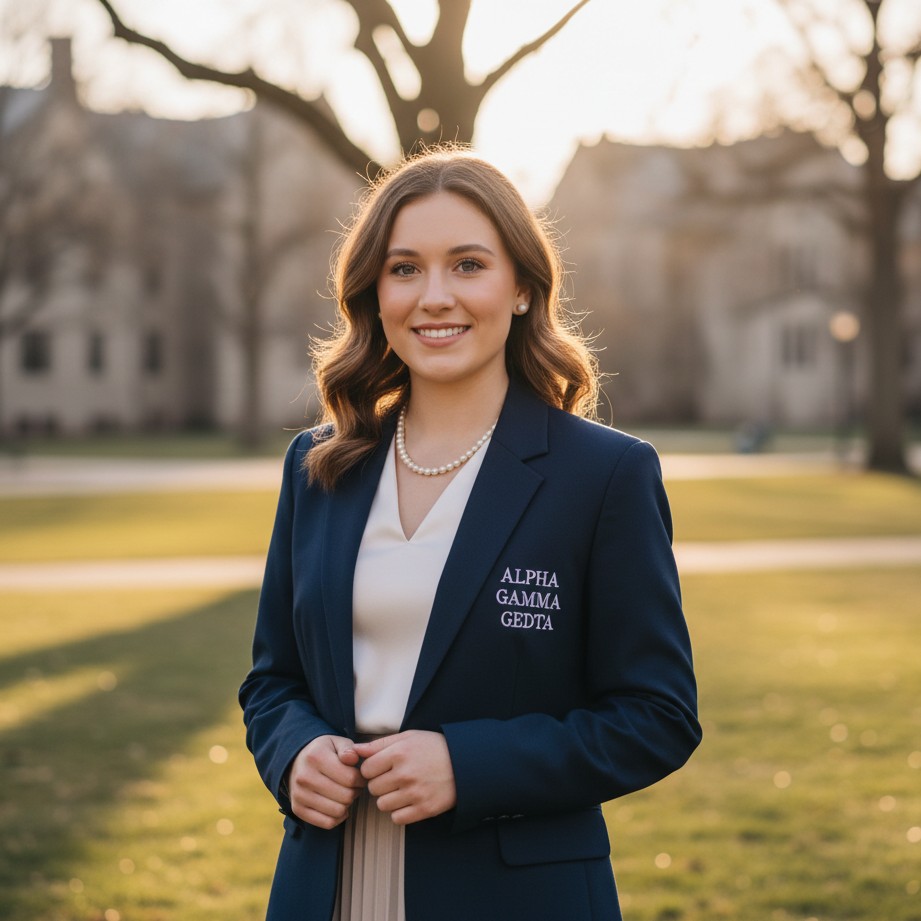
Natural campus-light portrait look for modern chapter brand storytelling.
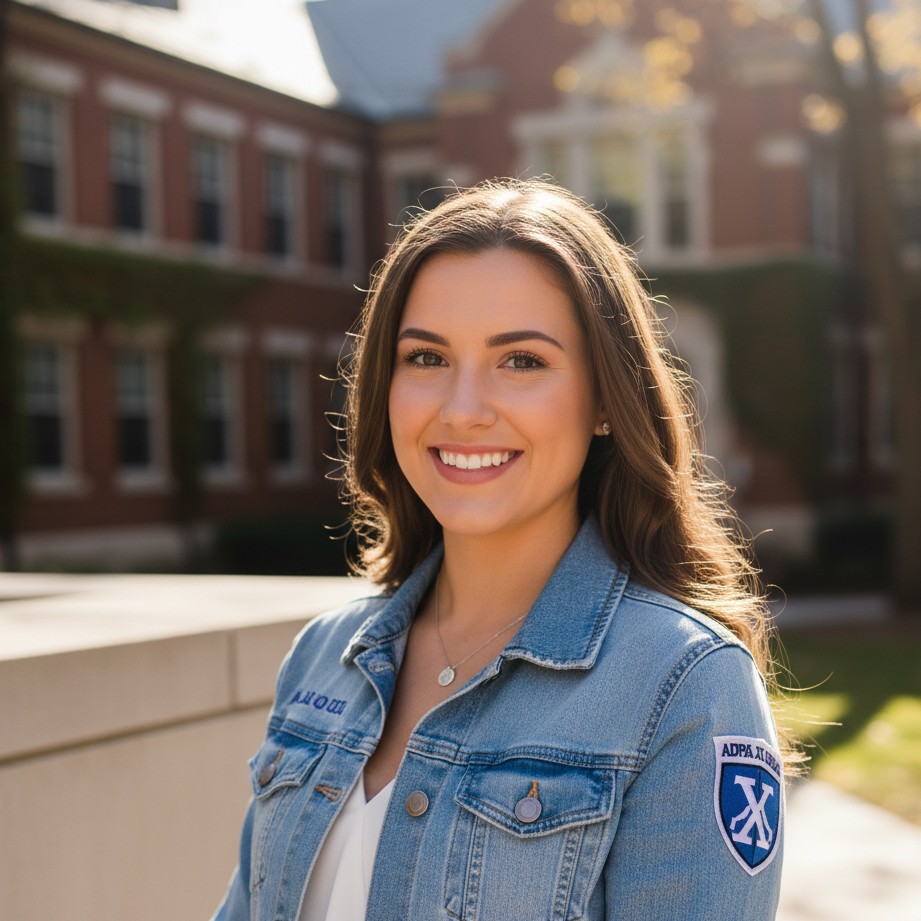
Crisp portrait style optimized for chapter social cards and member announcements.
How To Create Sorority Composite Photos With AI
- Set one chapter style direction: Decide on a unified look (formal, friendly, or editorial clean).
- Collect clear member selfies: Use natural light and front-facing angles for stronger identity retention.
- Generate and review in batches: Keep crop, tone, and expression quality consistent across the group.
- Export for all channels: Use high-resolution files for websites, social, and recruitment print materials.
This workflow is especially useful for mid-semester roster updates and leadership handoffs.
Composite Board Variety Without Style Drift
Mix formal and casual chapter-ready looks while keeping one visual system across every member.
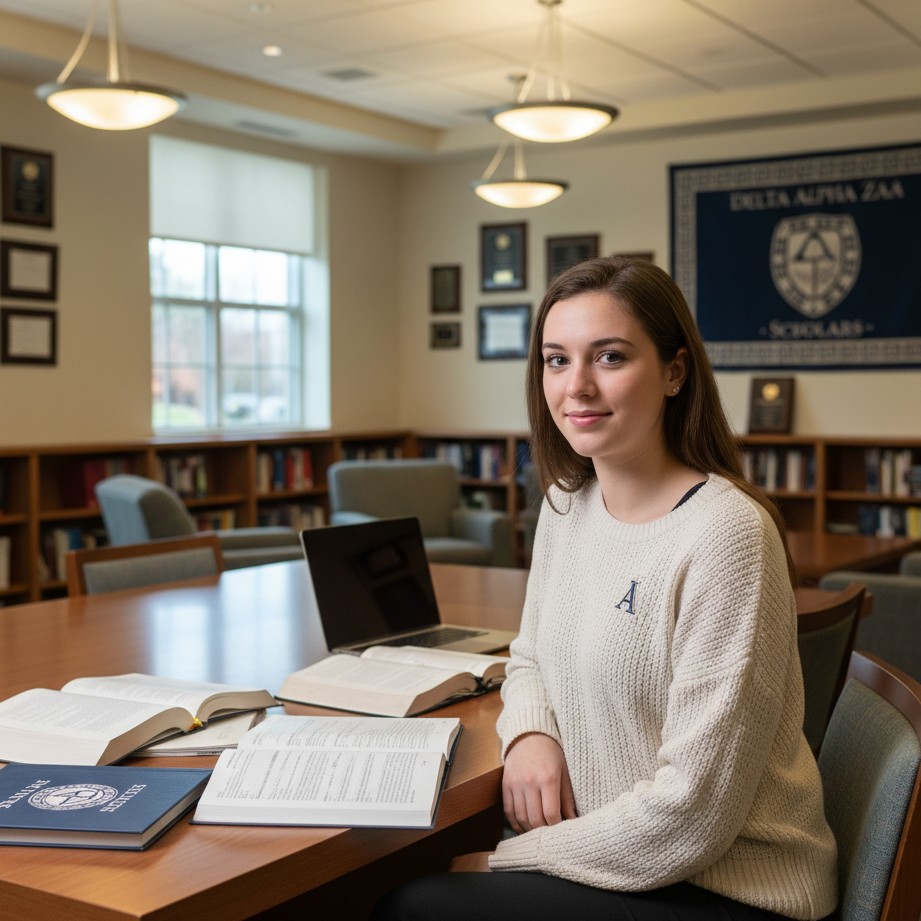
Academic editorial look for scholarship and mentorship spotlight content.
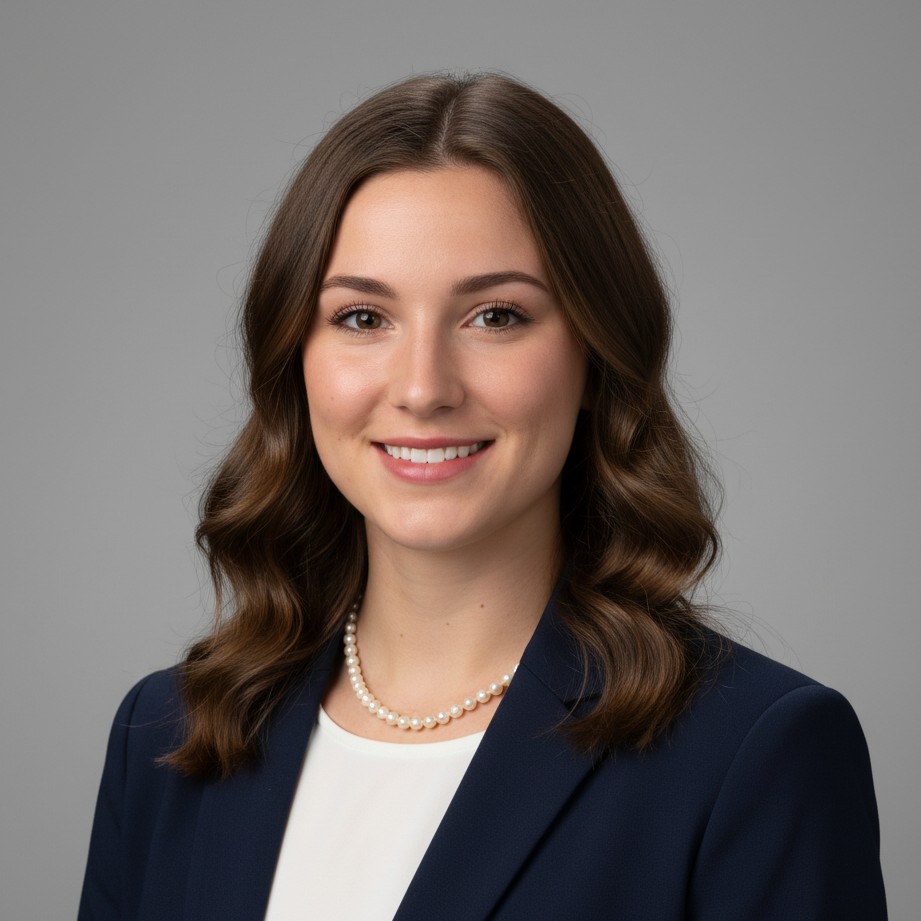
Standardized profile crop and tone for clean chapter directory layouts.
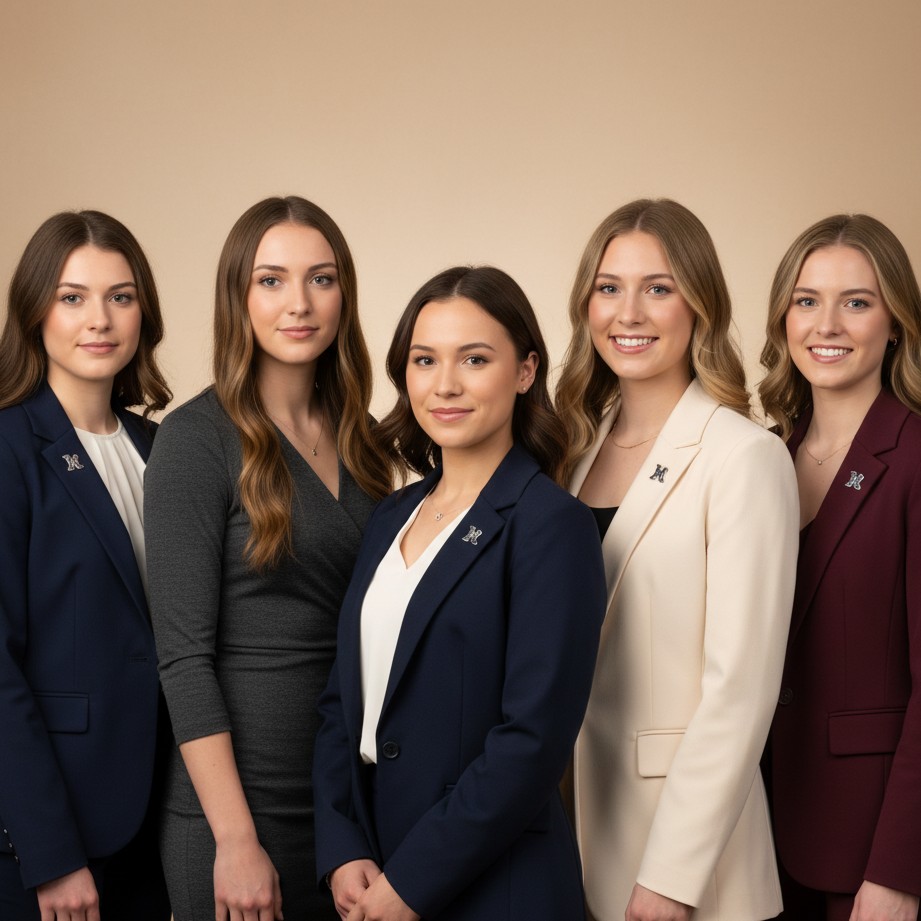
Official leadership portrait style for chapter officer profiles.
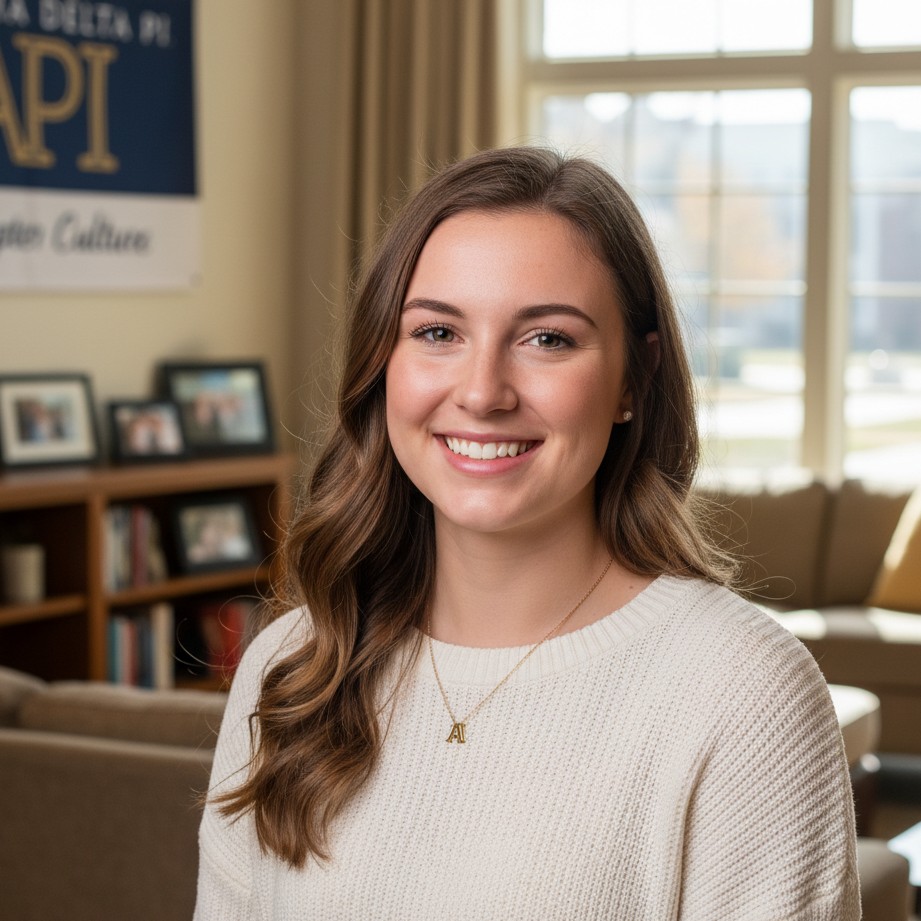
Soft and personable style for member stories and sisterhood features.
Archive, Leadership, and Alumni Use Cases
Generate reusable portraits for executive boards, graduation spotlights, and long-term chapter records.

Refined portrait direction for alumni updates, donor pages, and legacy stories.
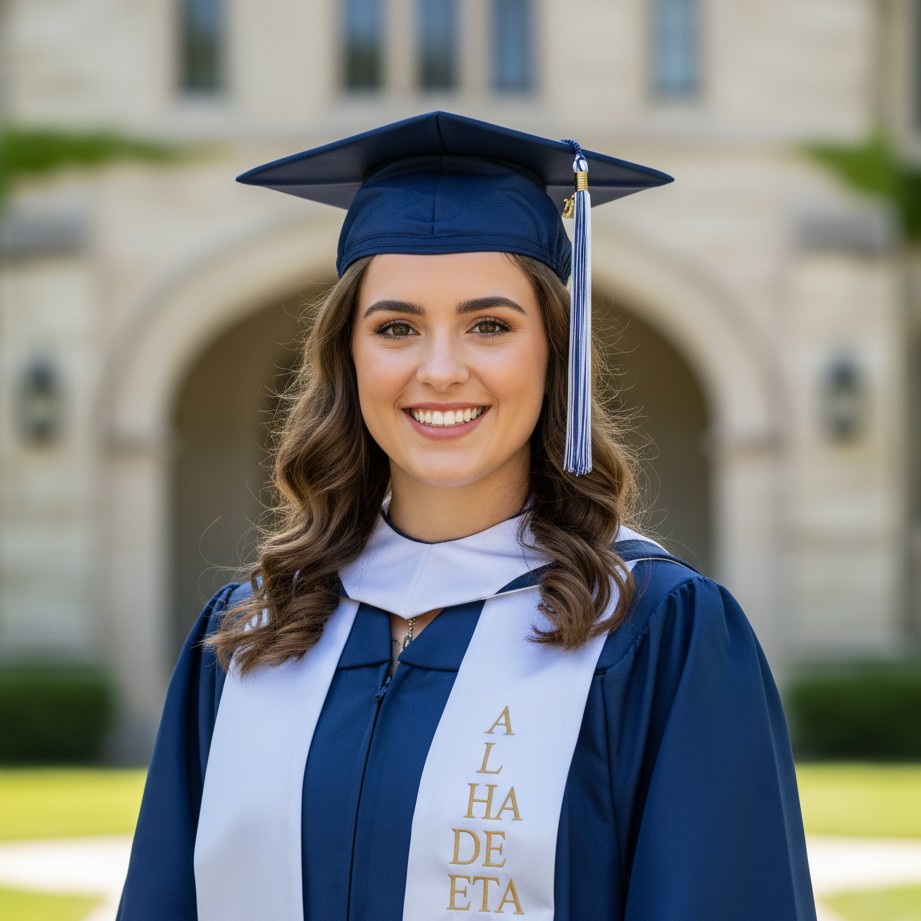
Senior spotlight style for graduation season and chapter legacy archives.
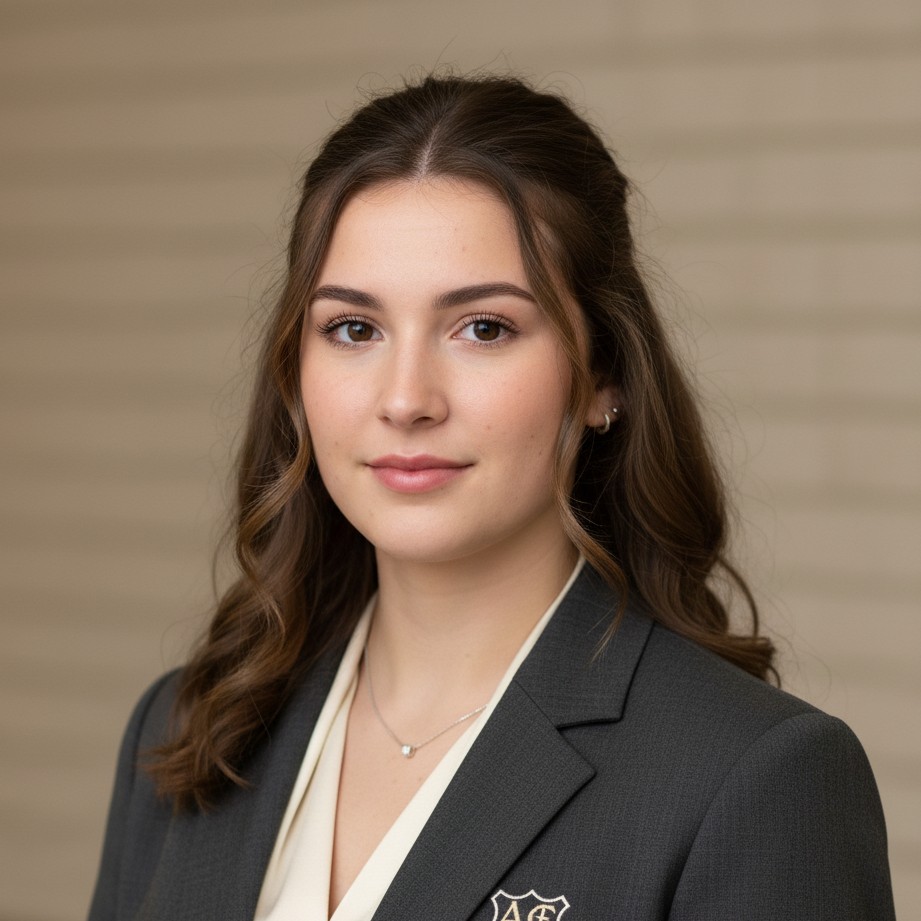
Executive-board profile style for officer pages and formal chapter communications.
Neutral, standardized framing for easy matching across full member composites.
Common Sorority Composite Use Cases
Most chapters need portraits for:
- Recruitment / Rush Materials: Warm and polished first-impression visuals.
- Executive Board Pages: Leadership-focused portraits with professional consistency.
- Member Directory Boards: Unified identity across every chapter member.
- Graduation & Alumni Spotlights: Ongoing archive quality without rebooking full studio sessions.
With SceneYou.art, chapters can maintain a consistent visual standard year-round without the scheduling and cost pressure of traditional photo days.
Sorority Composite AI FAQ
Can we keep everyone in a consistent style even if photos are uploaded separately?
Yes. Use one style direction and similar selfie quality guidelines, and SceneYou can keep lighting and framing much more consistent across members.
Are these portraits suitable for chapter websites and recruitment decks?
Yes. You can export high-resolution images suitable for web pages, printed boards, and digital recruitment packets.
How do we get the most realistic member identity?
Upload clear, front-facing selfies in natural light with multiple angles. Avoid heavy filters and overly stylized makeup in the source photos.
Can we update only a few members later without redoing everyone?
Yes. You can regenerate selected portraits with the same style direction to keep the composite board visually consistent.
Ready to Build Your Sorority Composite Set?
Generate a consistent chapter portrait package for recruitment, leadership, and alumni communication.