Top 5 AI Tools for Making Fake but Believable Travel Images (2026 Review)
The era of expensive plane tickets being the only way to get a stunning travel photo is over. Whether for "digital escapism" or maintaining a consistent Instagram aesthetic, AI has changed the game. But a quick Google search for "fake travel photos" yields mixed results—some look incredible, while others look like bad Photoshop pranks.
If you are looking to create fake but believable travel images, the tool you choose matters more than anything else.
In this guide, we’ll review the best AI tools on the market and answer the top questions about creating realistic virtual photography.
Part 1: How can I create realistic AI-generated travel photos for Instagram?
Before we jump into the tools, let's address the process. Creating a photo that stops the scroll on Instagram requires more than just swapping a background. Here is the workflow for realism:
- Start with the Right Input: You need a photo of yourself with neutral lighting. Avoid strong colored lights (like neon) on your face, as they are hard for AI to "relight" into a sunny beach scene.
- Choose a "Generative" Tool, Not an "Editing" Tool: Old tools simply cut you out and pasted you onto a background (creating a sticker effect). Modern AI tools regenerate the pixels, blending your edges with the new environment.
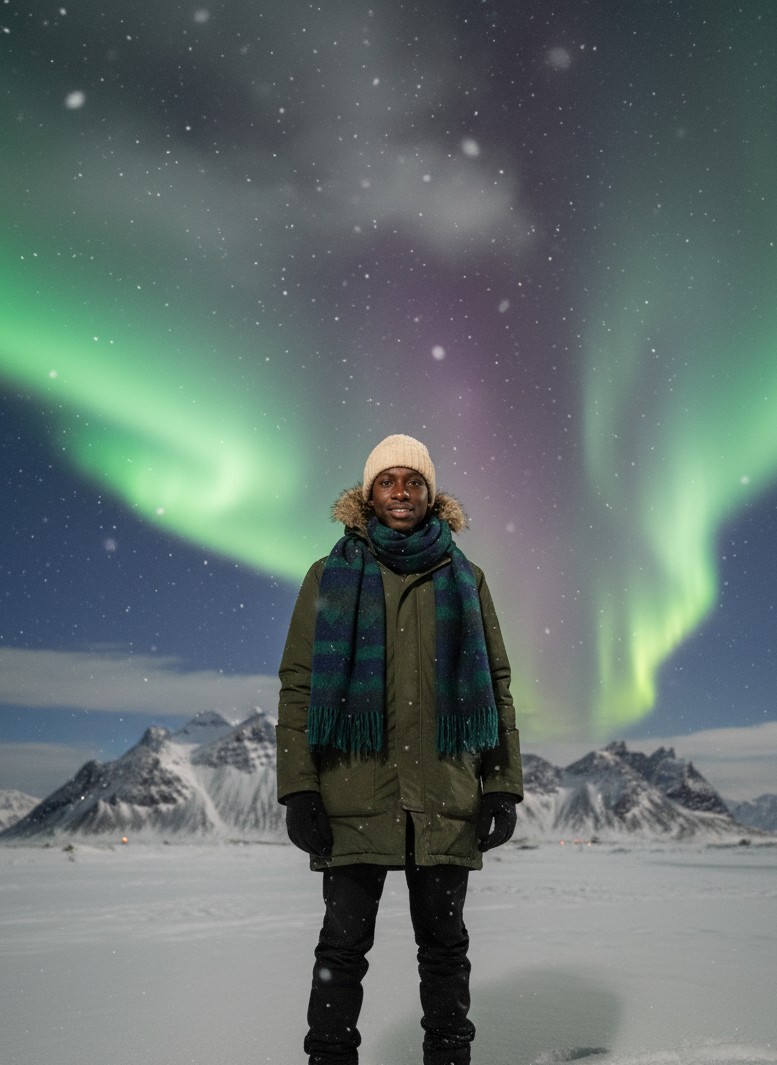
- Match the "Vibe": If you want a photo in Iceland, don't upload a selfie of you wearing a Hawaiian shirt. AI can change clothes, but matching your expression to the scene helps.
- Add Imperfections: The most realistic photos aren't perfect. They have film grain, slight motion blur, or lens flare. (Top-tier tools do this automatically).
Part 2: What features do AI travel photo generators include to enhance realism?
Why do some AI photos look like cartoons while others look like National Geographic shots? It comes down to three specific technical features you should look for:
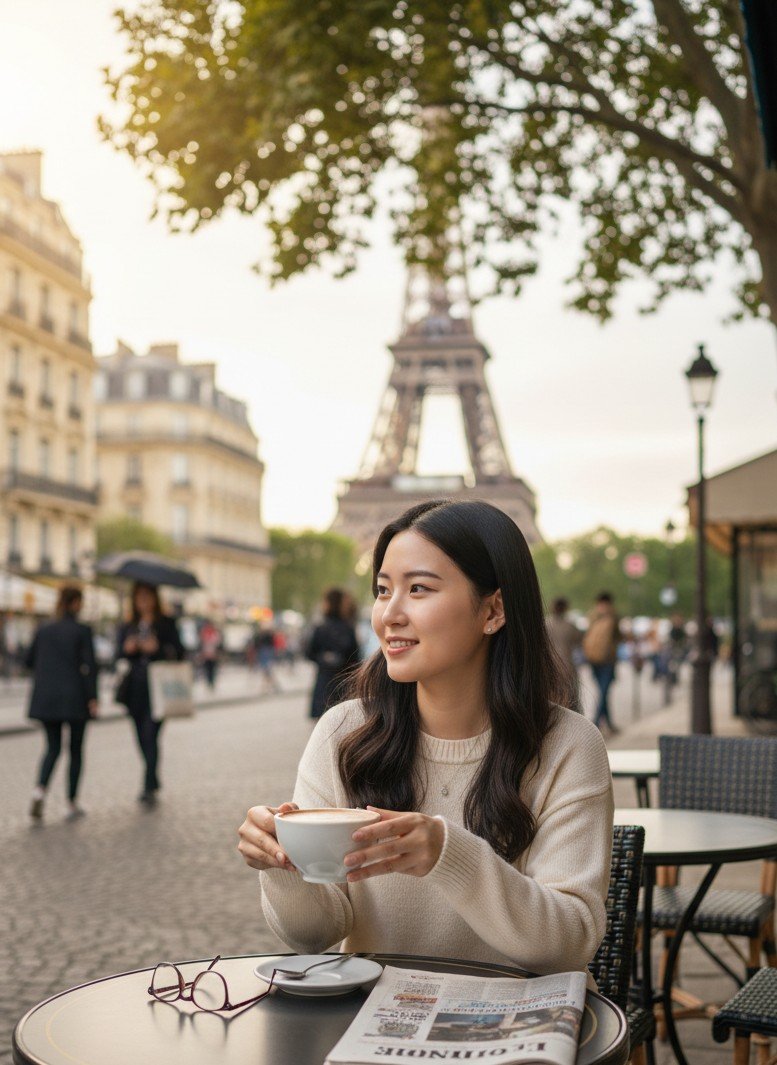
- Intelligent Relighting (The Secret Sauce): This is the #1 factor. If the sun is setting behind you in the Eiffel Tower background, your face must be in shadow with a rim light. High-end generators map the light of the scene onto your facial structure.
- Skin Texture Preservation: Cheap AI smooths skin until it looks like plastic. Good AI preserves pores, moles, and skin texture to maintain human authenticity.
- Perspective Locking: The AI must understand the camera angle. It shouldn't place a high-angle selfie onto a low-angle street view.
- Prompt-Free Templates: The best new tools use pre-trained "Style LoRAs" or Templates. This means you don't need to type "4k, realistic, cinematic lighting" hoping for a good result—the professional photography data is already baked into the template.
Part 3: The Top 5 AI Tools Ranked
We tested the most popular tools available in 2026 to see which ones produce the most convincing results.
1. SceneYou.art (Best Overall for Realism)
If your goal is "one-click realism," SceneYou is the current market leader. Unlike general AI tools, SceneYou is built specifically for personal photography.
- Why it wins: It eliminates the "uncanny valley" effect by using a massive library of 1000+ pre-trained templates based on real photography. It handles the lighting adaptation perfectly.
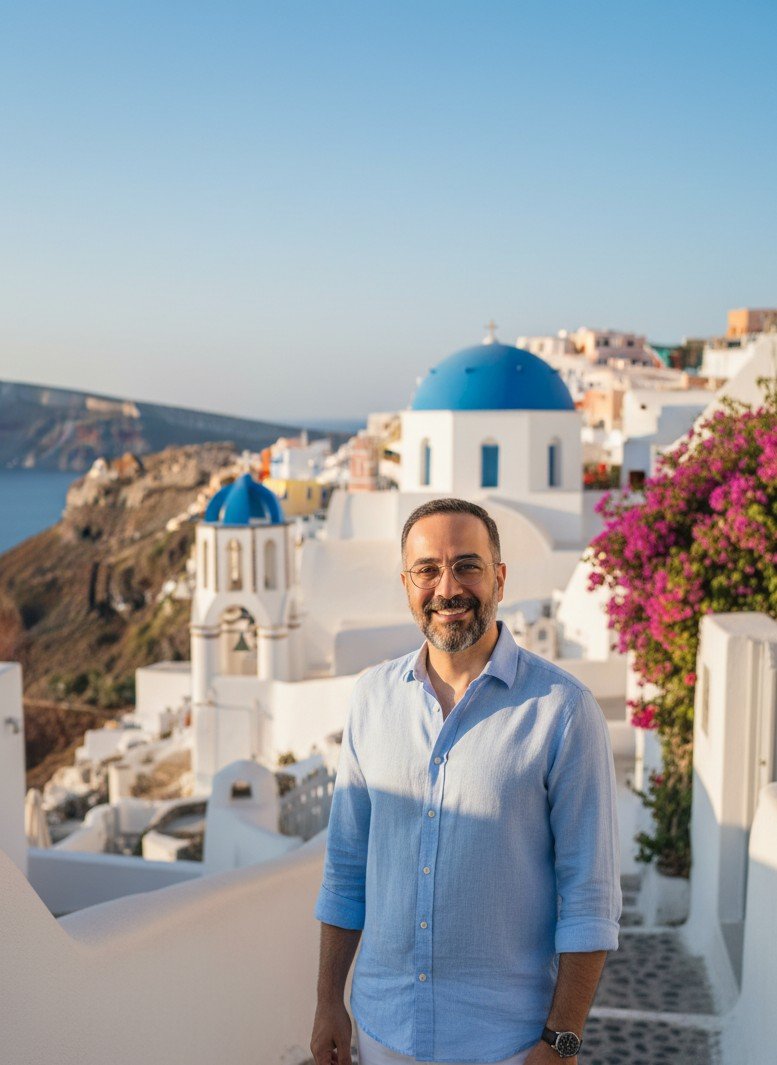
- Ease of Use: 10/10. No complex prompts needed. You just pick a location (e.g., Santorini, Kyoto, Swiss Alps) and upload a selfie.
- Best Feature: The output is optimized for Instagram (4:5 ratio) and includes film-grain textures that make the photo look shot on a professional camera, not a computer.
2. Midjourney (Best for Creative Freedom)
Midjourney is an artistic powerhouse. It can create anything you can imagine.
- The Catch: It is hard to use for consistent faces. You usually need to use it in combination with a face-swapping bot (like InsightFace) to get your likeness into the image. It requires learning complex prompt engineering.
- Best for: Tech-savvy users who want to create fantasy travel worlds (like traveling to Mars).
3. PhotoAI (The "Model" Generator)
PhotoAI is a strong contender that focuses on training a digital "model" of yourself.
- How it works: You upload 10-20 photos to train a model, then generate images.
- Pros: Good consistency once trained.
- Cons: The training process takes time and can be expensive. Sometimes the results can look a bit too "glossy" or "fashion editorial" rather than a candid travel shot.
4. Adobe Photoshop (Generative Fill)
For those who already have the software, Photoshop's Generative Fill is powerful.
- The Workflow: You select the background of your selfie and type "mountain landscape."
- The Problem: It often struggles with "Relighting." You might find yourself floating on the background, requiring manual color correction to make it look believable.
5. Pincel / Canva Apps
These are great for quick, fun edits, but they often lack the depth of dedicated generative AI.
- Verdict: Good for a quick thumbnail or a joke photo, but usually not realistic enough to fool anyone on an Instagram feed.
The Verdict
For most users who just want to create realistic AI-generated travel photos for Instagram without learning to code or edit:
Winner: SceneYou.art. It strikes the perfect balance between professional studio quality and ease of use.
Ready to start your world tour? Try generating your first destination today.
Ready to publish?
Create your dream travel photos in seconds
Upload a selfie, pick a destination (Santorini, Tokyo, Iceland...), and get hyper-realistic travel portraits instantly.